Collecting ghosts
The Ghost Universe
The Ghost Universe is a map of connections between historical figures, with the ghosts you have caught shown as portraits. You can pinch to zoom out, tap a ghost to open their page, and use the minimap to keep your bearings. It is a Catch the Ghost Pro feature.
- Available on iPhone and Android
- Pro
The Ghost Universe shows how the ghosts in the library connect to one another, as nodes joined by lines. It centres on a ghost you can catch next, and the ghosts you have caught appear as portraits. It is one of the four perks of Catch the Ghost Pro.
How do I open the Universe?
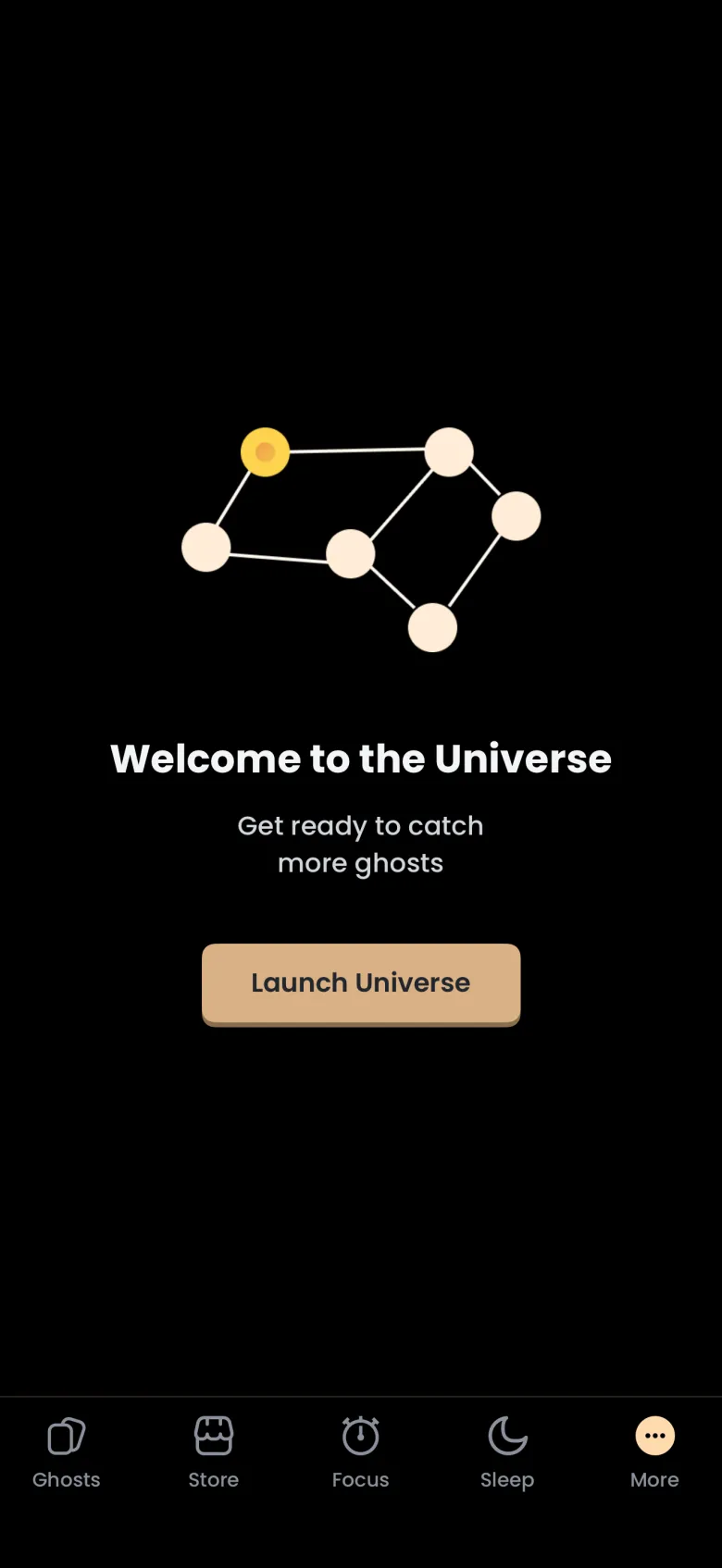
Tap More in the tab bar, choose Universe, then tap Launch Universe on the welcome screen. If you do not have Catch the Ghost Pro, an Upgrade to Pro overlay appears on that start screen instead of the graph, and your caught ghosts and packs are not affected.
What am I looking at when the graph opens?
The graph opens centred on one ghost you can catch next. That ghost is a large gold node, ringed by small dots that are its apparitions, and a green tick marks each apparition you have already caught. A card at the bottom reads Run a focus timer to catch your next apparition, and its arrow takes you to the timer.
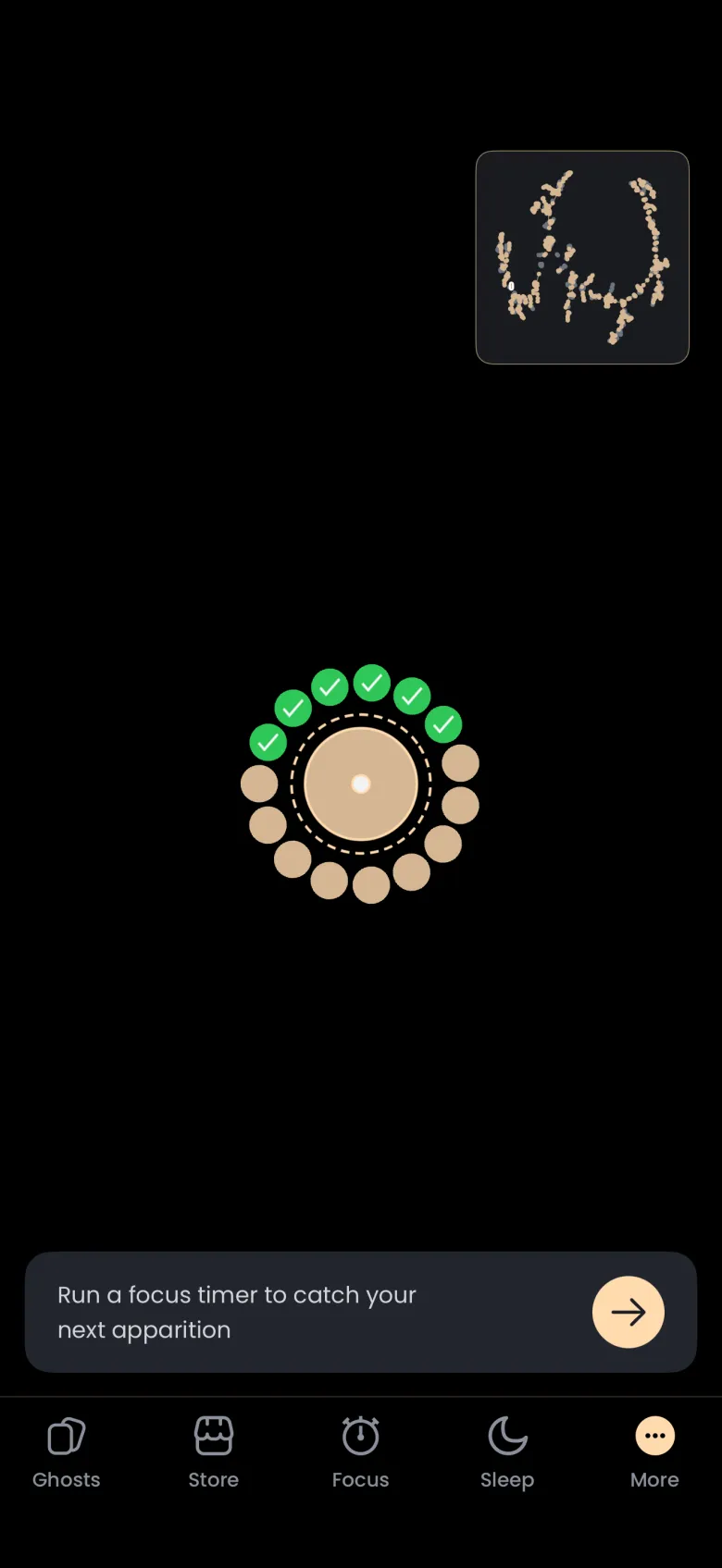
Which ghost the graph centres on depends on your account, and it can change after you catch something.
How do I see how my ghosts connect?
Pinch two fingers together to zoom out, and drag to move around. Zoomed out, the Universe shows clusters of gold nodes and caught portraits joined by thin lines. Grey dots are ghosts you cannot reach yet because nothing you have caught connects to them.
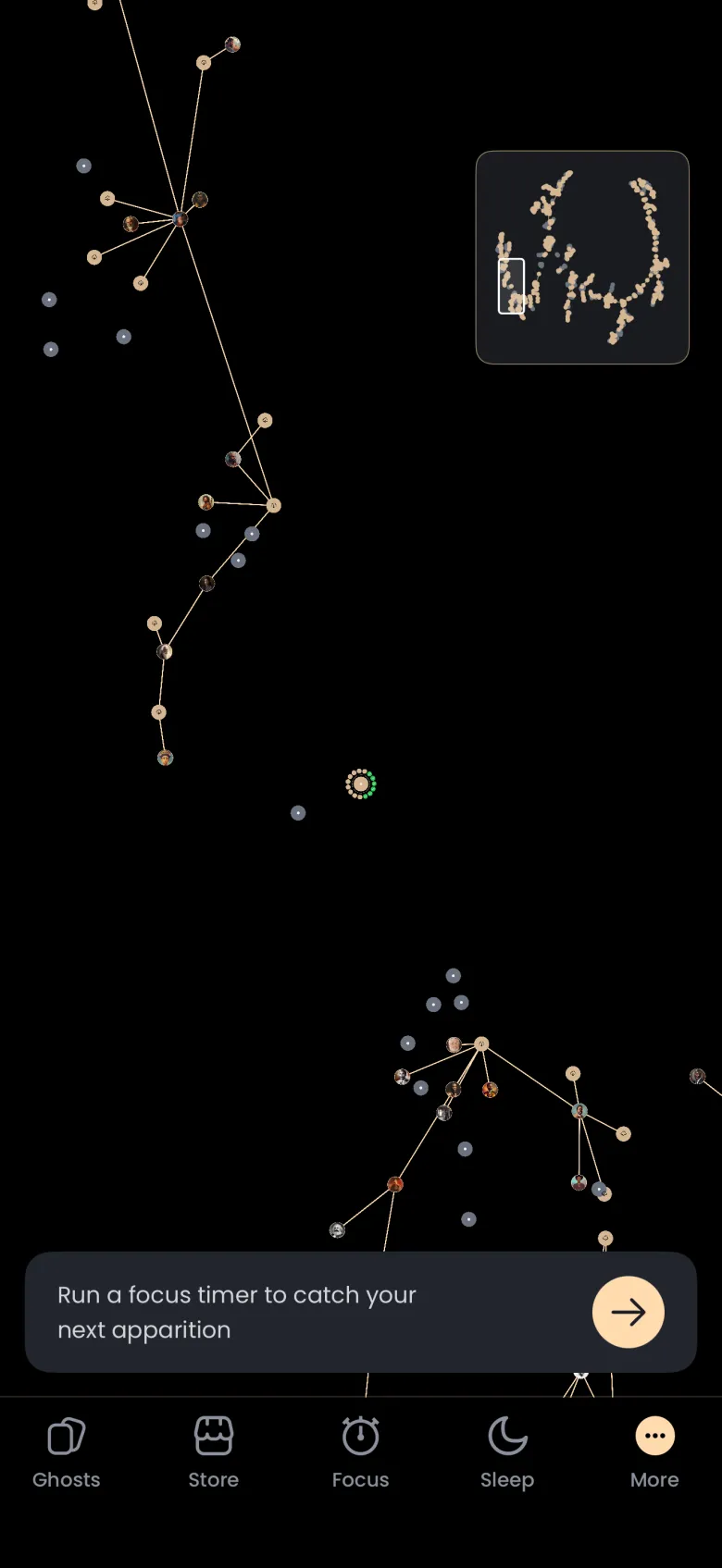
The minimap at the top right shows the whole graph, with a small box marking the part you are looking at. Tap the minimap to shrink it into a small gold map icon, and tap the icon to bring it back.
How do I open a ghost from the Universe?
Tap a portrait of a ghost you have caught. The camera moves to it, its apparitions ring it with green ticks, and a card at the bottom shows the ghost’s name and the line Tap to learn more about this ghost. Tap the lightbulb button on the right of that card to open the ghost’s page.
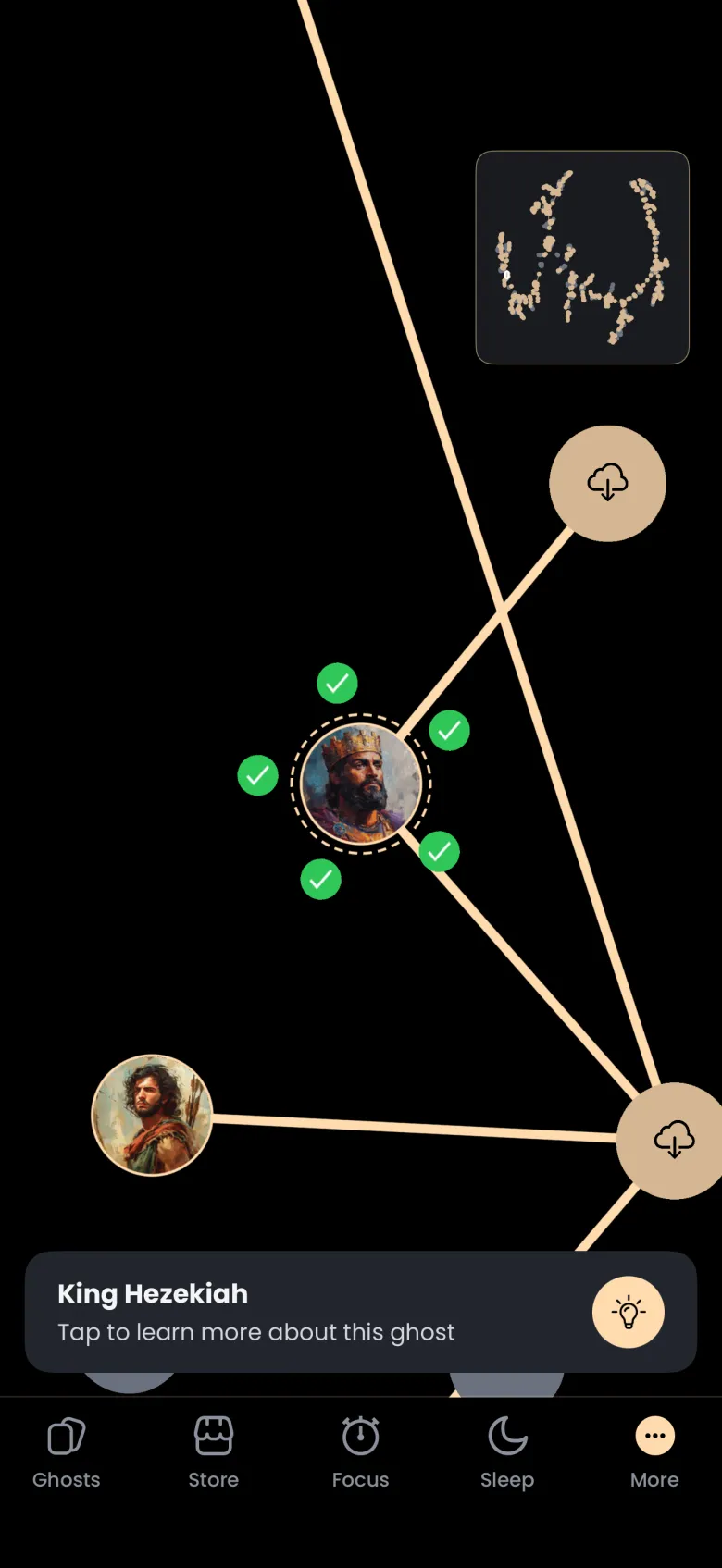
Only the round button on the card is tappable, so tap the lightbulb rather than the text. A grey node opens nothing, because that ghost is not connected to anything you have caught yet. A node with a cloud icon is a ghost whose data is not on your phone yet, and tapping it downloads it.