Focus sessions
The lock screen countdown
On iPhone a Live Activity and the Dynamic Island keep your countdown in view outside the app. On Android an ongoing notification does the same. Locking your phone is free; leaving to the Home Screen or another app uses a grace exit.
- Available on iPhone and Android
What is the lock screen countdown?
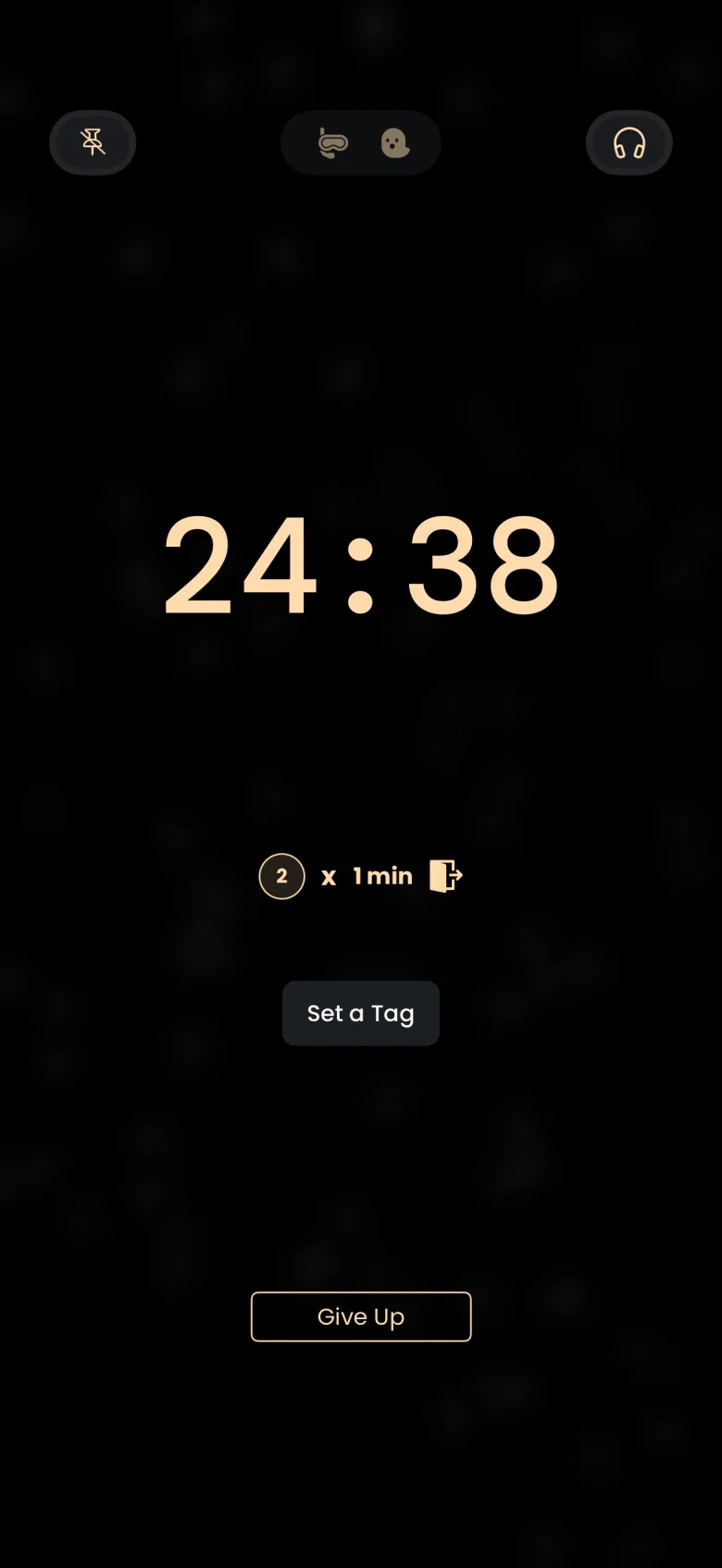
The lock screen countdown keeps your session visible when you are not looking at the app. On iPhone it appears as a Live Activity on the lock screen and as a small hourglass in the Dynamic Island. On Android it is an ongoing notification in the notification shade, headed Catch the Ghost, with the time remaining, a progress bar, and a line telling you to tap to return to your focus session. It is free on both.
What does it show when I leave the app?
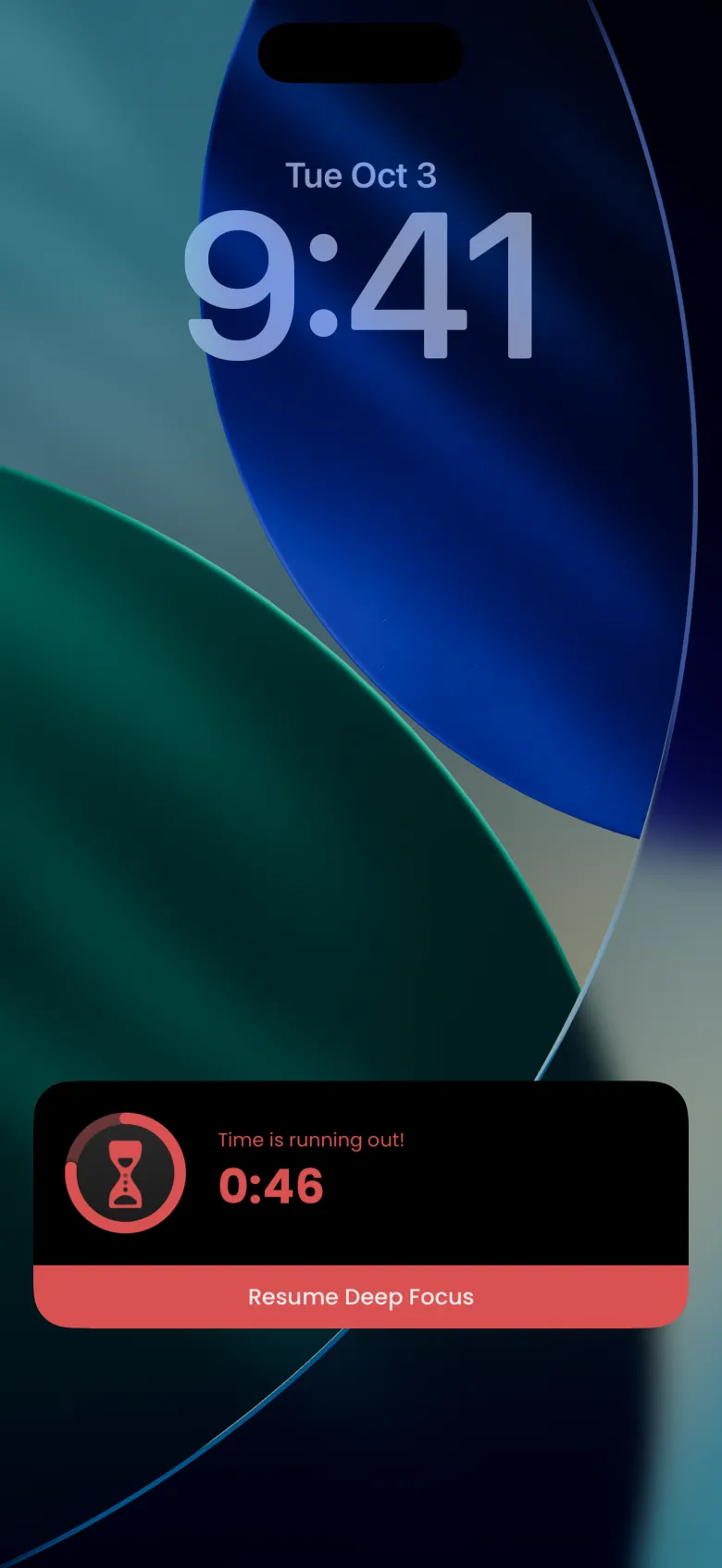
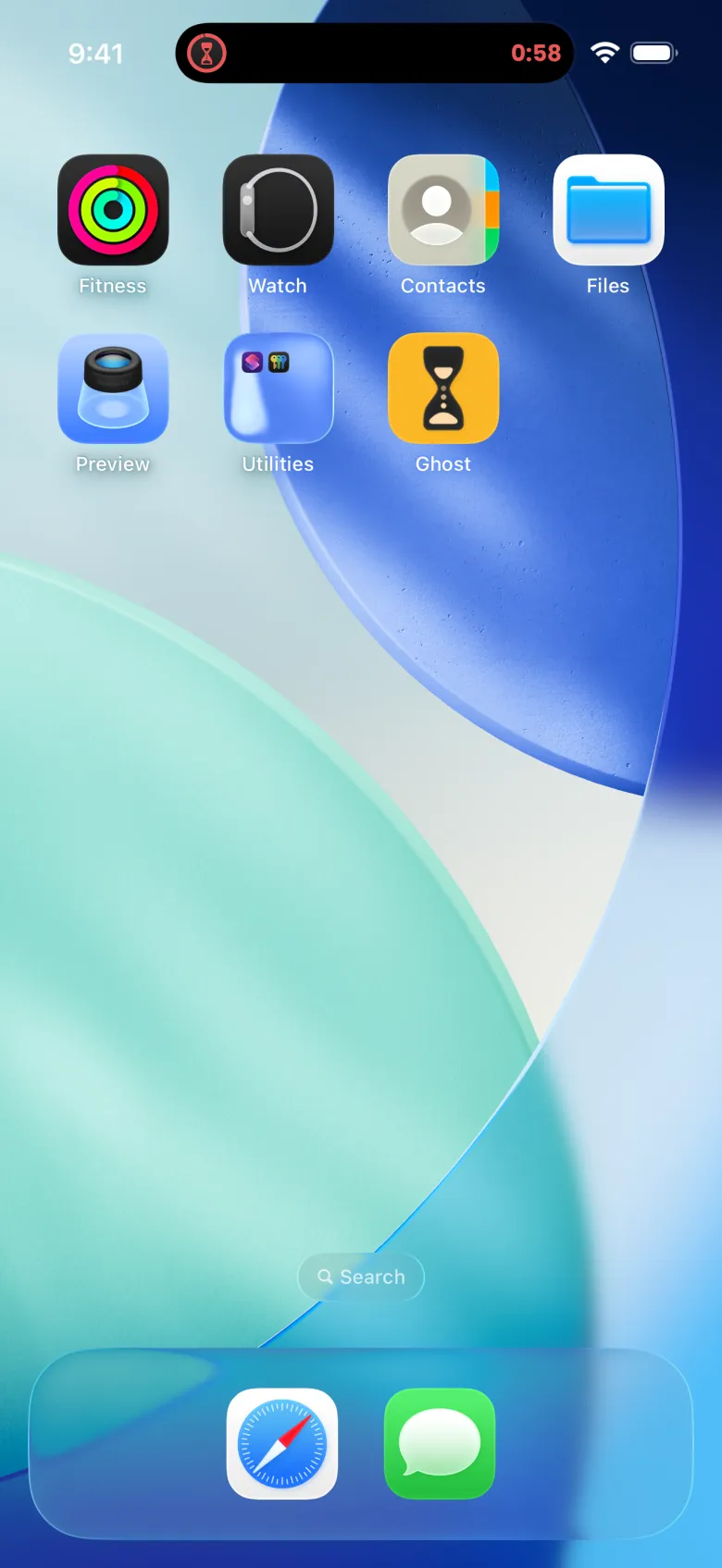
When you step away during a Deep Focus session, the countdown you see is your grace period. On iPhone the lock screen card shows a red hourglass, a message that time is running out, and the seconds left, with a red Resume Deep Focus bar to take you back. On the Home Screen the Dynamic Island shows a red hourglass at the left and the same countdown at the right. When the minute runs out, the island countdown disappears and the apparition is lost.
Is it safe to lock my phone during a session?
Yes. Locking your phone is free; leaving to the Home Screen or another app uses a grace exit. On a phone without a passcode, a lock can read as leaving the app. Each time you leave and return in time it uses one of your exits, so if you are unsure, keep the app open and the screen on.
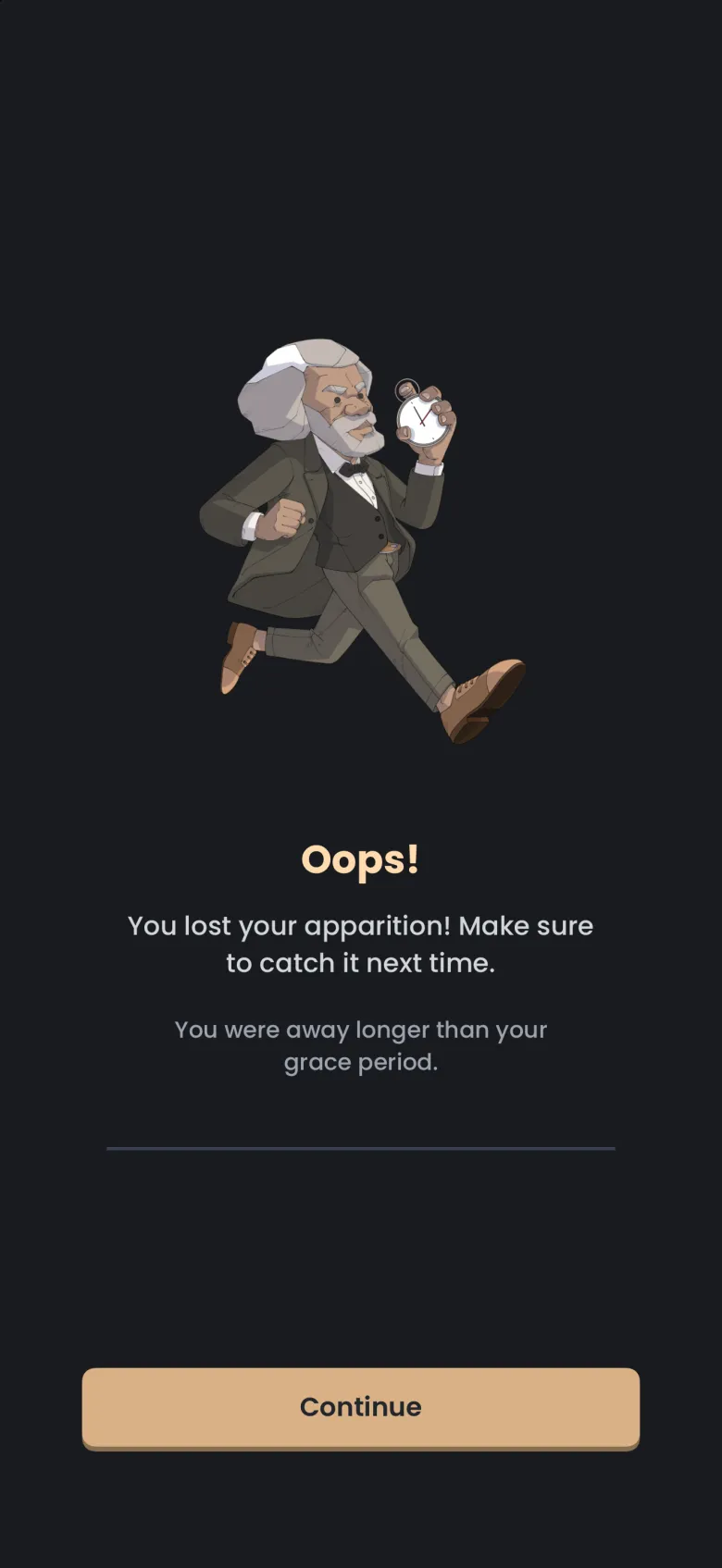
Your free grace is one minute, three times per session. If you run out, or stay away longer than the minute, the apparition you were catching gets away and the ghost stays In Progress. The details, including how to buy a longer grace period with coins, are in Stakes and grace periods.
Why does my iPhone ask about Live Activities?
The first time the countdown needs to appear, iPhone asks whether to allow Live Activities from the app. Allow it if you want the countdown on your lock screen and in the Dynamic Island. If you decline, the session itself still runs, but you will not see the lock screen card.
On Android the countdown is a silent ongoing notification, and pulling the shade down does not count as leaving the app.