Collecting ghosts
Ghost pages, apparitions and liked quotes
Open a ghost you have caught to read their biography and the facts on record, browse every apparition, and like the quotes you want to keep. Your liked quotes are collected in one place.
- Available on iPhone and Android
A ghost’s page is the life behind the portrait: a biography, a table of facts, and a gallery of every apparition you have caught. Open it from the Ghosts tab by tapping a caught ghost. It works the same way on iPhone and Android.
What is on a ghost’s page?
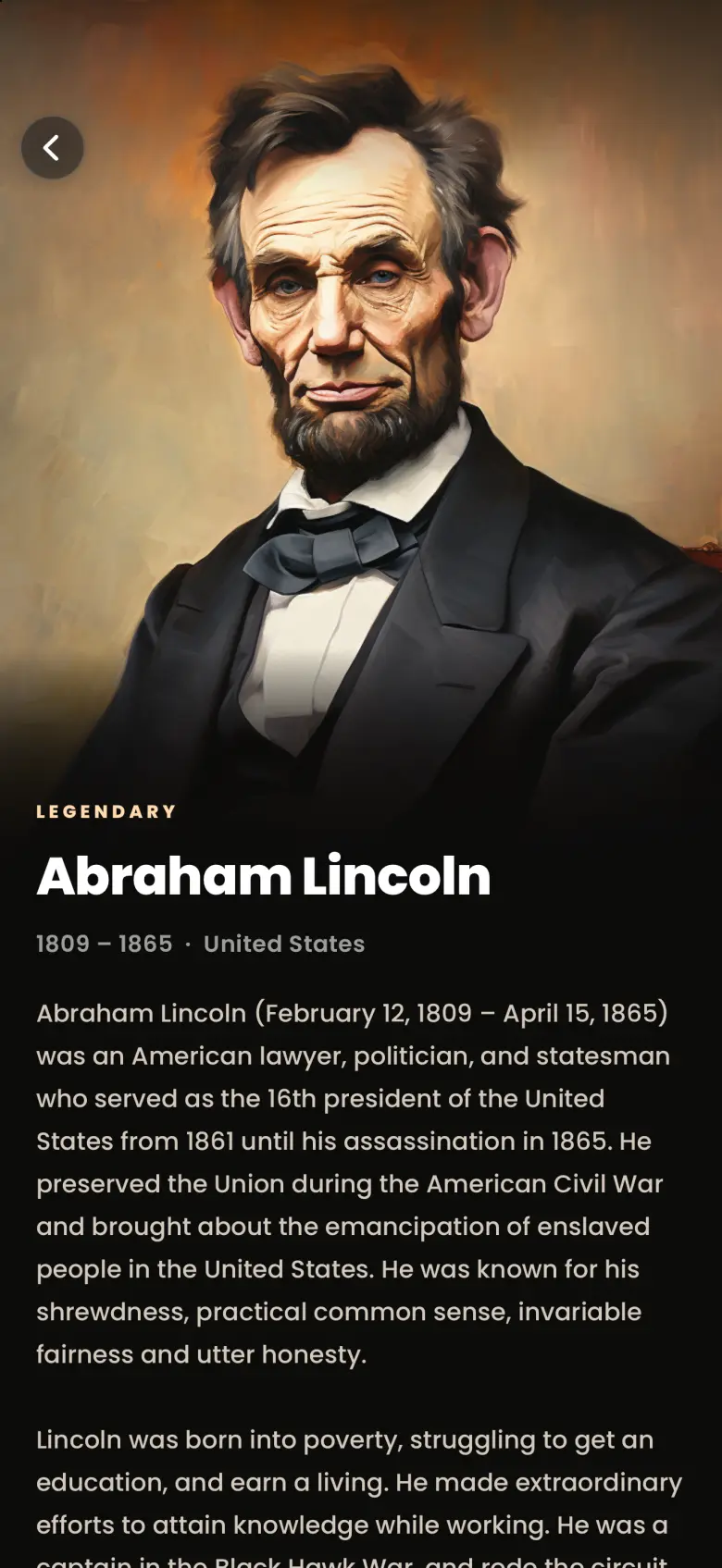
A caught ghost opens on a full-width portrait. Below it you will find their rarity (Common, Rare, Very Rare or Legendary), their name, their years and nationality, and then the biography. Swipe up and the text slides over the portrait to reveal the rest of the page.
What does the About panel list?
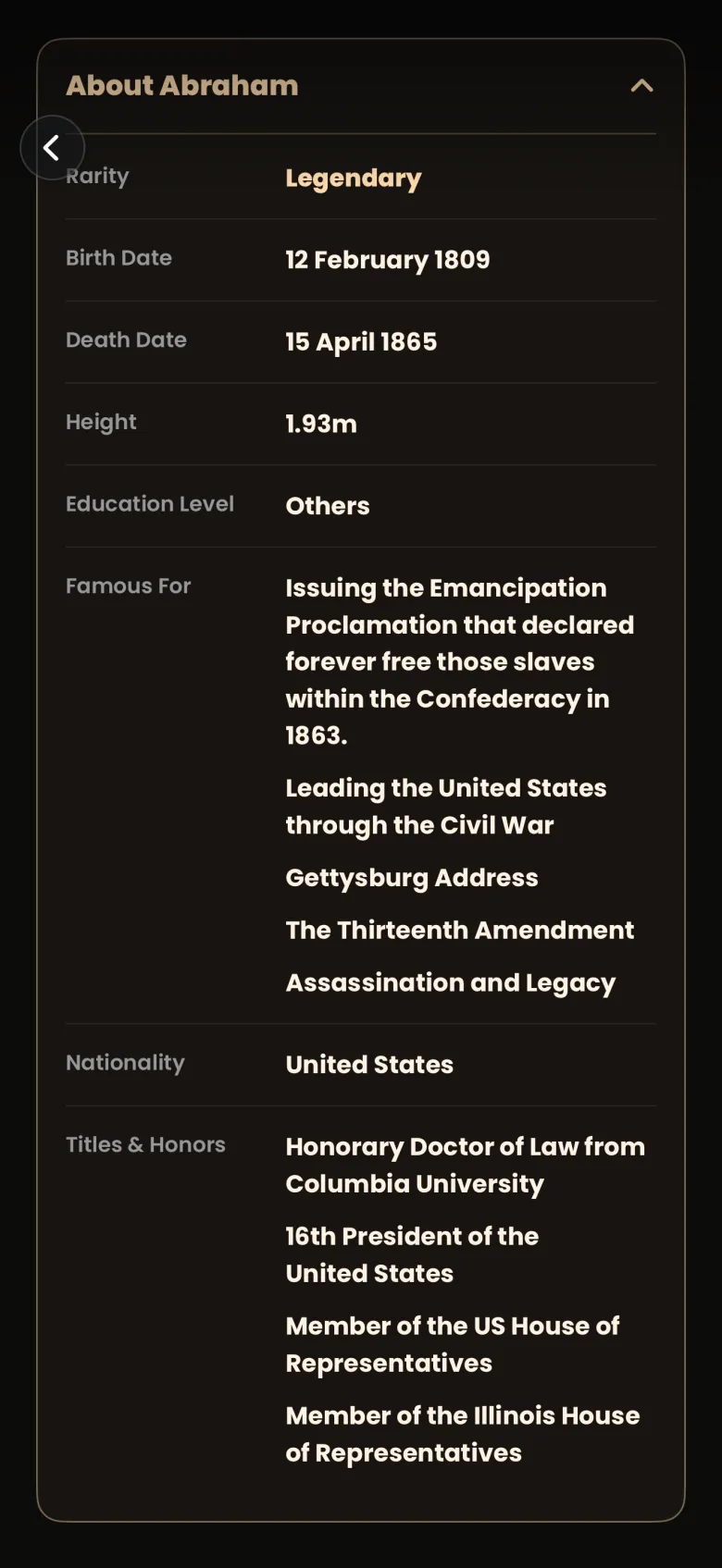
The About panel lists the facts on record for a ghost. Tap the About bar under the biography to open it. Expect rows such as Rarity, Birth Date, Death Date, Height, Education Level, Famous For, Nationality and Titles and Honors. The rows vary from ghost to ghost, because not every fact is known for every life.
How do I browse a ghost’s apparitions?
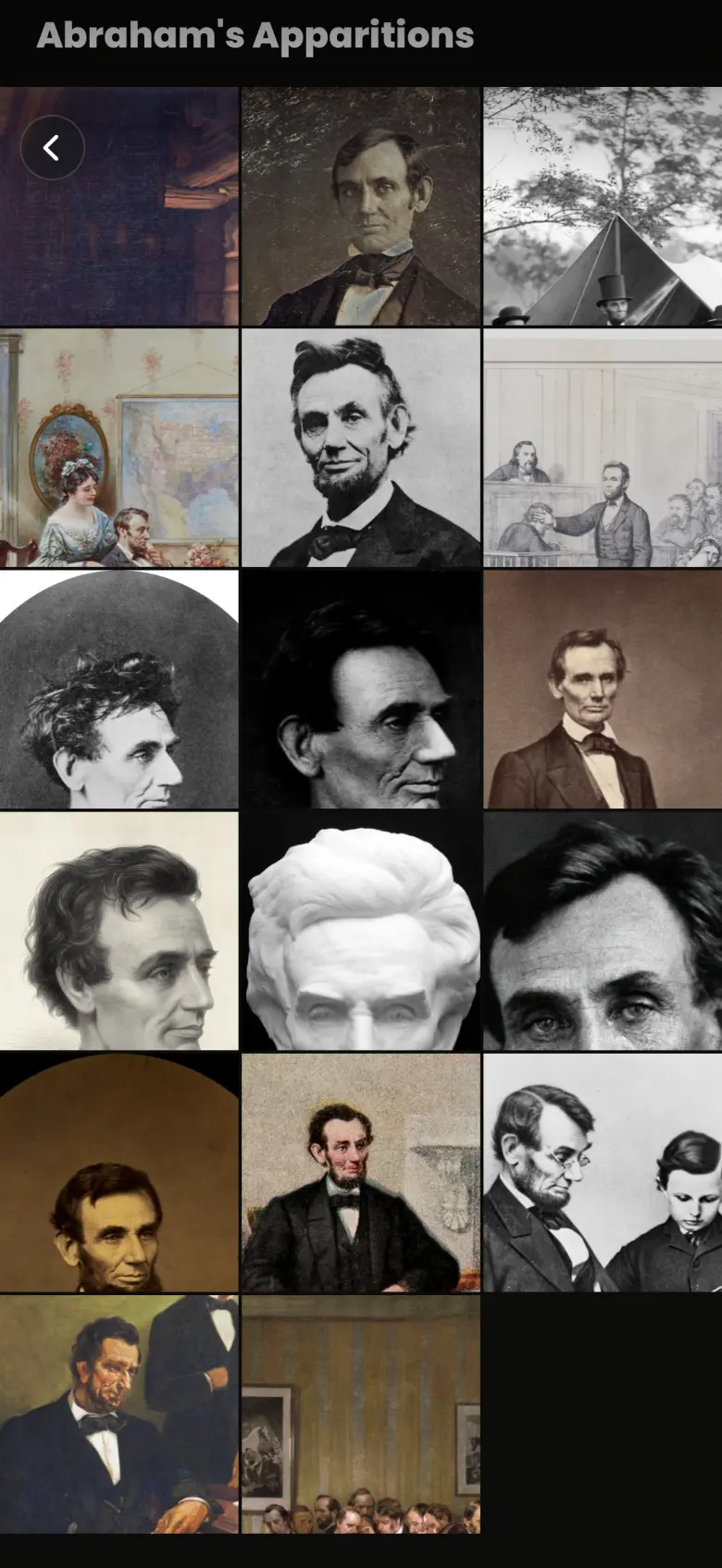
Scroll past the About panel to the heading that reads the ghost’s name followed by Apparitions. Every apparition of a caught ghost sits there in an edge-to-edge gallery of three columns. Tap any tile to open that apparition full screen.
What can I do in the apparition viewer?
The viewer shows one apparition at a time: the image dimmed behind its quote. A gold tag over the quote gives the ghost’s name and a year. For a Quote chapter the year is the quote’s own year when the record has one, and the image year otherwise. Dots at the bottom show your place, and swiping left opens the next apparition in the gallery.
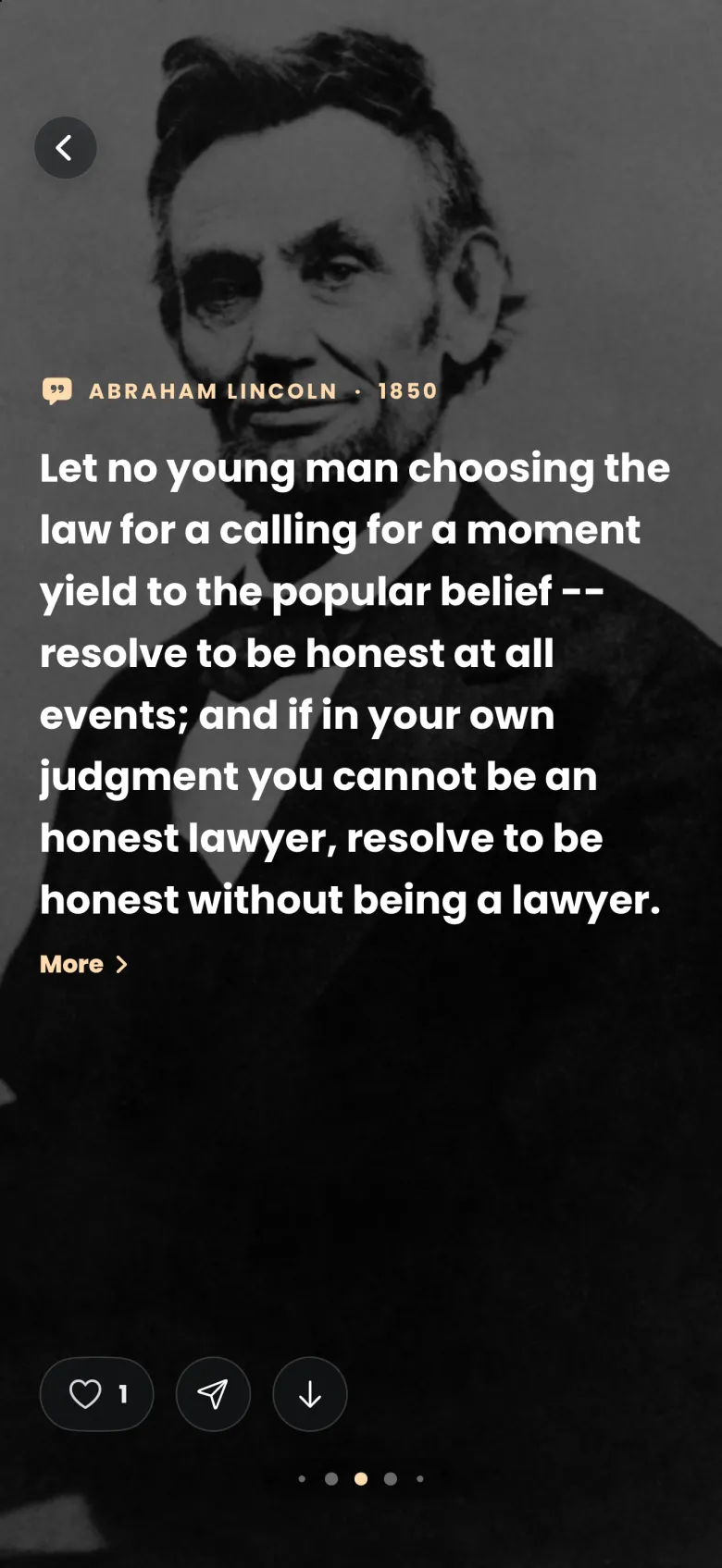
Three gestures and buttons are worth knowing:
- Swipe down on the quote to fade it away and see the image on its own. A Framed and Original switch appears at the bottom, and Original shows the whole uncropped image, which you can pan and zoom with two fingers. Tap the close button to return to the quote.
- Tap More under the quote to see where it comes from.
- Use the share and download buttons to send the quote or save it to Photos. Sharing an apparition covers both.
Some apparitions carry a small blue egg badge between the heart and share buttons. That marks an easter egg apparition, a deliberate surprise image that pays a coin bonus when you catch it. The badge is a label and does not open anything.
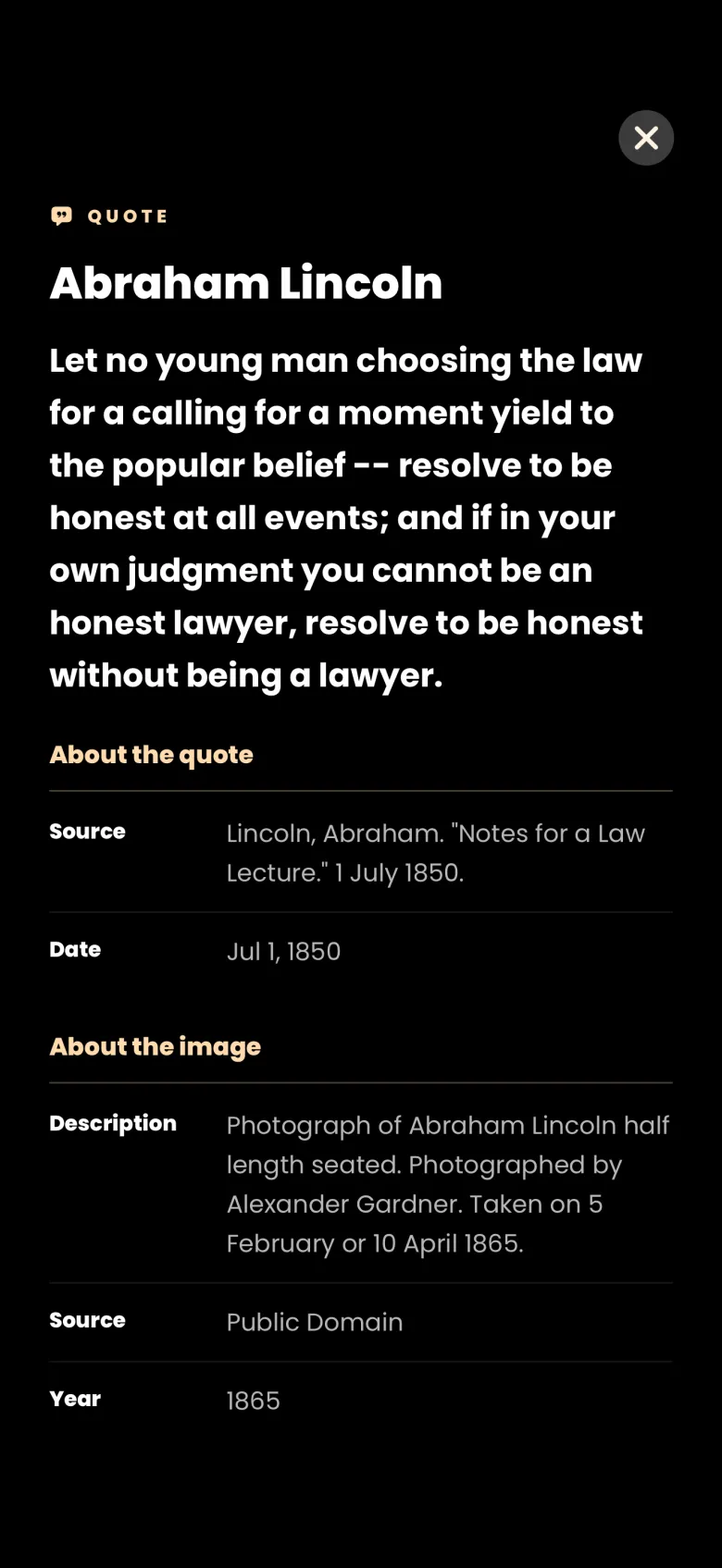
How do I like a quote?
Tap the heart at the bottom left of the apparition viewer. The heart fills red and the number beside it goes up by one. That number counts every player who has liked the quote, so it is bigger than your own like alone. Tap the heart again to unlike, and no confirmation is asked.
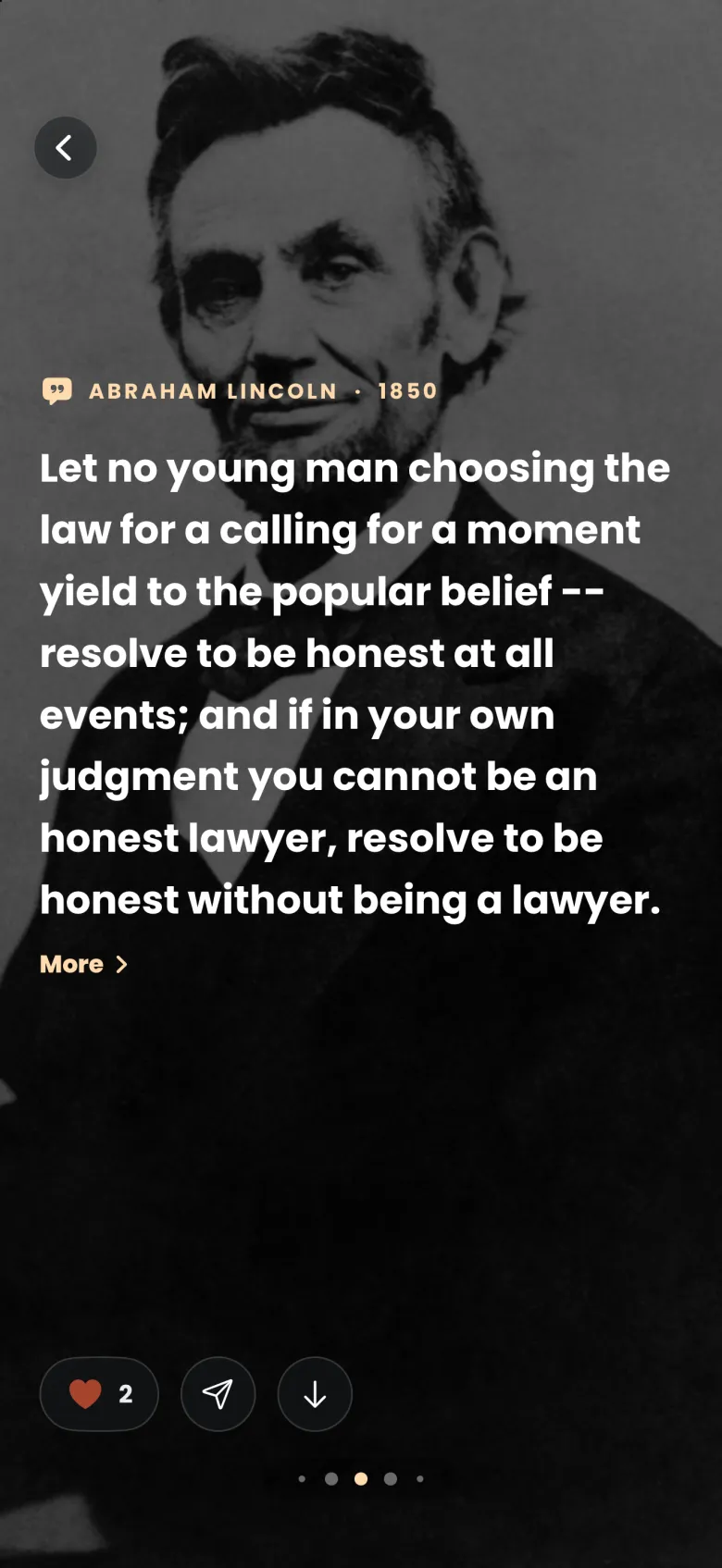
Where do I find the quotes I have liked?
Open More, then Profile, then Liked Quotes. The sheet lists every quote you have liked, each as a card with the quote, the ghost’s name in gold, and a red heart with its like count. A search field at the top filters the list by a ghost’s name or words from a quote.
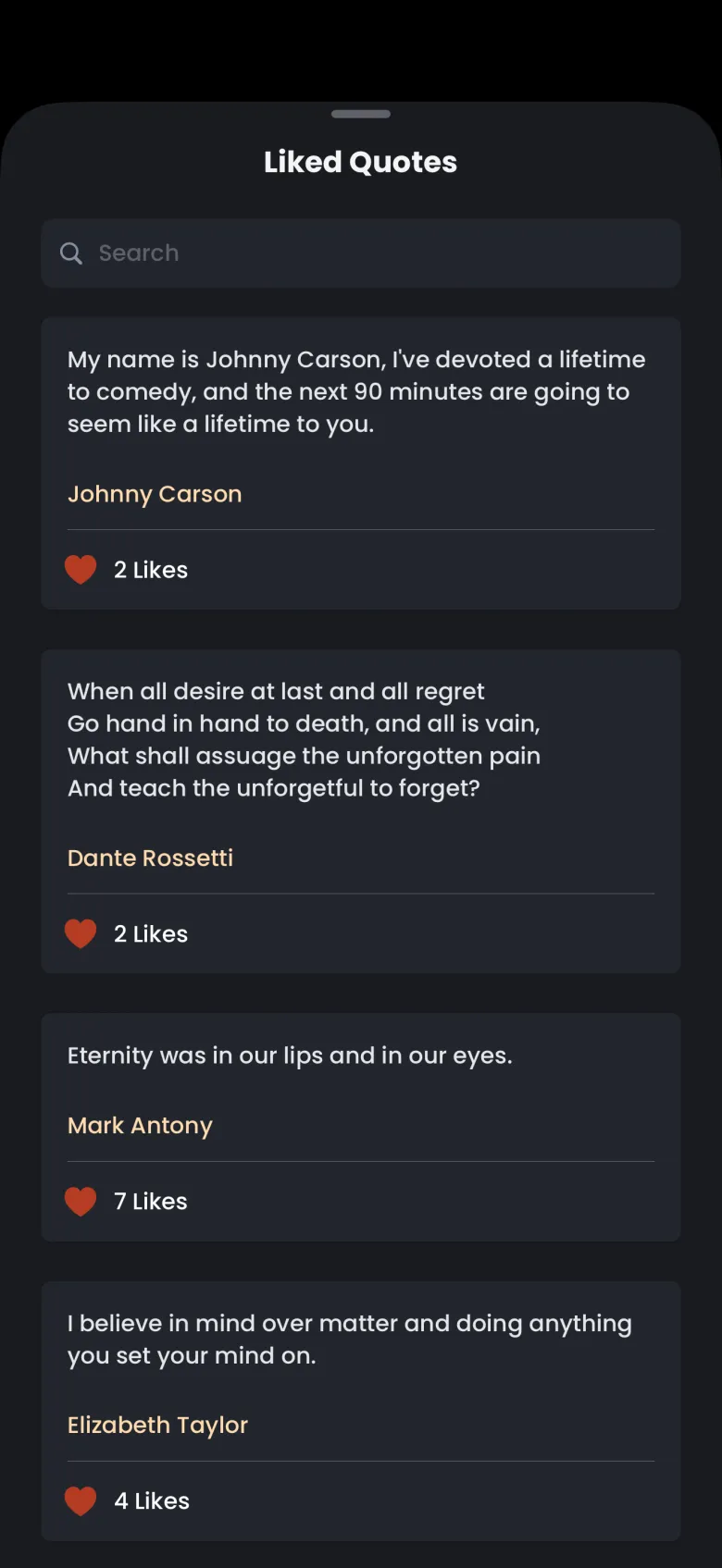
To remove a quote, tap its red heart. A Remove Quote? dialog asks you to confirm with Yes, remove, or to tap Cancel and keep it. If you have not liked anything yet, the sheet tells you to tap the heart on a quote after you catch an apparition.
What does a ghost I am still catching look like?
A ghost in the In Progress row opens a page titled Ghost’s Apparitions. It shows the apparitions you have caught as images, and a frosted tile with a gold question mark for each chapter still to find. The count always matches the In Progress label, so 2 of 9 means two images and seven question marks.
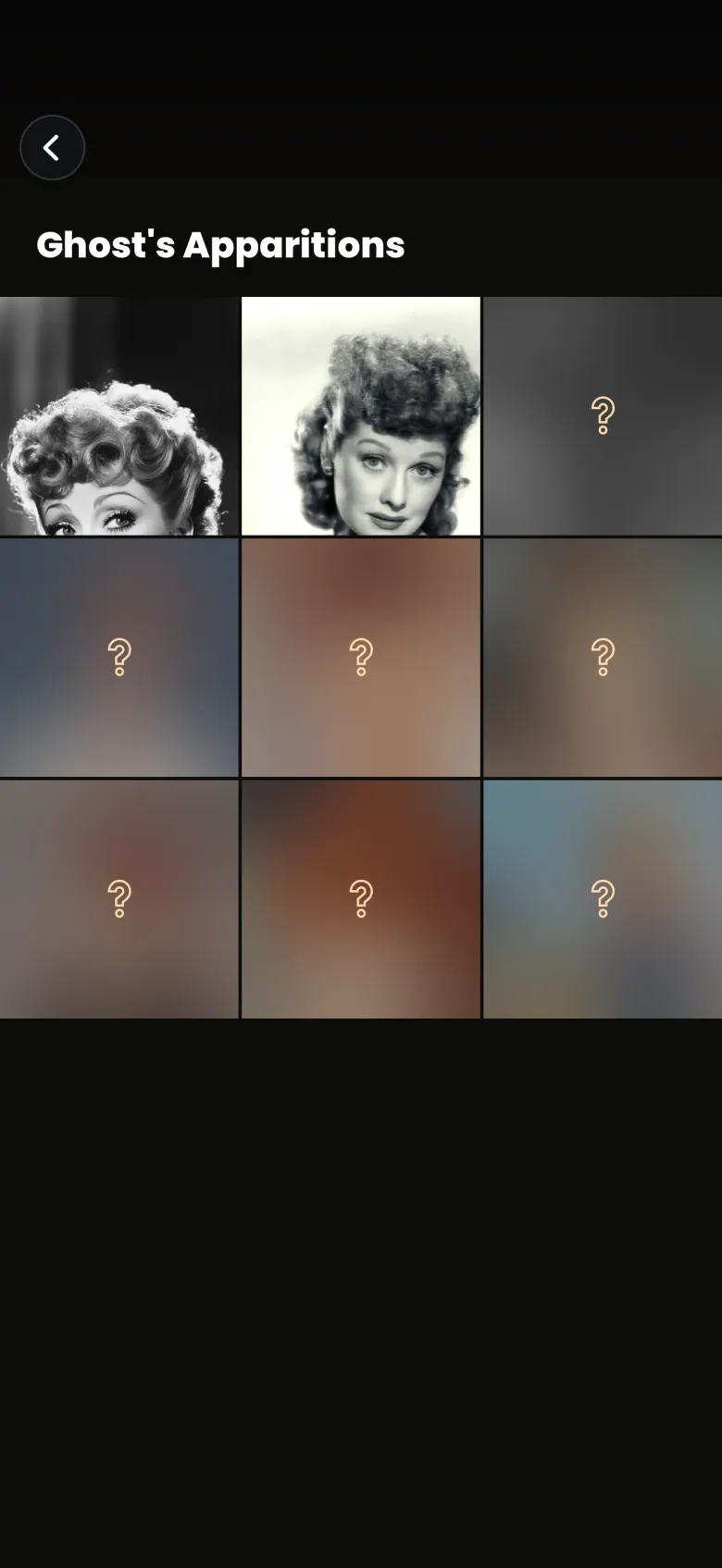
The ghost’s name and portrait stay hidden until you catch the last chapter, and a locked tile opens nothing. A lost apparition changes none of this. The ghost stays in In Progress with the apparitions you already hold.