Focus Together and friends
Share and Earn
Share your invite code, QR code or link with a friend. When they finish their first 25 minute focus session, you earn 3,000 coins and they earn 1,000.
- Available on iPhone and Android
Share & Earn gives you a personal invite code, a QR code and a link. A friend who joins with any of them and finishes their first 25 minute focus session earns 1,000 coins, and you earn 3,000. The coins are paid after that first session, not when your friend signs up, and Share & Earn is free on iPhone and Android.
Where do I find my invite code?
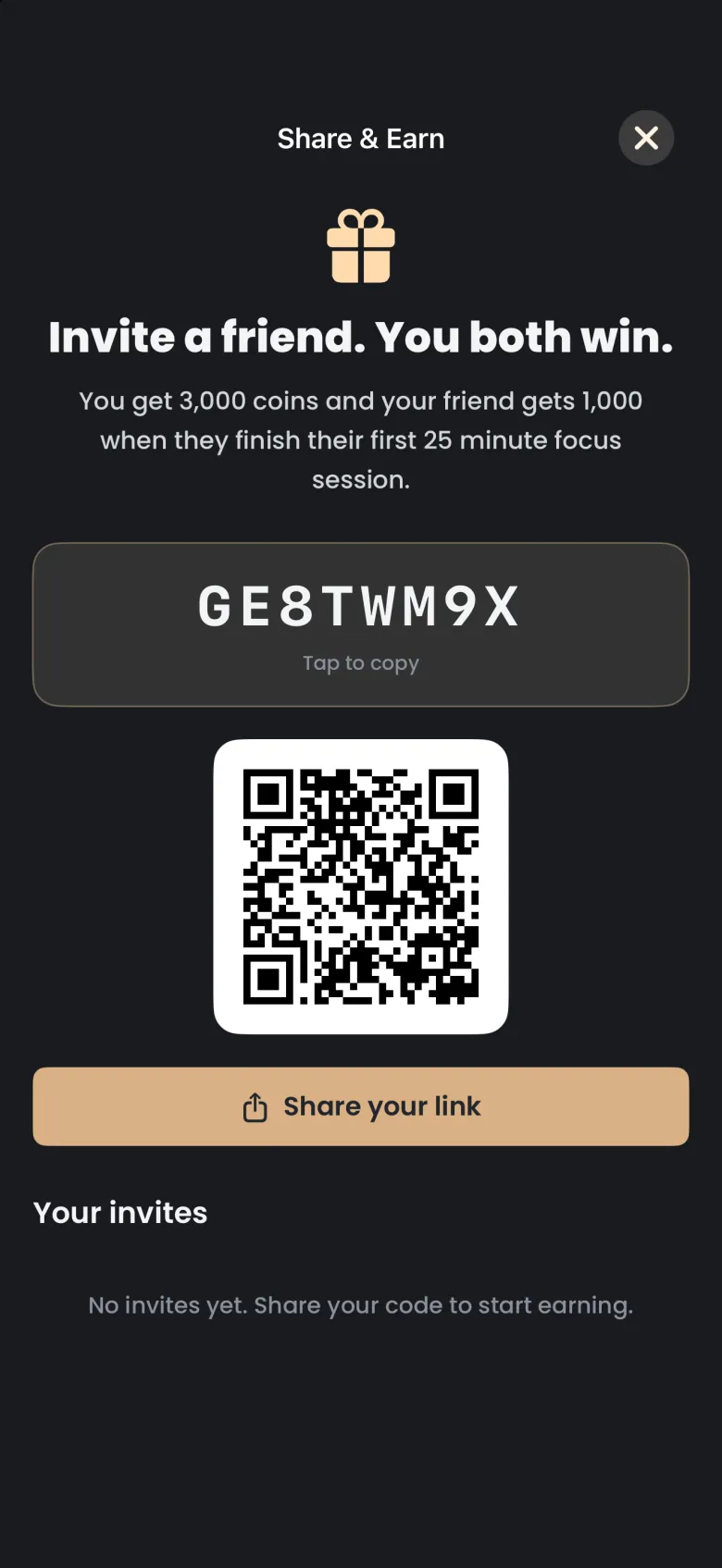
Your invite code lives on the Share & Earn screen, in the More menu. The screen shows an eight-character code, a QR code a friend can scan, and a Share your link button. Tap the code to copy it.
- Tap More at the right end of the tab bar, then tap Share & Earn. A full-screen page opens.
- Read the offer at the top: you get 3,000 coins, and your friend gets 1,000 when they finish their first 25 minute focus session.
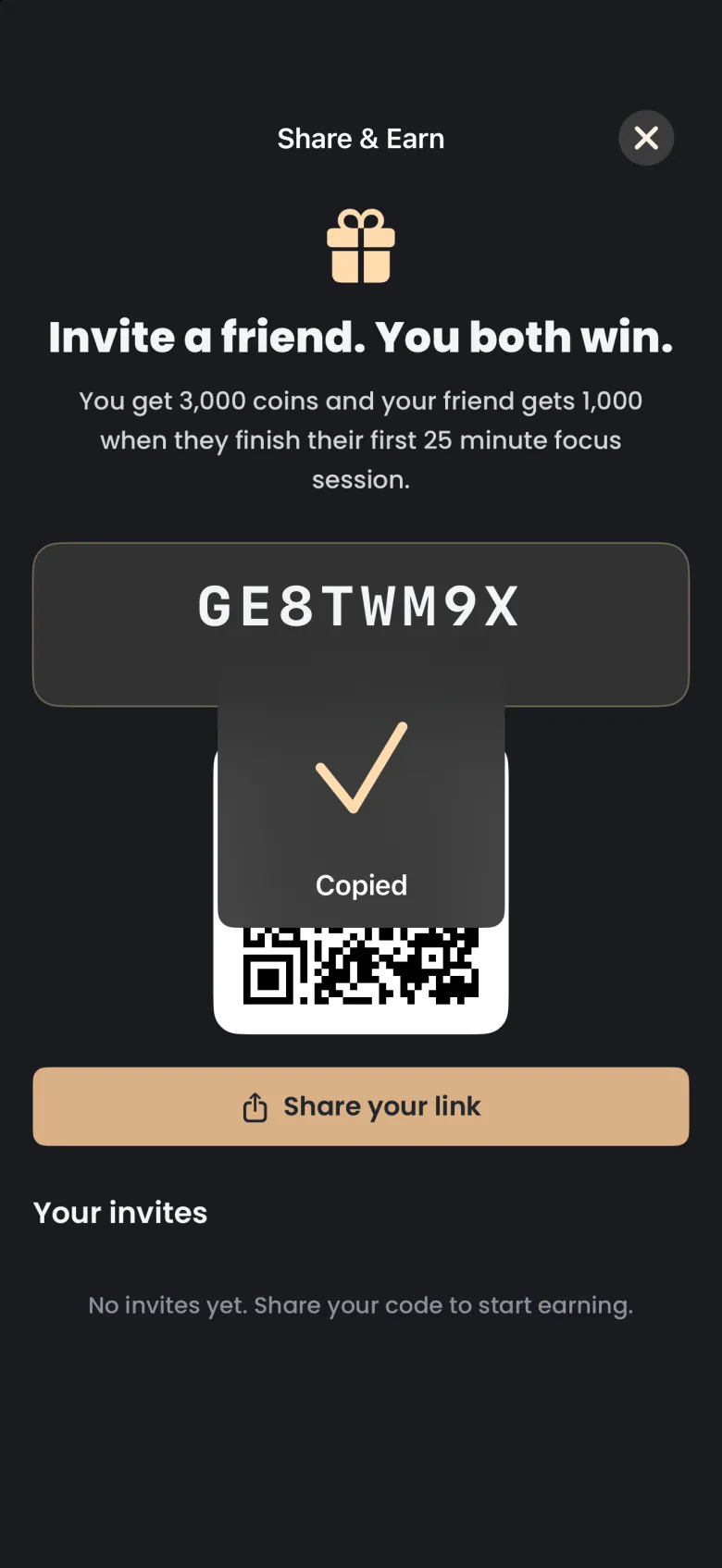
- Tap your code to copy it. A Copied confirmation appears for a moment.
- Tap the X at the top right to close the page.
On Android, tapping the code swaps Tap to copy for Copied for a moment, then it switches back.
How do I share my link?
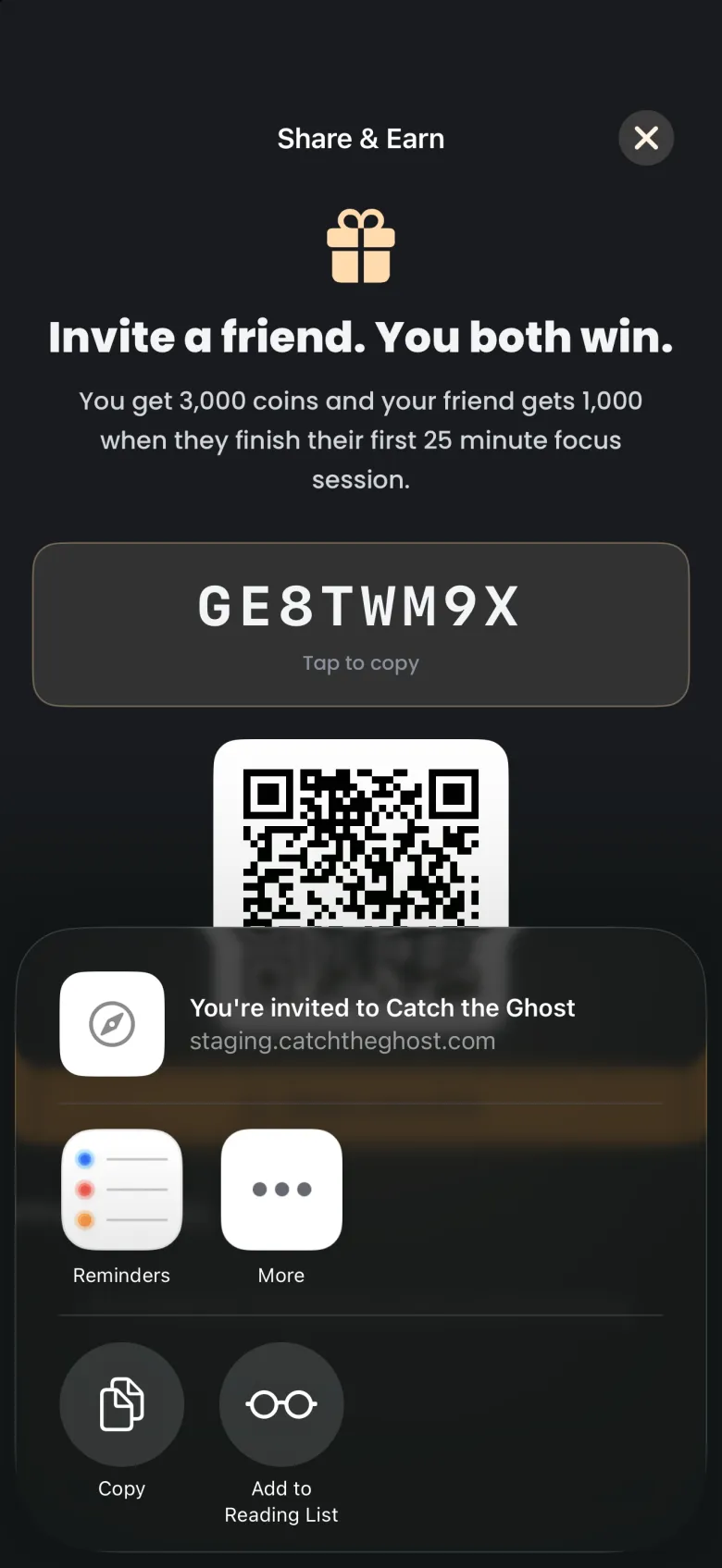
Tap Share your link and choose where to send it. The share sheet opens with an invite message and your personal link, so you can send it to a friend in a message or any app you use. Sending is up to you: nothing goes out until you pick a target.
- On the Share & Earn screen, tap Share your link.
- The share sheet opens with a preview titled “You’re invited to Catch the Ghost”.
- Pick an app or a contact, or tap Copy to paste the link yourself.
- To close the share sheet without sending anything, drag it down.
On Android, Share your link opens the Android share chooser with the same message and link. If your friend does not have the app yet, the link takes them to the App Store or Google Play, and if they do have it, the link opens the app.
How does my friend use my code?
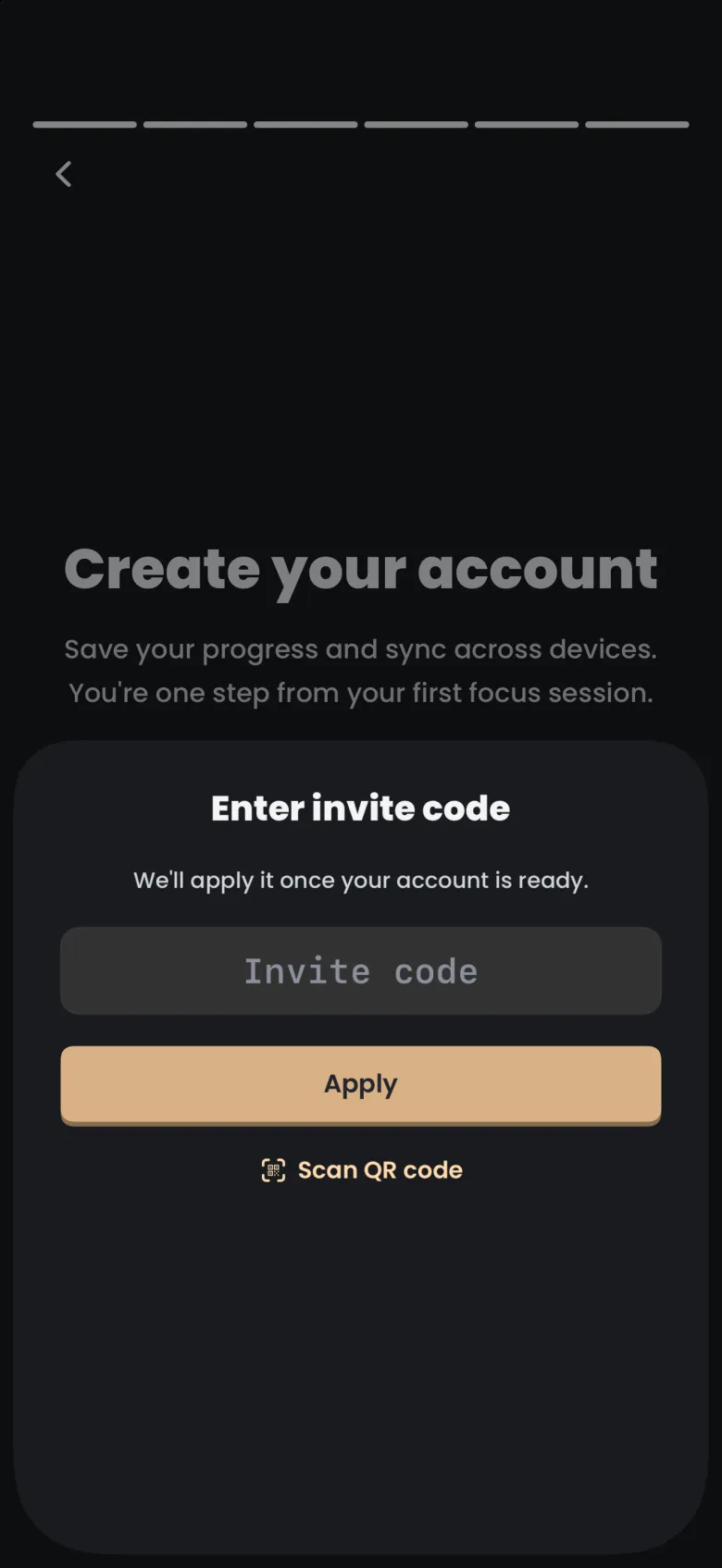
Your friend enters the code when they create their account. On the sign-up screen they tap Have an invite code, type the code or scan your QR code, and tap Apply. The app holds the code and applies it once the account is ready.
- On the Create your account screen, your friend taps Have an invite code?.
- They type your code into the Invite code field, or tap Scan QR code and scan yours.
- They tap Apply, then finish creating their account.
If your friend copied your invite link before opening the app, the sign-up screen may ask whether to check the clipboard for an invite link. Tapping Check clipboard applies the code for them, and Not now skips it. Once a code is applied, the sign-up screen shows a chip naming the applied code, which they can tap to change or remove.
The code is for people who are new to Catch the Ghost. It does not work on your own account, or on an account that is already active.
When do I get my coins?
You and your friend are paid after your friend finishes their first focus session of 25 minutes or more. Joining alone does not pay, so a friend who signs up and never focuses earns neither of you coins. A Sleep Timer session does not count as that first session.
When your friend qualifies, the coins are added to your balance and the app tells you. See Coins for what to do with them.
How do I see who has joined?
Scroll down on the Share & Earn screen to Your invites. A tally reads how many friends joined, how many have earned you coins, and the total coins you have earned. Under it, a card lists each friend who joined with your code.
A friend who has joined but not yet finished a first session shows as joined, and moves to earned once they do. If nobody has joined yet, the section says so and suggests sharing your code.