Streaks and progress
The weekly leaderboard and your player card
The Leaderboard ranks everyone by the XP they earn each week, resets every Sunday, and pays coins to the top three. Your Player Card shows your flag, XP, streak and a favorite apparition.
- Available on iPhone and Android
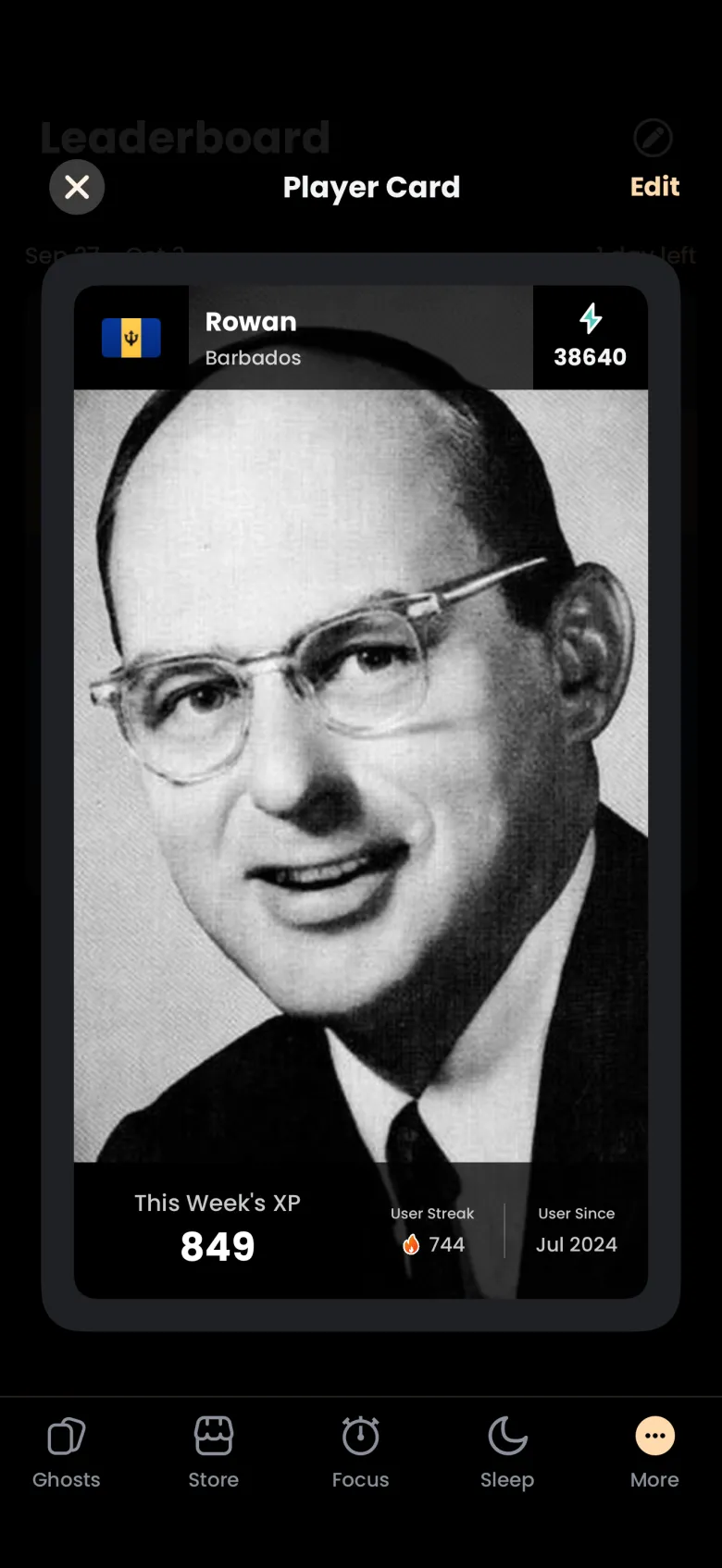
The Leaderboard ranks players by the XP they earn in a week, from Sunday to Saturday. It is free on iPhone and Android. Your row shows your country flag and your weekly XP, and tapping it opens your Player Card, which you can personalize with an apparition from a ghost you have caught.
How does the weekly Leaderboard work?
Each week the Leaderboard ranks players by the XP they earned since the week began. The header shows the date range and how many days are left, and your own row is highlighted with your flag and your weekly XP. At the start of each week, which is Sunday at 00:00 UTC, the board is cleared and everyone starts again from zero.
To see where you stand, tap More at the right end of the tab bar, then tap Leaderboard. The board opens on the current week. Your weekly XP is the figure shown on your row and on your Player Card as This Week’s XP.
Which ranks win weekly rewards?
The top three players each week earn coins. First place earns 1000 coins, second place 500 and third place 250. When a week ends and you placed, the next time you open the Leaderboard a Leaderboard Rewards window tells you your place and offers a button to claim the coins.
- Open the Leaderboard after a week has ended in which you placed in the top three.
- Read the Leaderboard Rewards window, which names your place and the coins attached to it.
- Tap Claim your reward now. The coins are added to your balance.
If you did not place, nothing changes: your balance is untouched, and the new week starts for you at zero like everyone else.
What is on my Player Card?
Your Player Card is your profile on the Leaderboard. It shows your country flag, your name and country, your total XP, a large apparition you chose, This Week’s XP, your User Streak and the month you joined. Open it by tapping your own row, or the pencil at the top right of the Leaderboard.
How do I change the apparition on my Player Card?
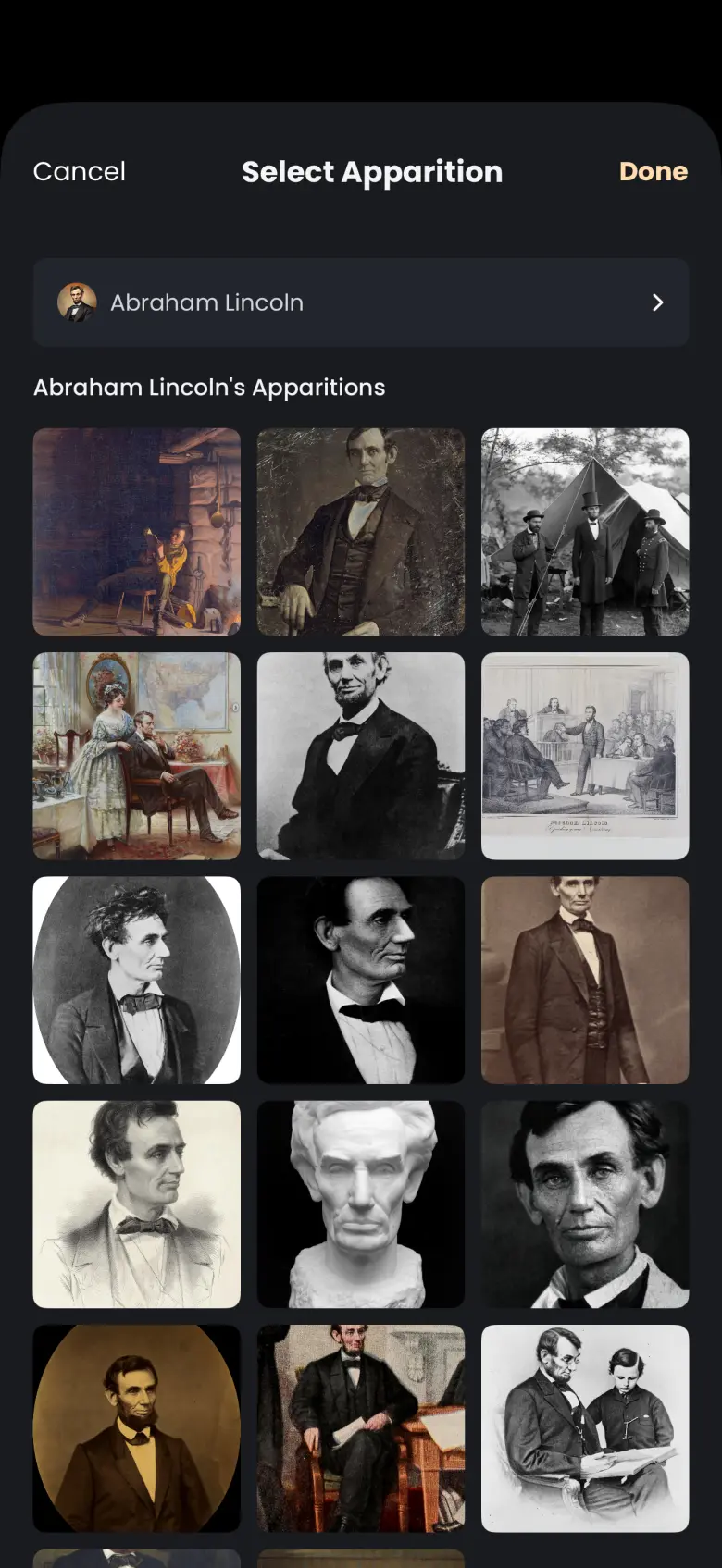
Edit your card and choose any apparition from a ghost you have caught. Pick the ghost first, then one of its apparitions from a grid. Done saves the choice, and it applies on every device you sign in on.
- Open your Player Card and tap Edit at the top right. A Select Apparition sheet opens.
- Tap Choose a ghost and pick a ghost you have caught. The list is alphabetical.
- Tap one apparition in the grid that appears.
- Tap Done to save it, or Cancel to leave your card as it was.
You can only choose from ghosts you have caught. Catching more ghosts widens the choice; see Your ghosts for where your collection lives.
How do I choose the country on my flag?
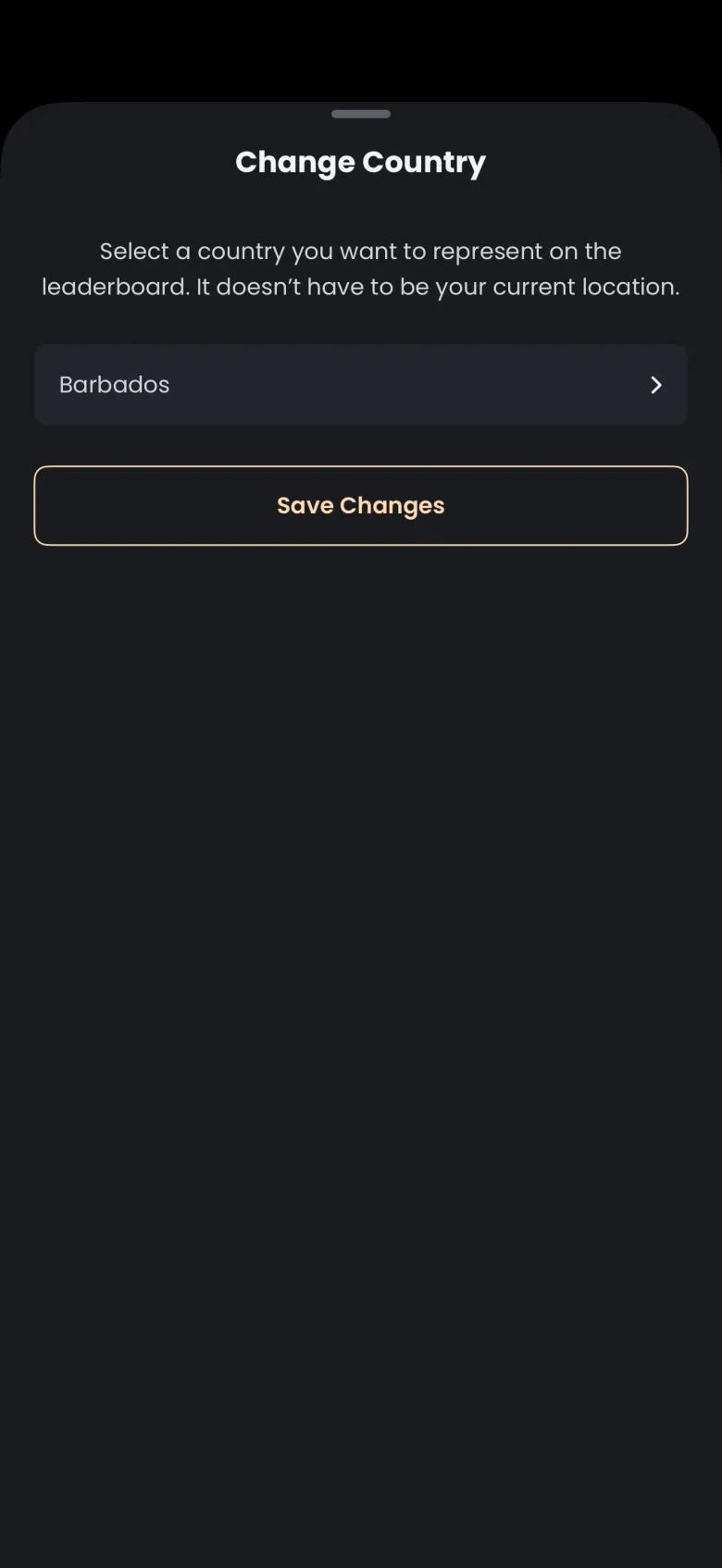
Your flag shows the country you choose, and it does not have to be where you live. Change it from your Profile. If you have never chosen one, the Leaderboard asks you to pick a country before it shows the board.
- Tap More, then Profile.
- Tap My Leaderboard Country. The Change Country sheet opens.
- Tap the country row, choose a country, then tap Save Changes.
Close the sheet without saving and nothing changes. On Android, the country is chosen from a dropdown.