Focus Together and friends
Focus Together, start to finish
Focus Together is a shared Deep Focus session for up to 8 people. The host creates a room, friends join with a code, a link or a QR code, everyone's timer starts at once, and when at least two people finish, each finisher earns double coins and XP.
- Available on iPhone and Android
What is Focus Together?
Focus Together is a Deep Focus session that you run in a room with friends, up to 8 people including the host. Each person focuses on their own phone and catches their own apparition, and when at least two people finish, every finisher earns double coins and double XP. It is a normal Deep Focus session in every other way, so the same stakes apply: ending early or staying away too long loses the apparition you were catching, and the ghost stays in In Progress.
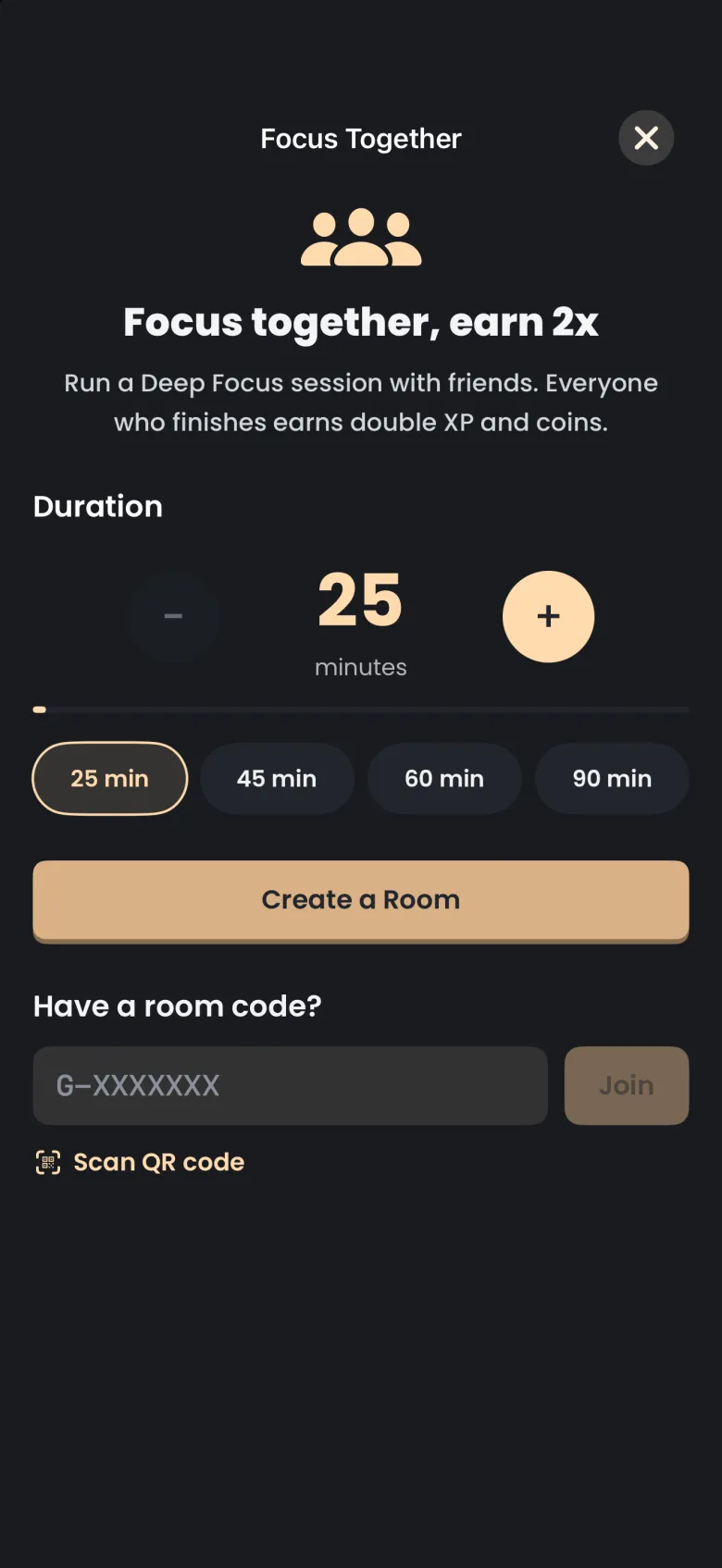
You start from the Focus tab. The square button with three people, to the right of Deep Focus, opens the Focus Together screen. It is hidden while a timer is running.
How do I create a room?
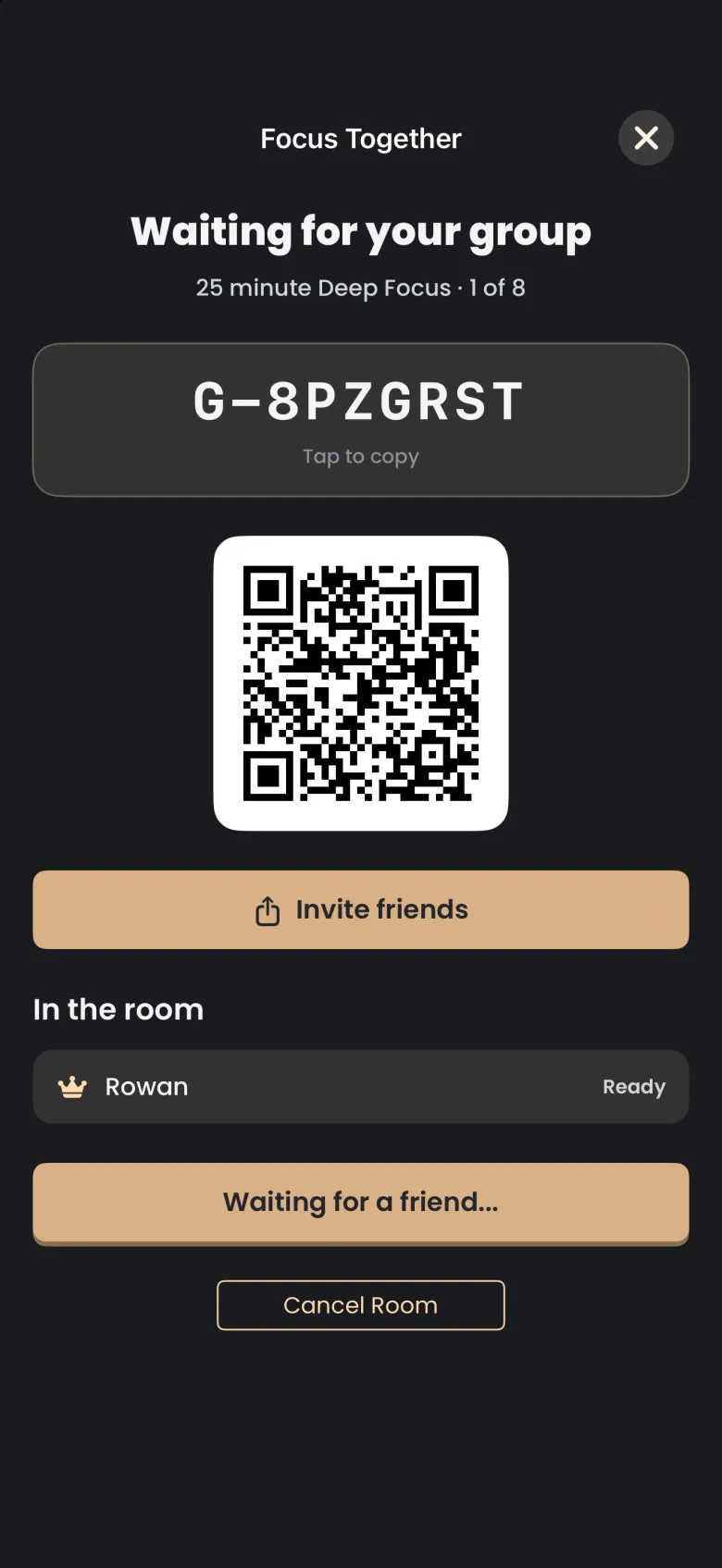
Choose a length, then tap Create a Room. A room can run from 25 minutes to 2 hours, and you pick the length before you create it: the chips jump to 25, 45, 60 or 90 minutes, and plus and minus move in 5 minute steps. You become the host, and the lobby opens with a room code, a QR code and an Invite friends button.
- On the Focus tab, tap the people button next to Deep Focus.
- Under Duration, choose a length.
- Tap Create a Room.
- In the lobby, share the code with the people you want to focus with.
The lobby reads “Waiting for your group” and shows how many of the 8 seats are filled. You are listed under In the room with a crown, and the main button stays on “Waiting for a friend” until someone joins.
How do my friends join a room?
A friend can join by typing the room code, opening your invite link, or scanning your QR code. Codes start with G- followed by seven characters, and the G- is already in the field, so your friend types only the seven characters after it. Pasting the whole code or the invite link works too.
To type the code, your friend opens Focus Together, enters the code under Have a room code? and taps Join. To use the link, tap Invite friends and send it by any app; opening it on a phone with Catch the Ghost installed brings your friend to Focus Together, and if they are not signed in yet the app remembers the code and fills it in afterwards. To scan, your friend taps Scan QR code on the same screen and points the camera at the code on your lobby. If camera access is off, the scanner says so and points back to typing the code instead.
On Android, Invite friends opens the usual Android share chooser, and the first scan asks for camera permission through a system dialog.
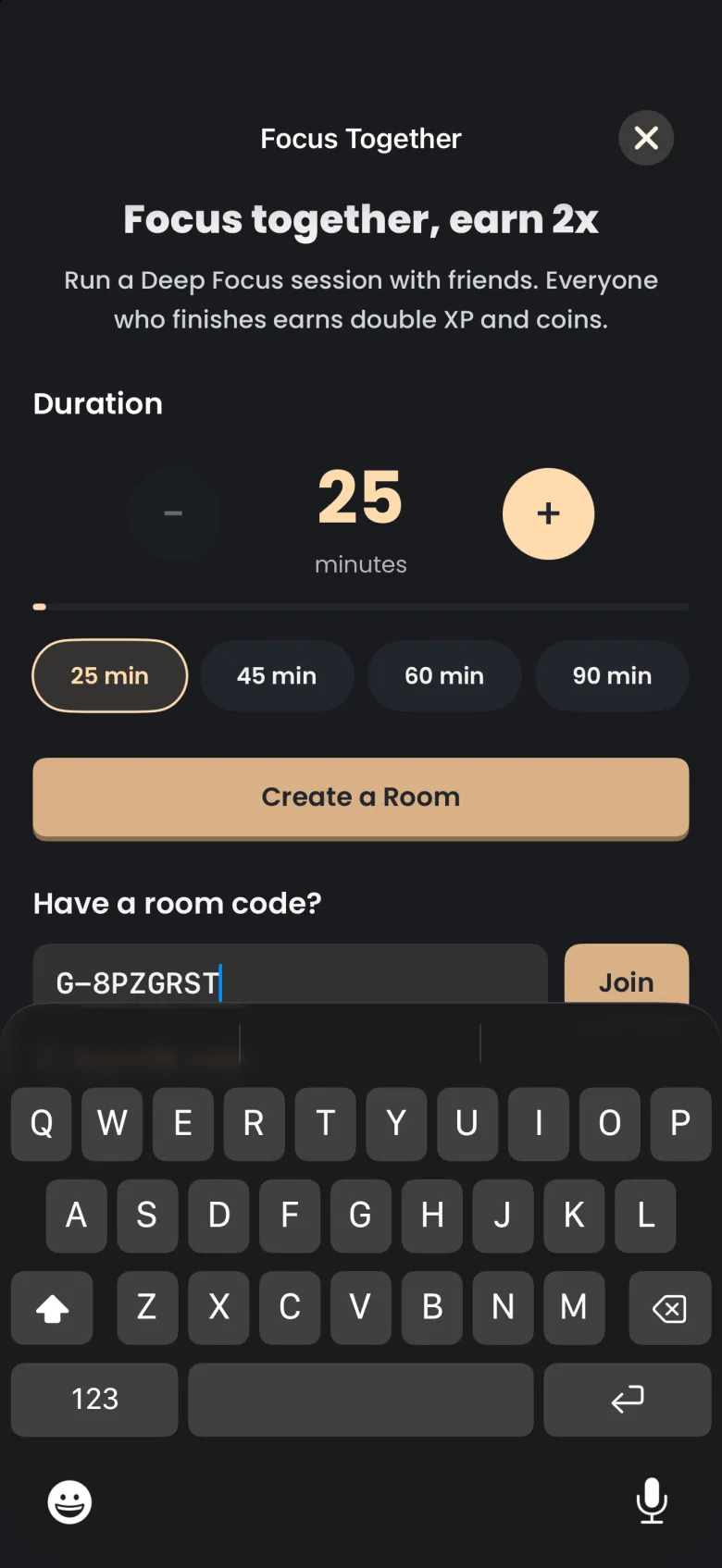
If a code does not work, the screen tells you why. A code that does not match a room reads “No room with that code. Check it and try again.” A room that was cancelled before it started reads as expired.
How do I start the session?
Only the host starts the session. When a friend joins, they appear under In the room within a few seconds, the seat count goes up, and the main button changes from “Waiting for a friend” to Start Session. Tap it when everyone you expect is in the room.
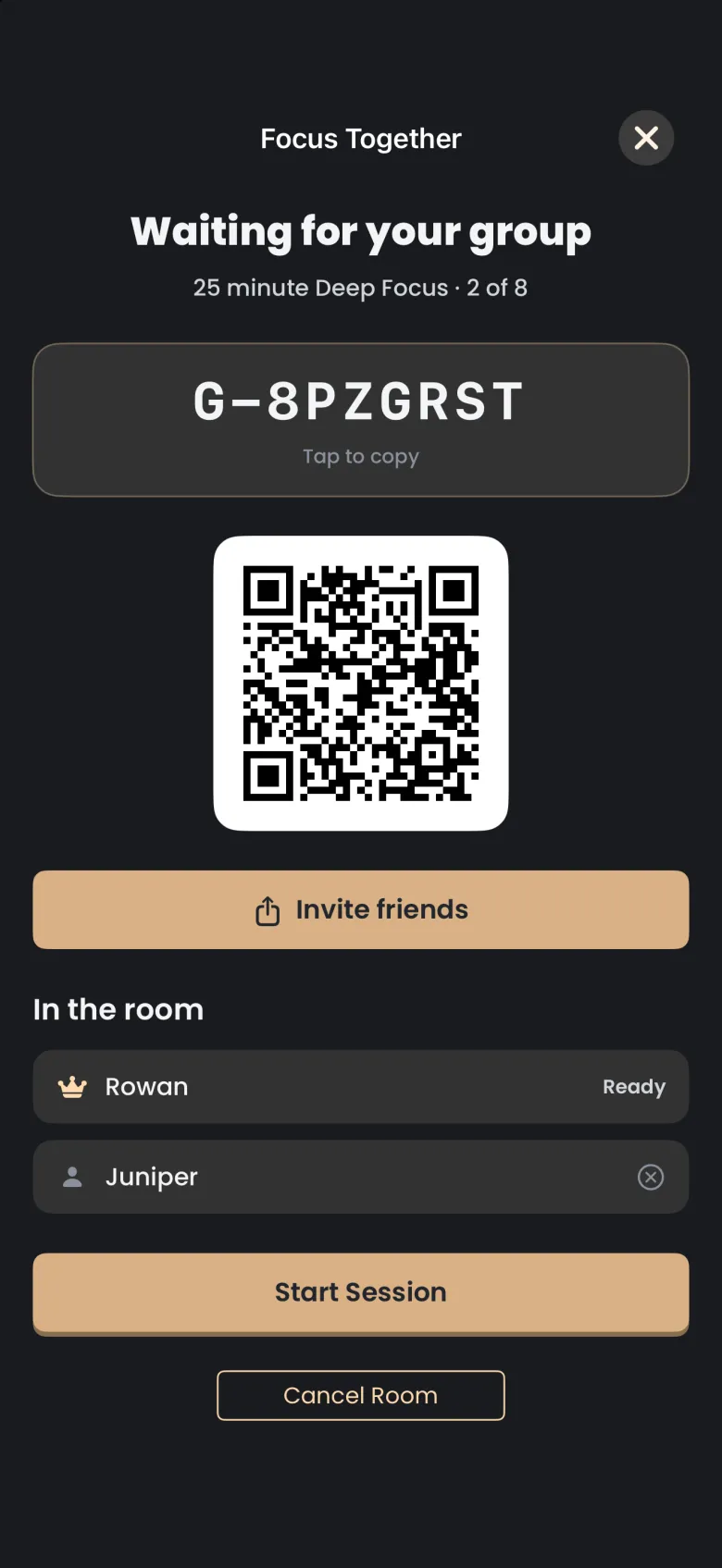
Everyone sees a short loading screen, and then every timer starts at the same moment. A guest sees the same lobby without the start button, with Leave Room in its place, and can leave at any time before the session begins.
Can I remove someone or cancel the room?
Yes, both, and only before the session starts. To remove someone, the host taps the circled X at the end of their row and confirms. The person removed is told “The host removed you from the room.” and cannot rejoin that room.
To cancel the room, the host taps Cancel Room and confirms the alert that reads “Cancel this room?”. Everyone waiting is sent home, guests see “The host closed that room.”, and the room’s code reads as expired from then on. Start a new room if you want to try again.
What happens while we focus?
Each person runs a normal Deep Focus session: the digital hourglass reveals your own apparition, and your own grace periods, tag and stakes all apply. The only addition is a quiet line at the bottom of the screen that shows how many people are still focusing, for example “2 of 2 focusing”. Tap the hourglass to peek at the timer and the line.
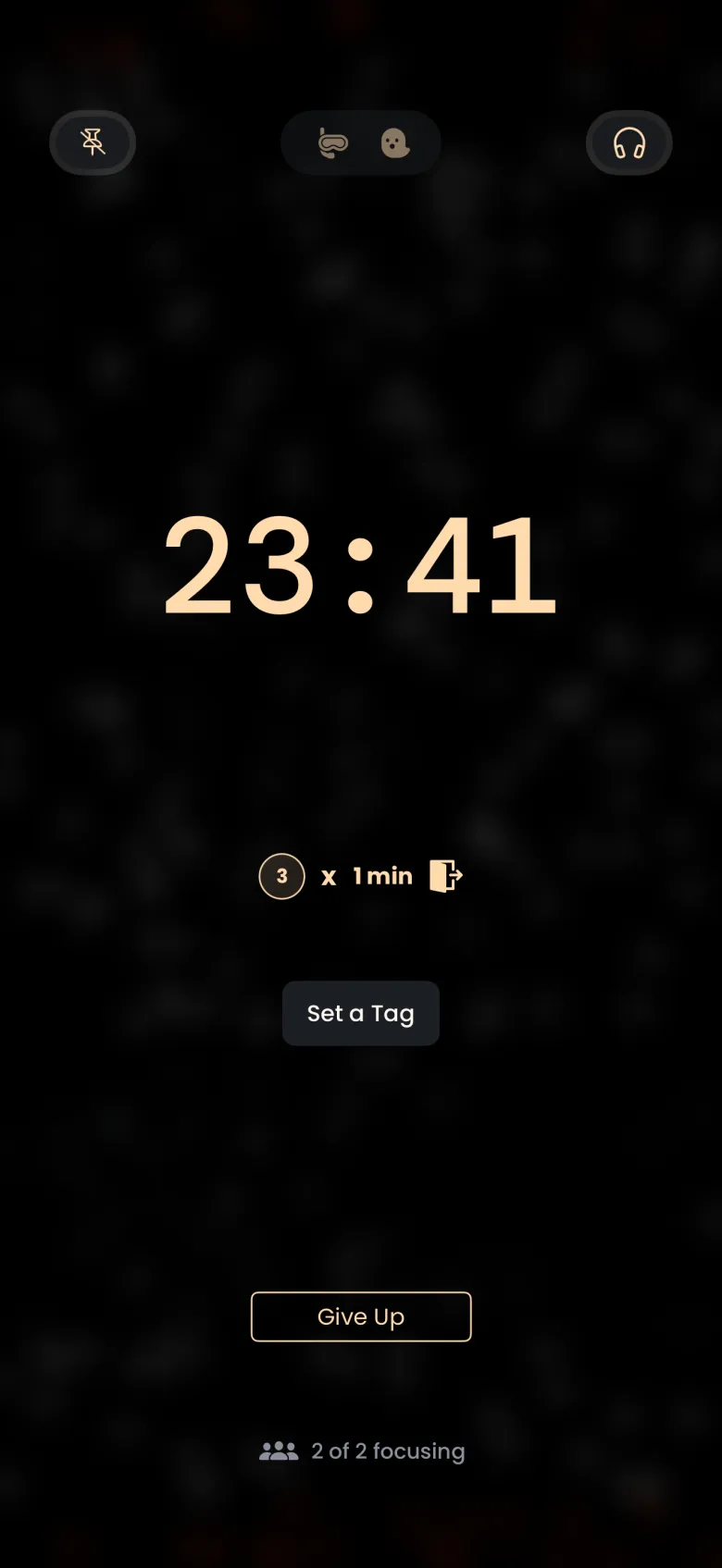
The room does not make the rules gentler or stricter. If you tap Give Up, or you stay away from the app for longer than your grace allows, you lose the apparition you were catching and your seat in the bonus, exactly as in a solo session; see Stakes and grace periods. Leaving to the Home Screen or another app uses a grace exit. Locking your phone is free, although on a phone without a passcode a lock can read as leaving the app. On Android, the countdown also appears as an ongoing notification, as it does for a solo session.
What if a friend leaves early?
Nothing changes for you. Someone who stops early loses their own apparition, but it never costs anyone else a coin, and nobody is named or labelled: the line at the bottom shows fewer people focusing. Once someone has finished, the line also counts how many have finished.
How does the x2 bonus work?
When at least two people in the room finish, each finisher earns double coins and double XP. The doubling is a real multiplier: it applies to your whole reward, after your Deep Focus and streak multipliers, and the rewards screen shows it as a green Focus Together x2 row. Each person catches their own apparition, so your reveals will usually differ even though the bonus is shared.
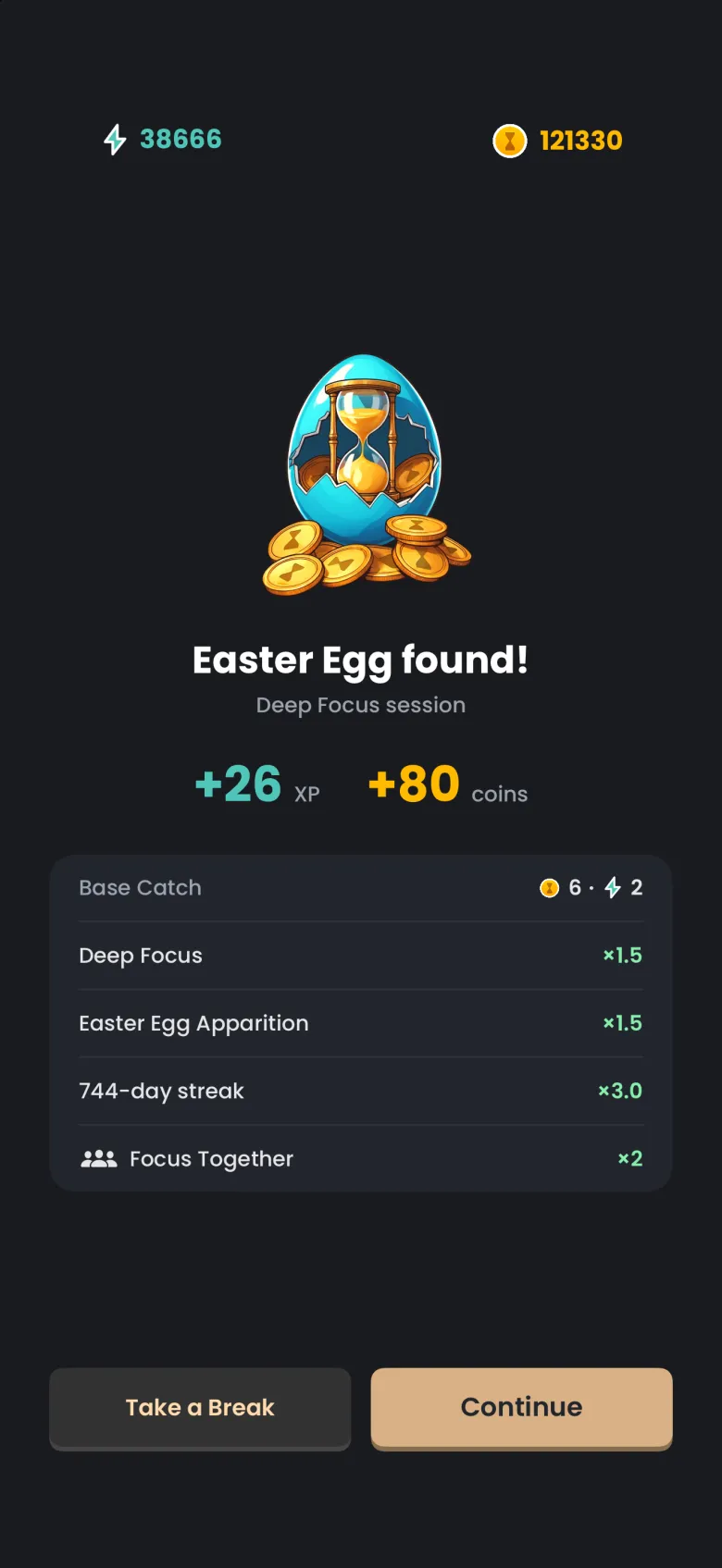
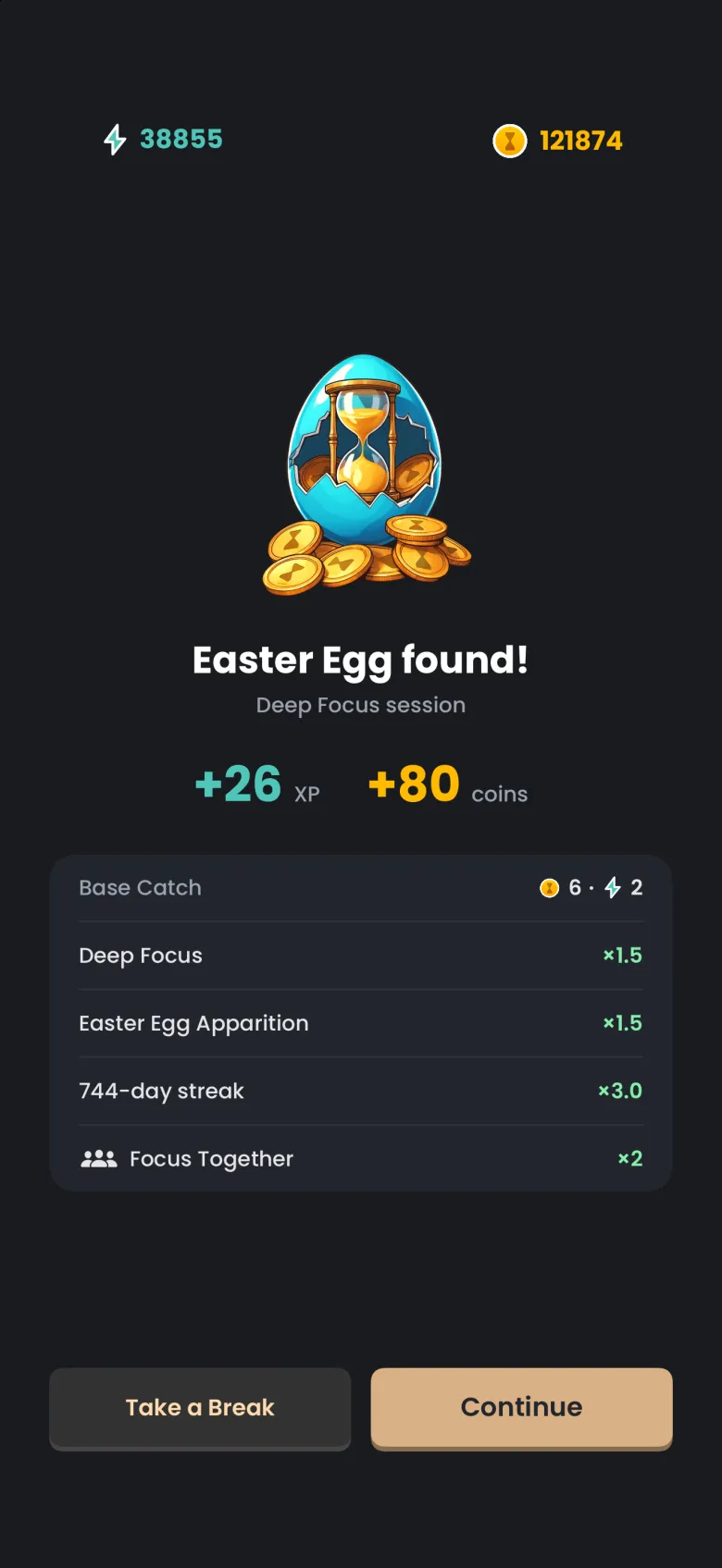
If you are the only one to finish, you receive your normal reward and the row reads “x2 when a partner finishes” in a muted colour; if another person finishes later, the bonus is added once it is confirmed. If the bonus has paid for the day’s limit of sessions, the row reads “Daily bonus limit reached” and you keep your normal reward.