Getting started
Getting started with Catch the Ghost
Install the free app, answer a few setup questions, choose a guide, create your account, and start your first 25 minute Deep Focus session.
- Available on iPhone and Android
Setup is six short screens on iPhone and Android: a welcome, two questions, a daily goal, a guide, and your account. After that you land on the timer, where your first Deep Focus session reveals one apparition, a chapter from a historical figure’s life. This page walks through each screen so you know what to expect before you open the app.
What do I need to get started?
You need the free app and a few minutes for setup. The core of Catch the Ghost is free on iPhone and Android, and one account works on both. Catch the Ghost Pro is an optional paid subscription that adds extras later.


What do the first setup screens ask?
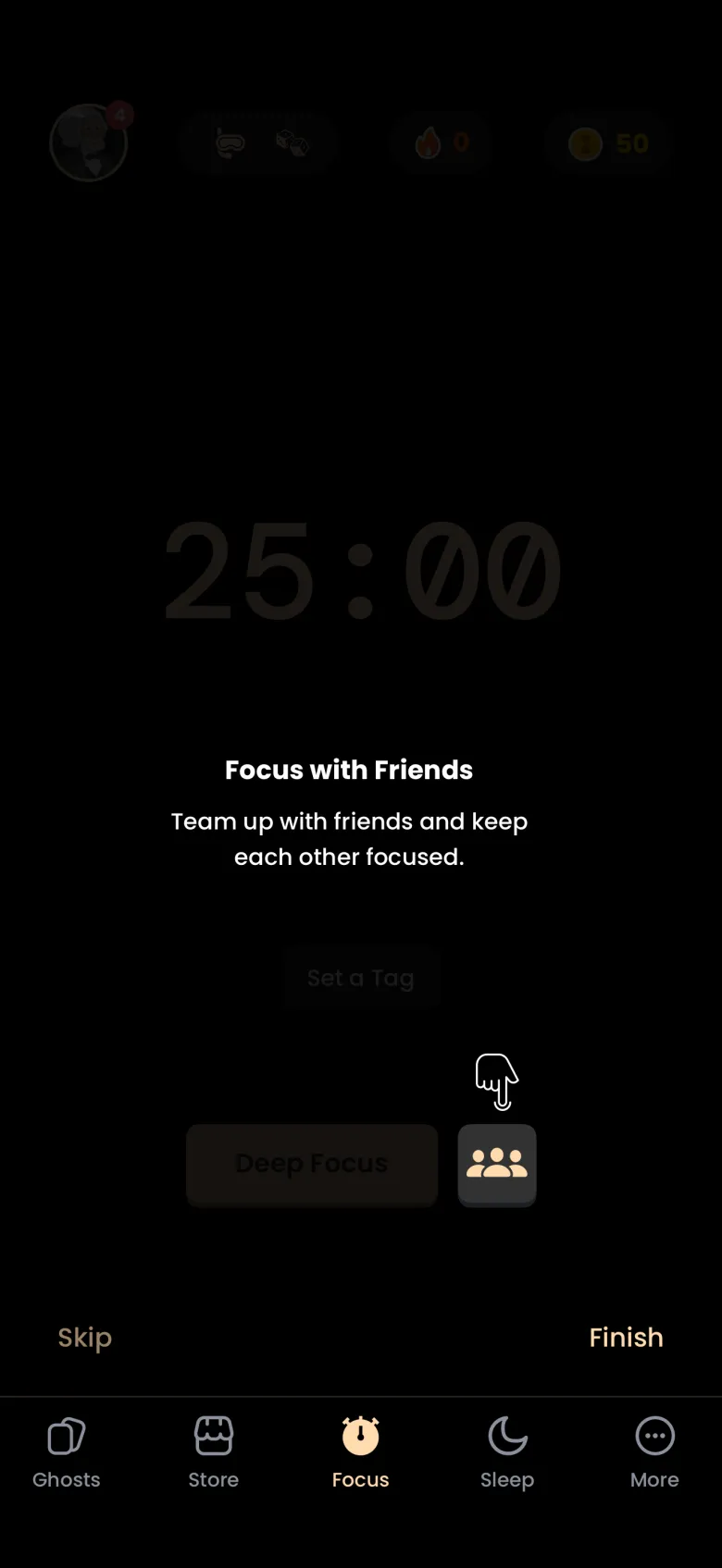
The first three screens welcome you and ask two quick questions, and none of the answers is locked in. The welcome screen says what the app is for: turn deep focus into a game, finish a session, reveal an apparition, and collect history’s legends. The next two screens ask what brings you here and how often your phone pulls you off task, and the app uses your answers to suggest a pace.
Every question screen lets you continue with nothing selected, so there is no Skip button to hunt for. The footer has a plain Back link on the left and a round arrow on the right.

How do I set a daily focus goal?
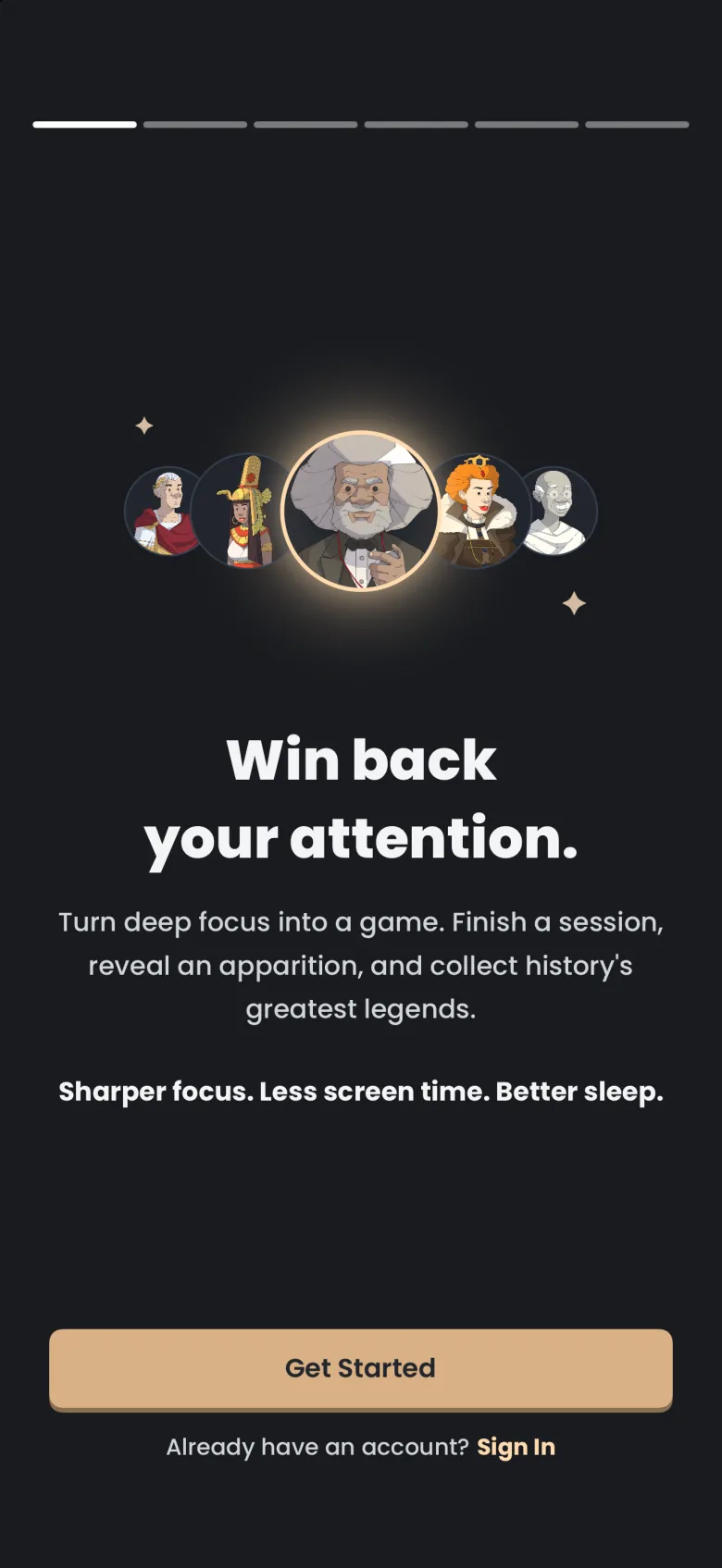
Pick how many sessions you want each day: 1, 2, 3, or 4 or more. The screen defaults to the number your earlier answer suggests, and you can change it here or later from your Profile. One session is about 25 minutes of Deep Focus.
The screen also shows what your choice adds up to over a year, using the current size of the ghost library, so the figures you see will move as the library grows. Below that is a switch, Remind me to focus each day, which is on by default. Turning it on is what leads iPhone to ask about notifications; the notifications article explains that prompt.
How do I choose a guide?
A guide is a ghost who cheers you on through every session, and you pick one before you create your account. Frederick Douglass is selected to begin with, and the picker offers eight guides in total. Tap any portrait to see that guide’s name, role, years and a quote in the large card, then continue with the arrow. You can switch guides later from your Profile; the guide article covers that.
How do I create an account or sign in?
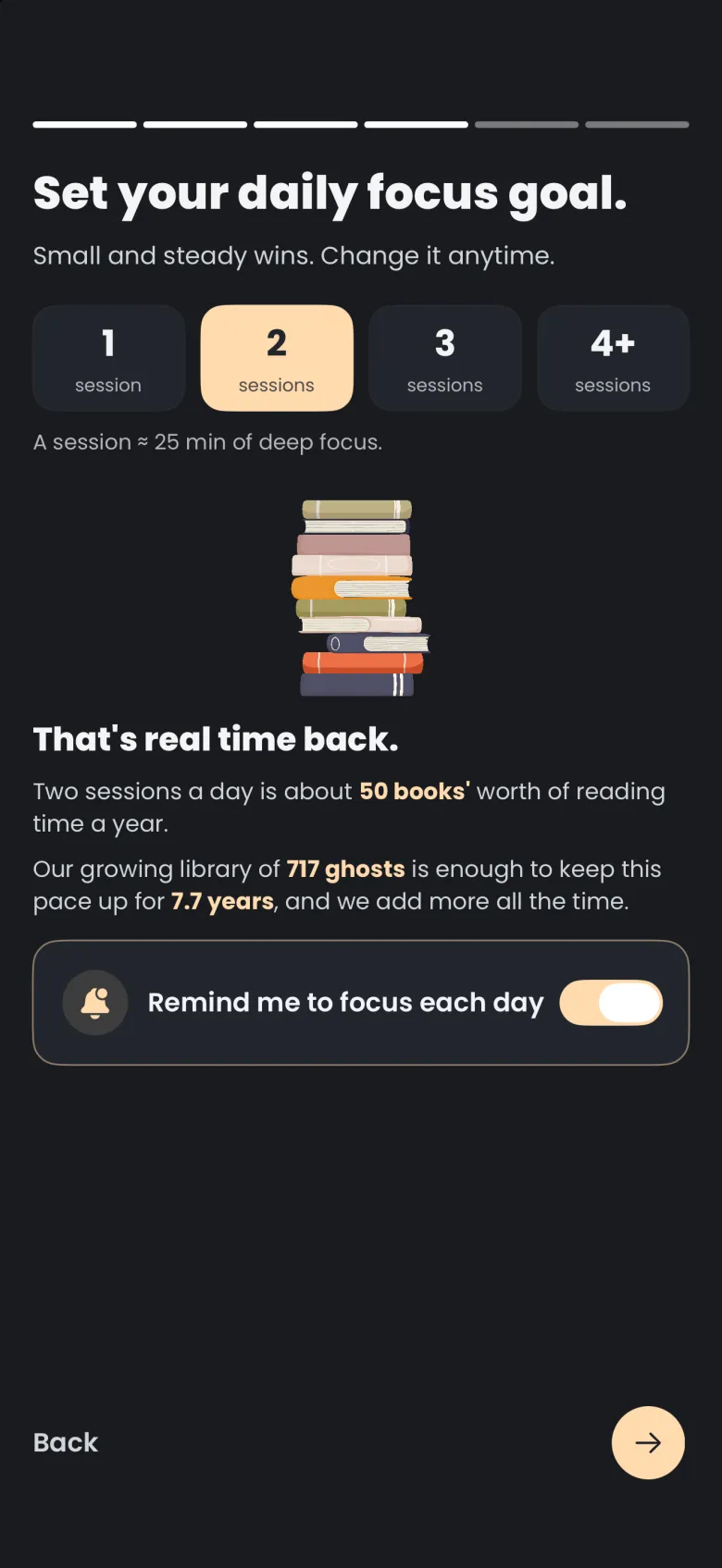
The last setup screen is Create your account, and the choice you make there depends on your device. Its own text explains why it matters: your account saves your progress and syncs across devices, so your ghosts, coins and streak follow you from one phone to the next. You are one step from your first focus session.
- Choose Continue with Apple, Continue with Google, or Sign up with Email.
- If you choose email, fill in the Create Account sheet: an optional name, your email address, a username, and a password. The sheet states the rules for each field and shows a terms checkbox above a Create Account button that starts dimmed.
- If a friend gave you a code, tap Have an invite code? first, enter the code, and the app applies it once your account is ready. The Share & Earn article explains what an invite earns.
On Android the choices are Google and email only, because Sign in with Apple is available on iPhone only.
If you already have an account, tap Sign In on the welcome screen or at the bottom of the account screen. Both open the same sign-in options, and you should pick the provider you signed up with. Email accounts sign in with the address and password they registered. If the password escapes you, the troubleshooting article covers resetting it.
What happens in my first session?
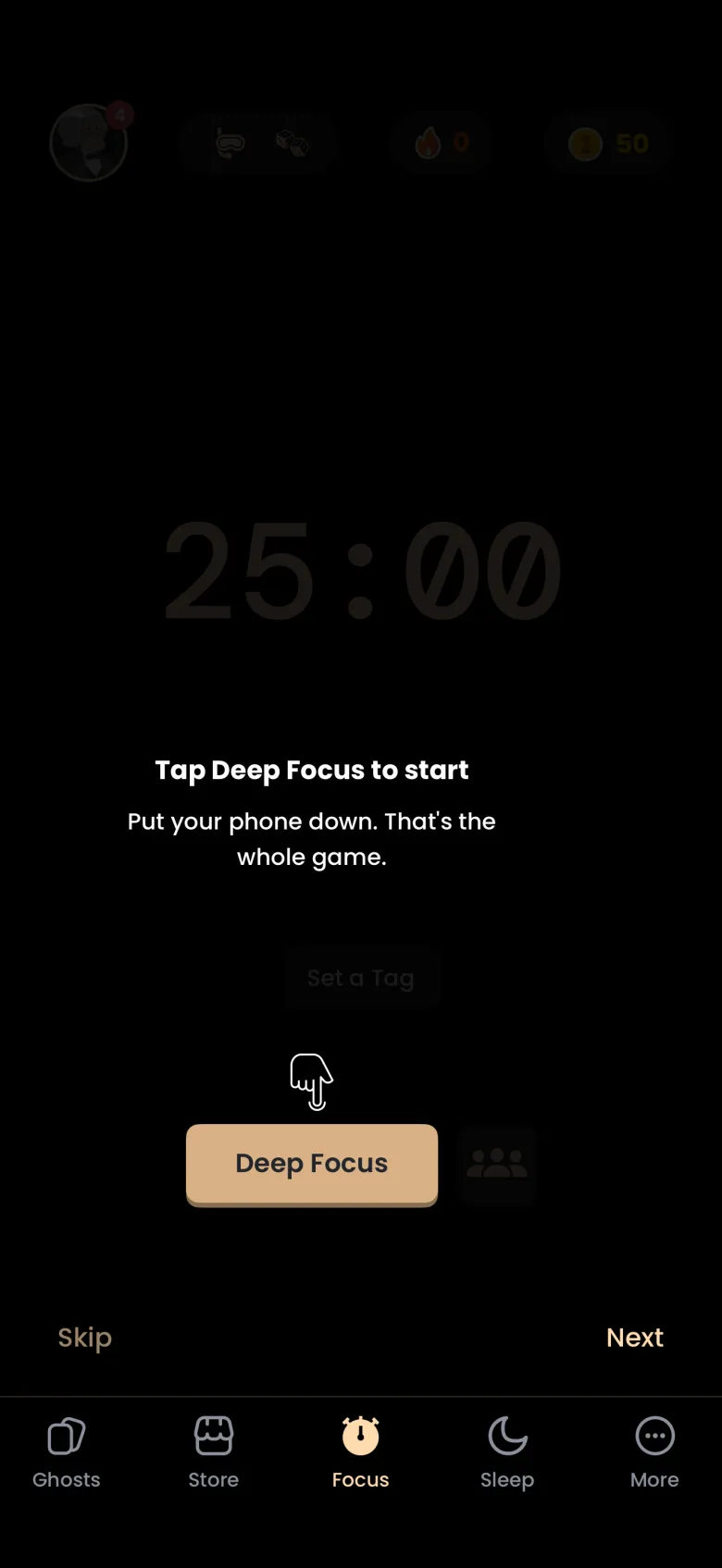
After you sign in, the timer screen opens and a short set of tips introduces it. Tap Deep Focus to start a 25 minute session by default; a Get Ready screen appears first, then the digital hourglass runs while the apparition you are catching is revealed pixel by pixel. If you stay to the end, the apparition is yours: a chapter of one ghost’s life, shown as a quote, a story, or an image.
Your first three Deep Focus catches are practice, and Practice catches explains the report you see after each. Until the third catch, the only way to lose an apparition is to stop the timer on purpose. After that, leaving the app past your grace period loses the apparition you were about to catch, and the ghost stays in In Progress for another try. Shallow Focus catches nothing at all. Coin stakes are a separate, opt-in choice that unlocks after your fifth catch, so they are not part of your first sessions.
What are the first-run tips?
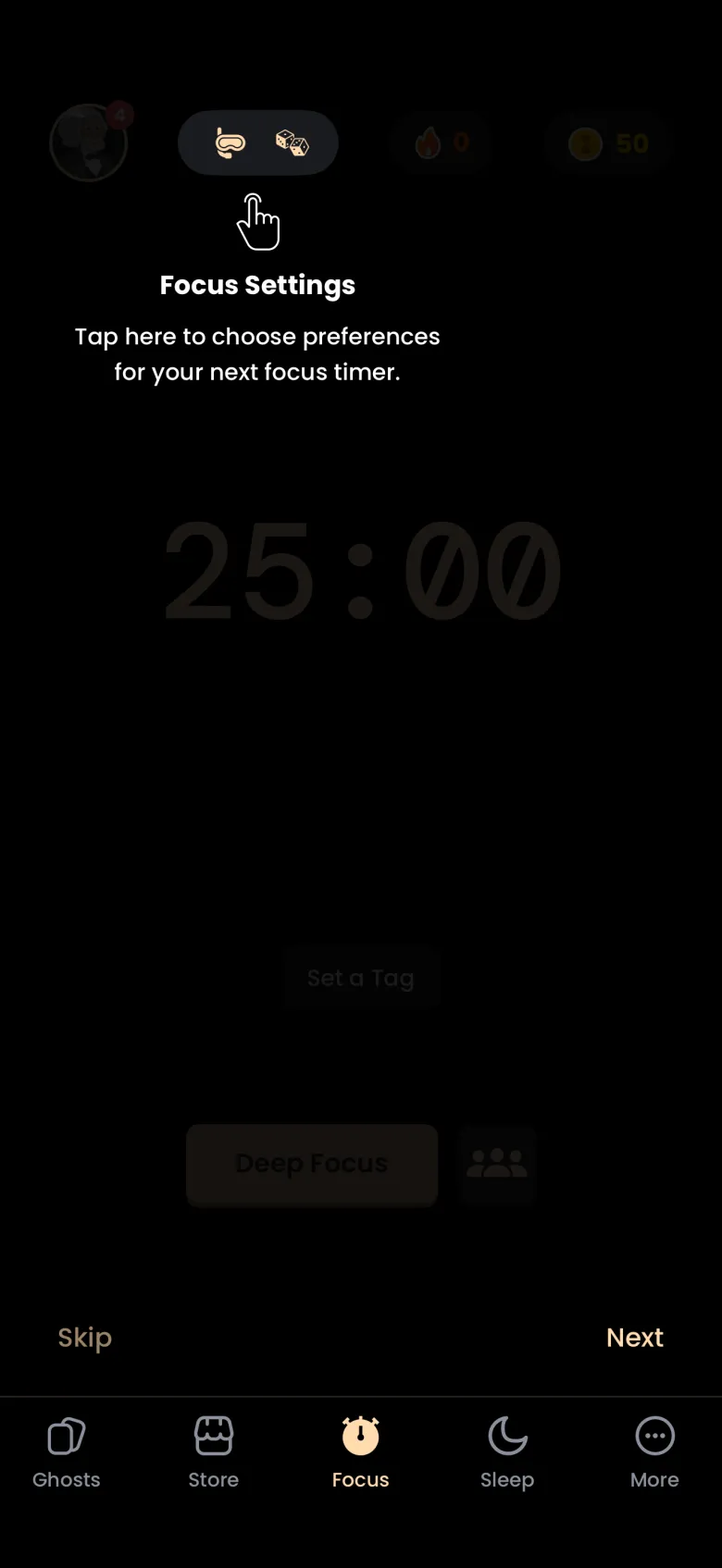
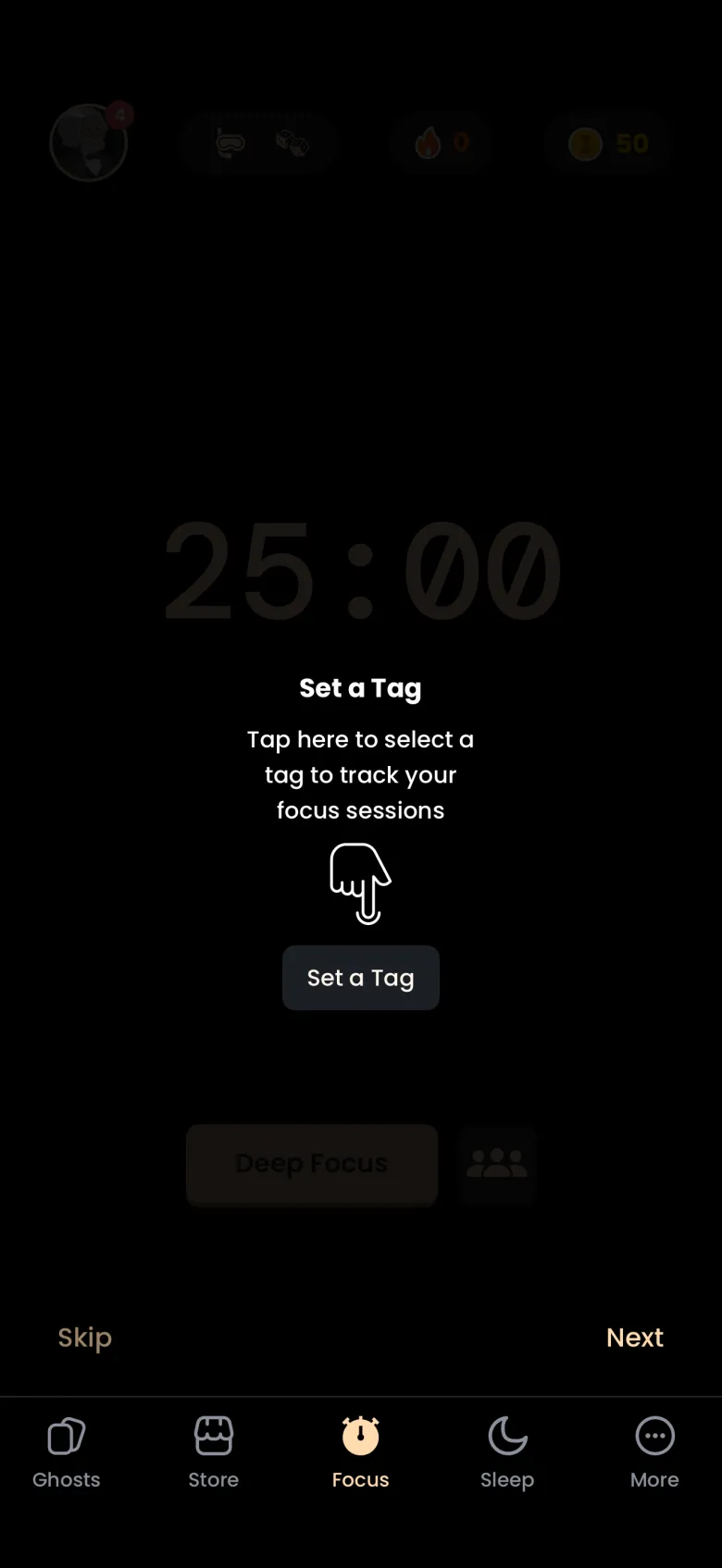
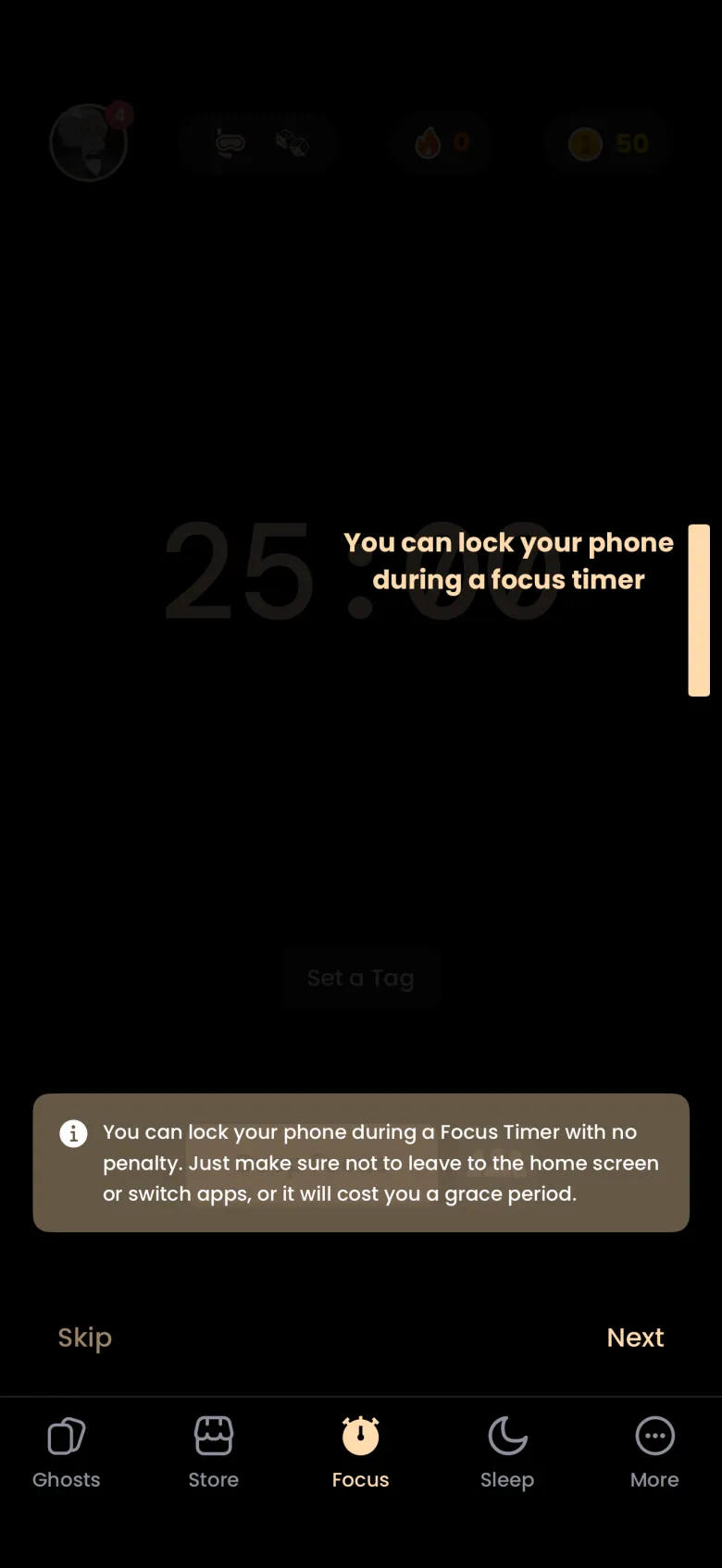
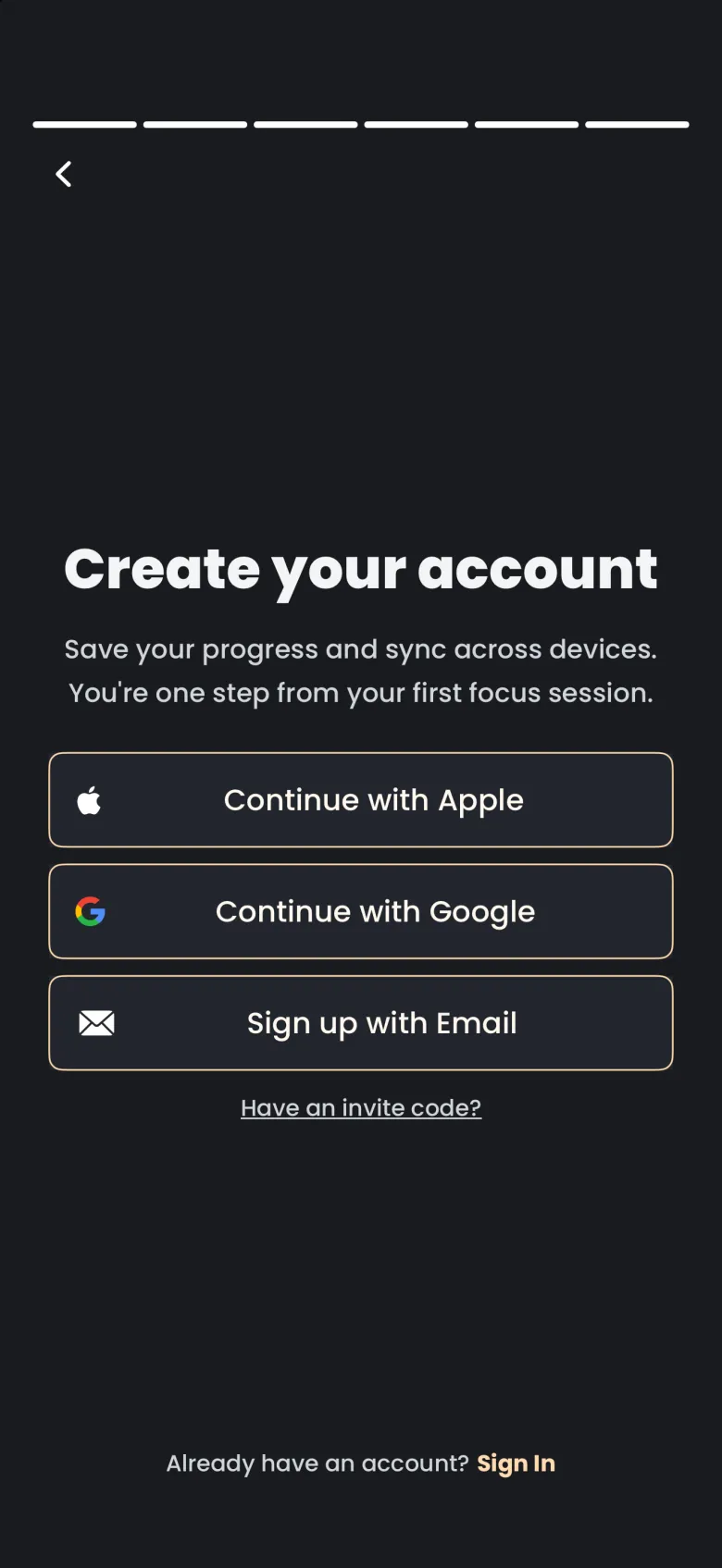
Right after you sign in, a short tour dims the Focus tab and points at one control at a time. Each step has a hand pointer and a one-line caption, with Skip on the left and Next on the right, and Finish on the last step. The tour covers the focus settings pill, the Set a Tag button, a note about leaving the app, the Deep Focus button and the Focus with Friends shortcut, which opens a shared room (see Focus Together). You can skip it and find every control later.