Store, coins and Pro
The Store and ghost packs
The Store sells themed packs of ghosts for coins you earn by focusing. Browse by collection or category, search by name, save packs for later, and find the packs you already own under Purchased.
- Available on iPhone and Android
The Store is where coins turn into ghosts. A pack is a themed set of ghosts, such as Actors or Scientists, and you buy it with coins you have earned in focus sessions. The Store is free on iPhone and Android, and it sits in the second tab.
What can I find in the Store?
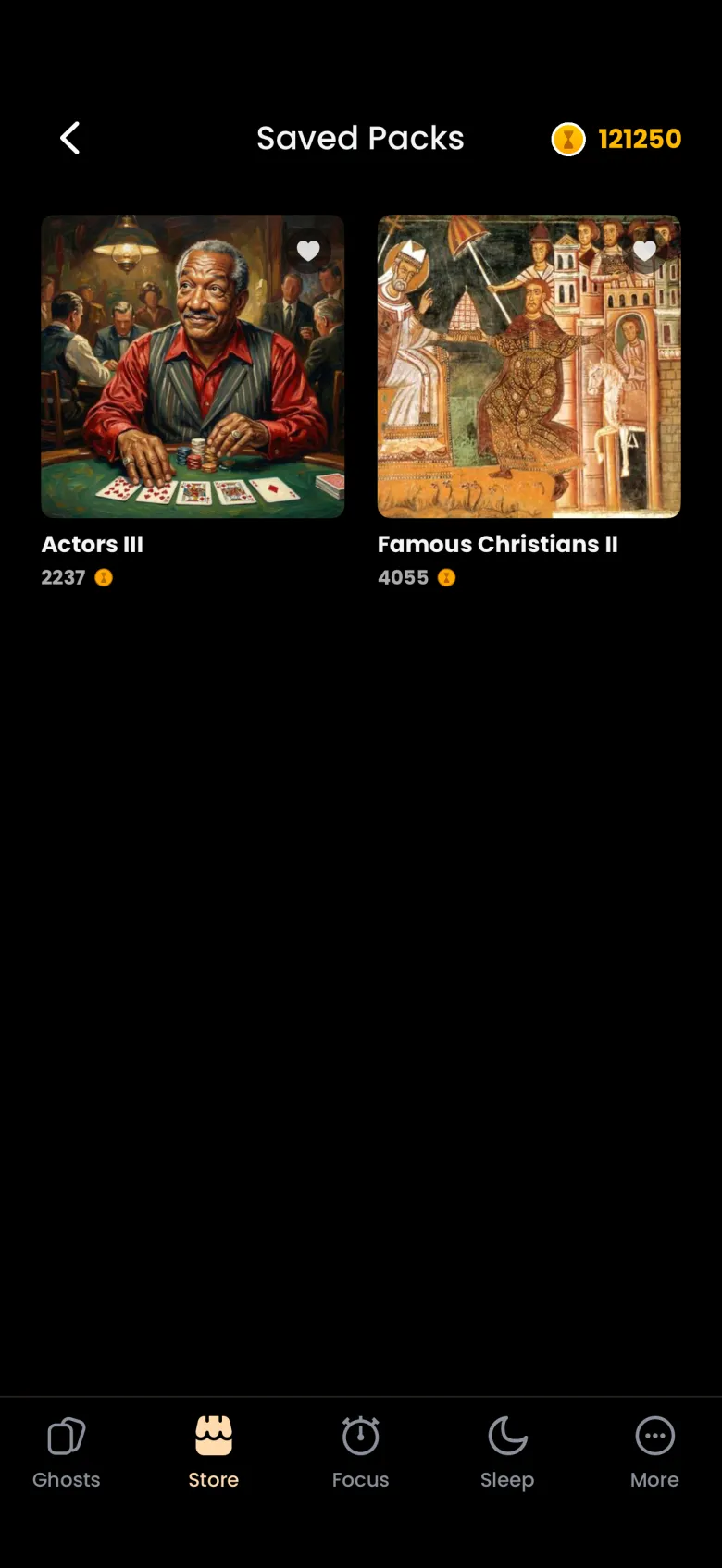
The Store opens on All, with picks made from your interests at the top, then Trending Packs and New Collections. Four filter chips sit under the title: All, Collections, Categories and Purchased. Your coin balance is in the header beside a magnifier for search and a heart for your Saved Packs.
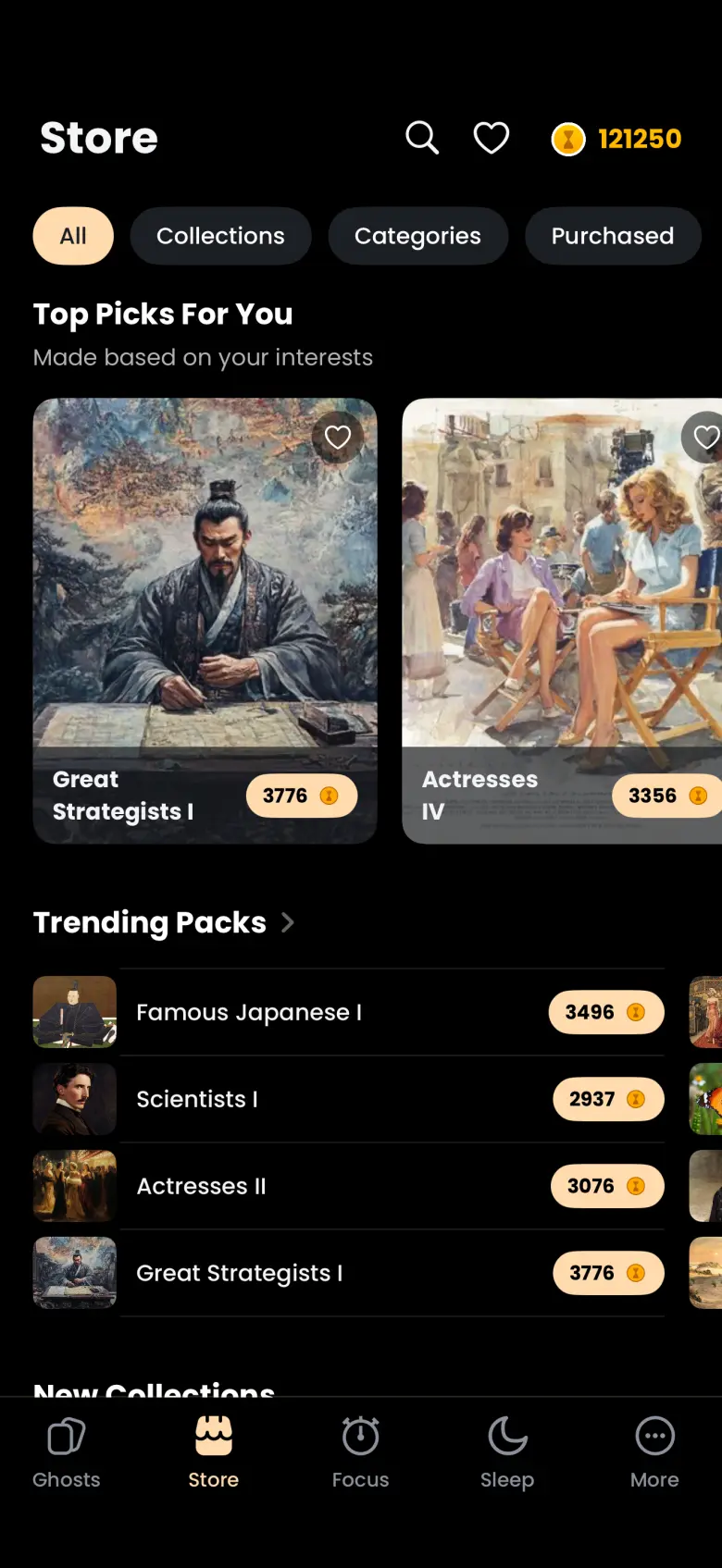
What the Store shows changes between visits, so Top Picks and Trending will not always match what you saw yesterday. A pack that has nothing left for you to catch is not listed for sale.
How do I buy a pack?
Tap a pack to open its sheet, check the price, then tap Purchase Pack. The sheet shows the cover, how many ghosts the pack holds, its rarest ghost and its price in coins. Before any coins leave your balance, the app asks Spend N coins? and tells you how many you will have left, and you confirm or cancel.
- Tap a pack anywhere in the Store.
- Read the chips on the sheet, then tap Purchase Pack.
- Check the amount in the confirmation, then confirm.
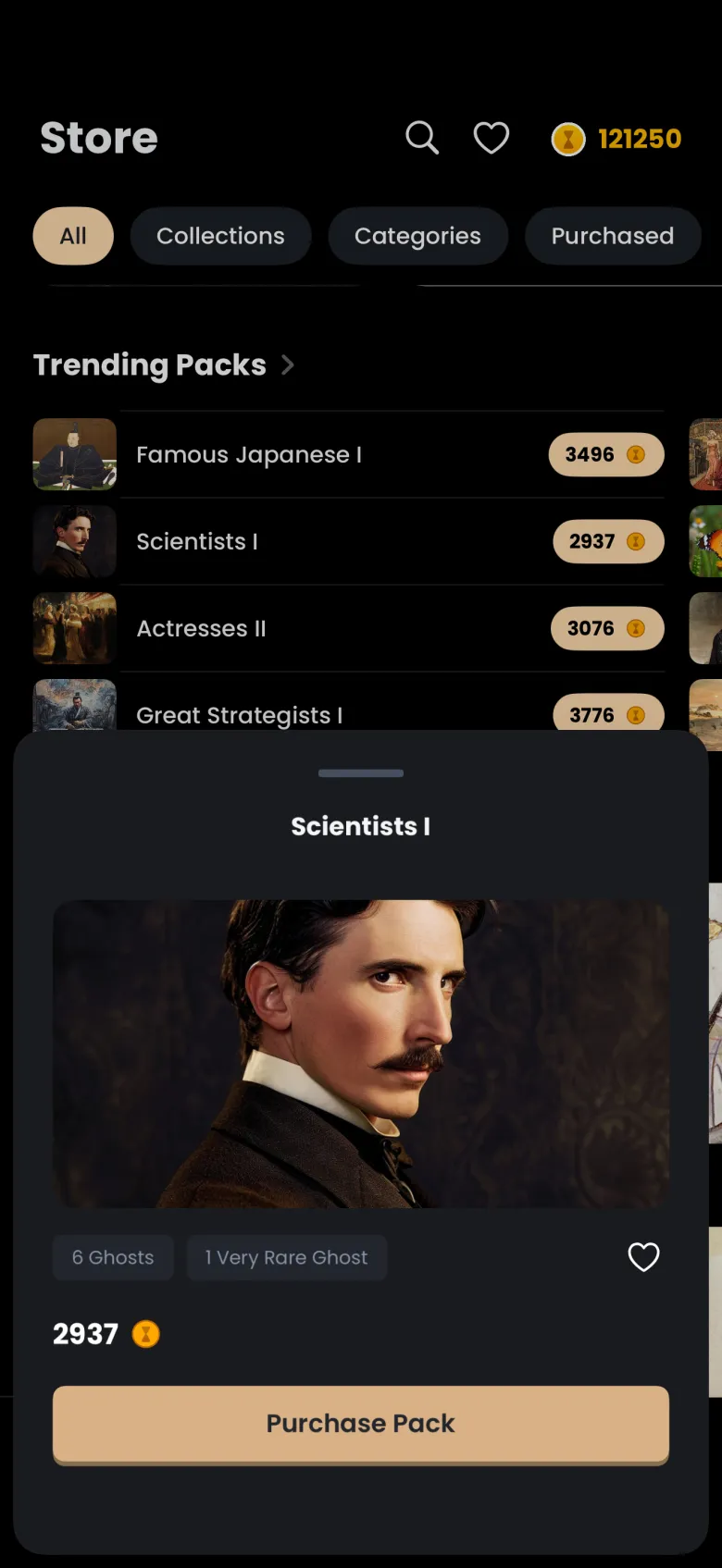
A pack’s price depends on what you have already caught. Ghosts you have already caught are left out of the price, and apparitions you already hold in a ghost you are still catching are taken off, so a partly caught pack costs less. A sale shows the original price struck through beside the new one.
Buying a pack does not catch its ghosts for you. You own the pack for good, and its ghosts become available to catch through focus sessions. Find them afterwards under Purchased, or in Packs on the Ghosts tab, as described in Your ghosts, In Progress and packs.
How do I browse by collection or category?
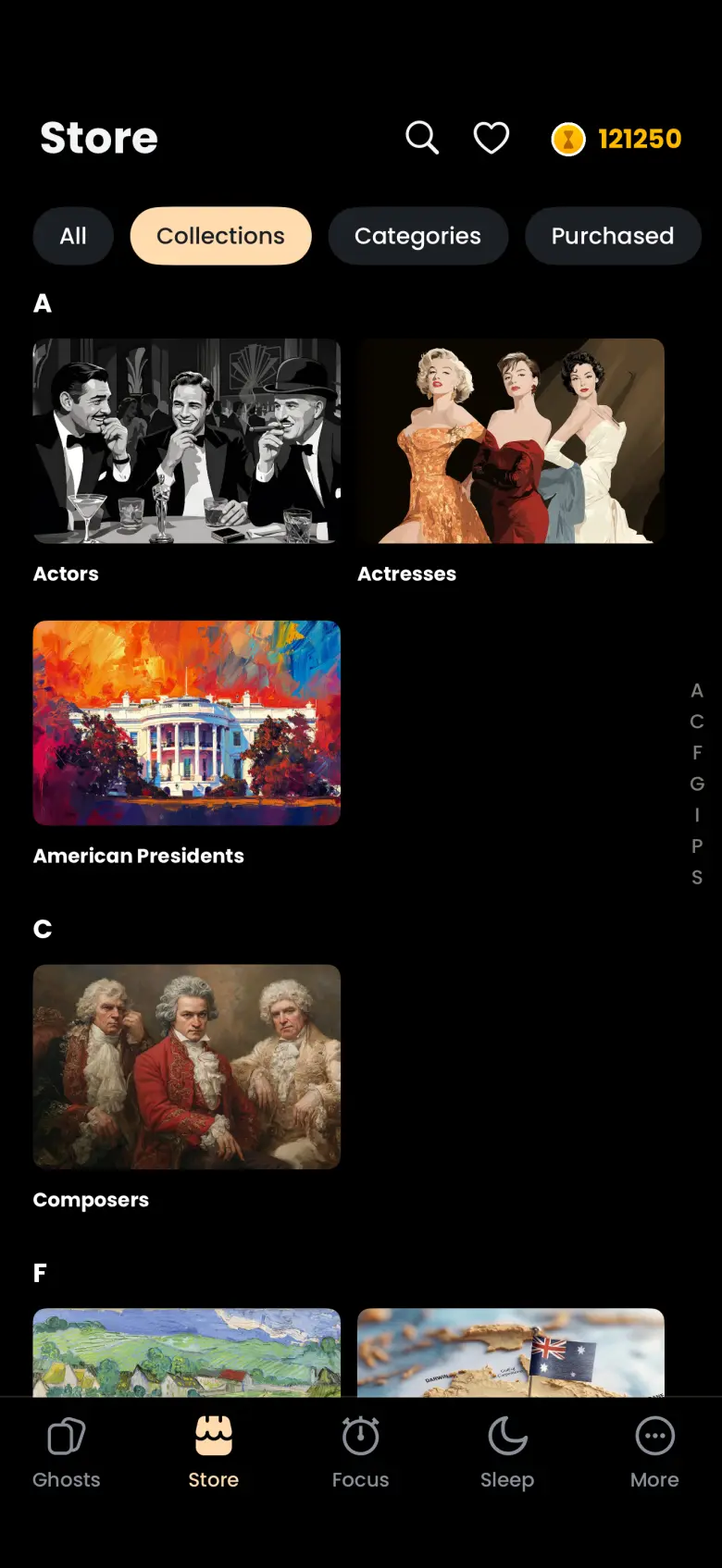
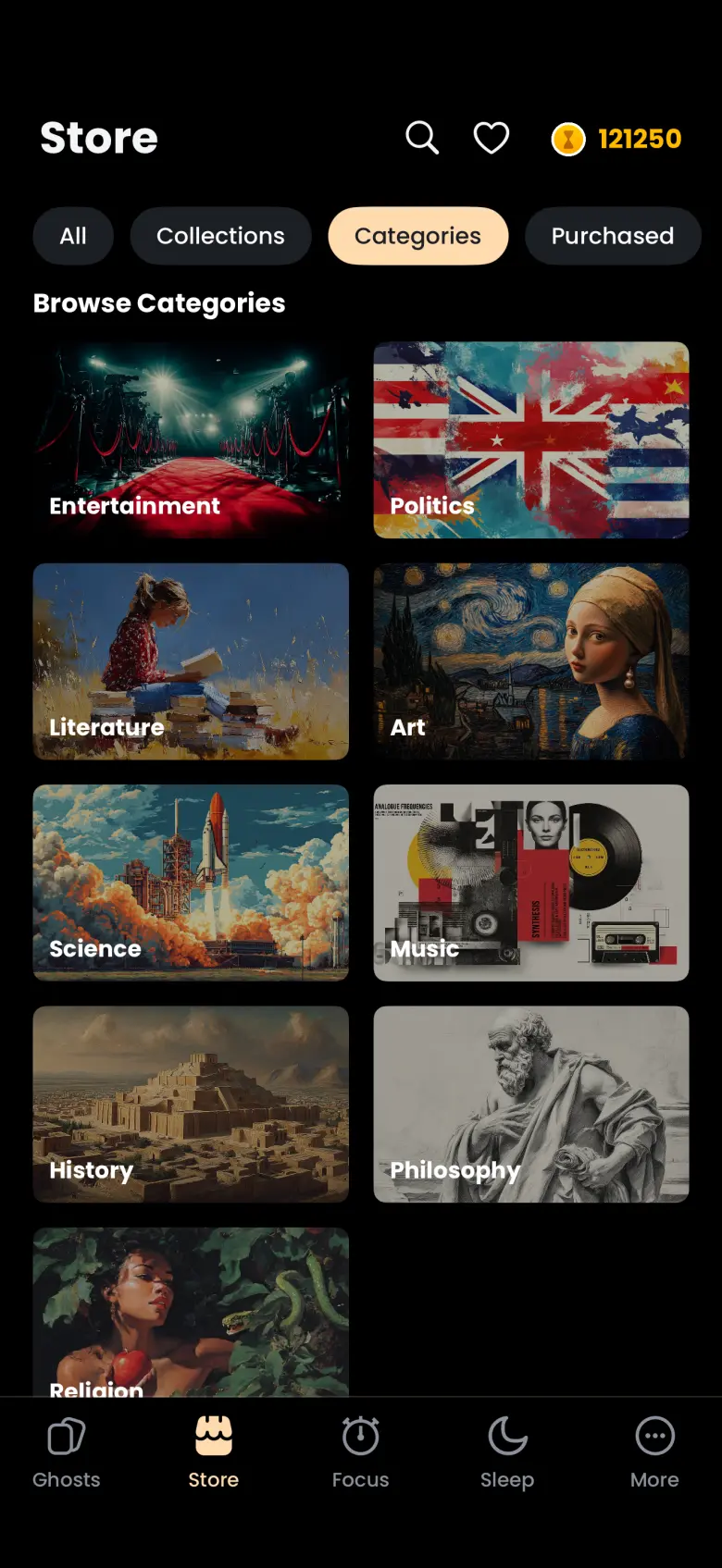
Collections group packs by theme, and Categories sort the library by field. Tap the Collections chip for an A to Z list of series such as Actors, Actresses and Composers, with an index down the right edge. Tap the Categories chip for a grid from Entertainment to Religion, including Politics, Literature, Art, Science, Music, History and Philosophy.
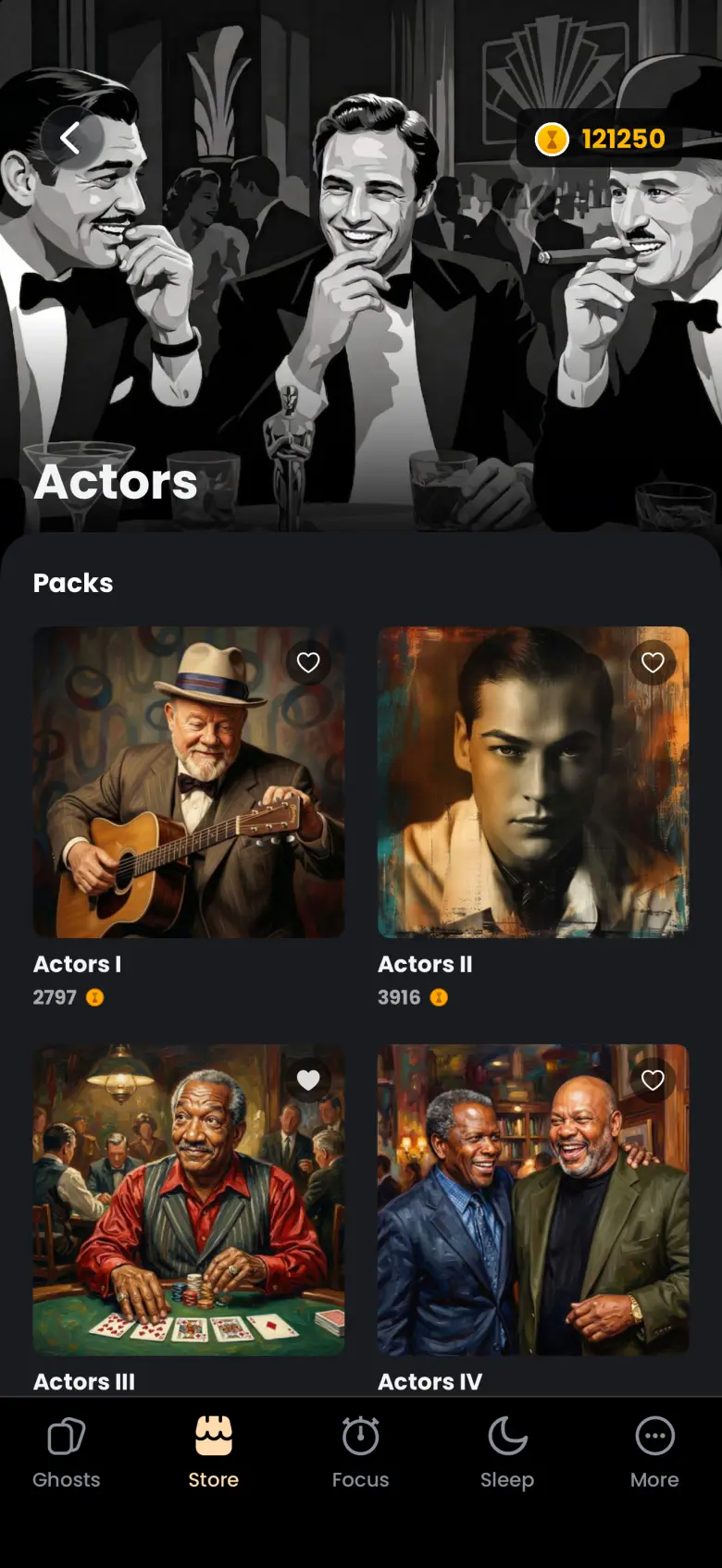
Tap a collection to see every pack in the series with its price and a heart. Tap a category to see Packs you may like and the collections inside it.
How do I find packs I already own?
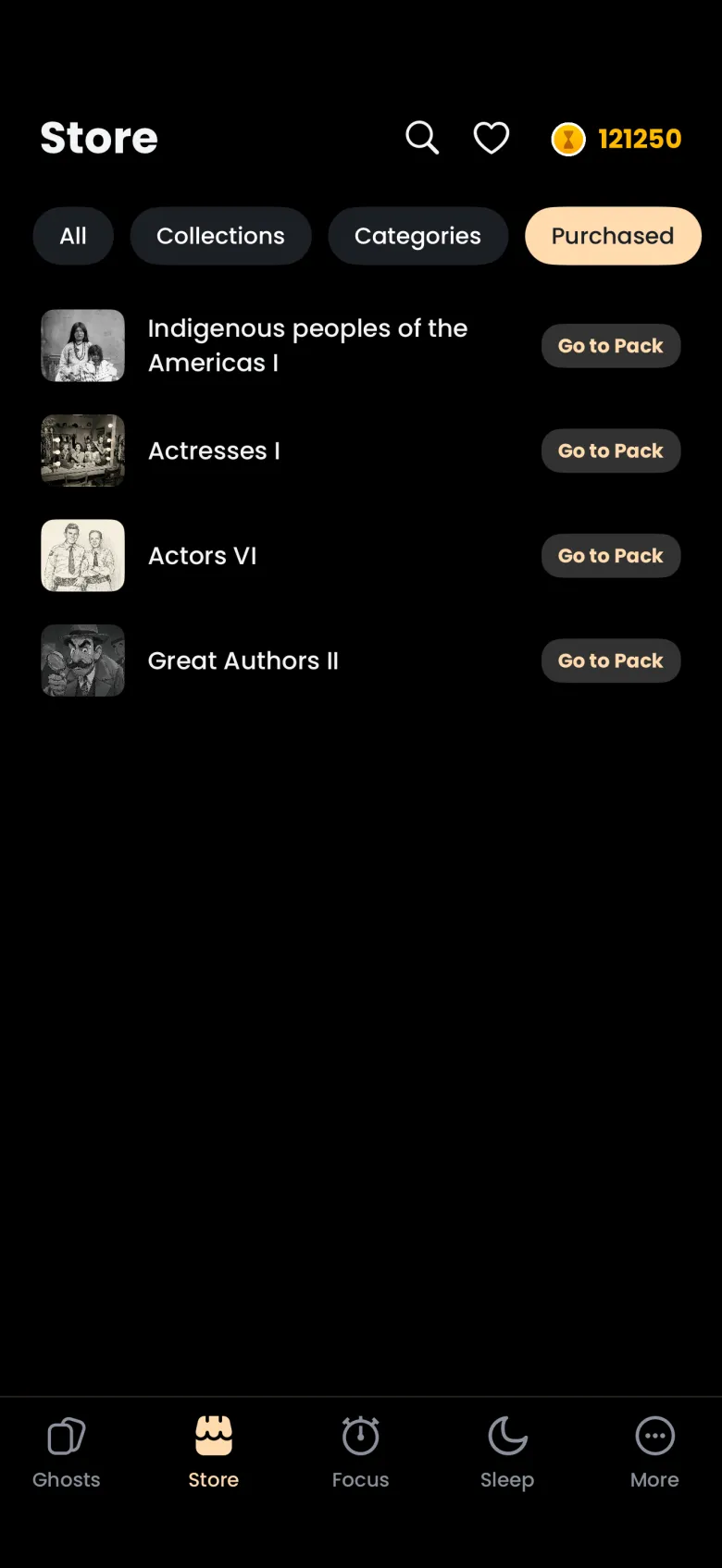
Tap the Purchased chip. It lists every pack you own, each with a Go to Pack button that opens the pack page. There you will see the ghosts you have caught and the ones still to find.
How do I search the Store?
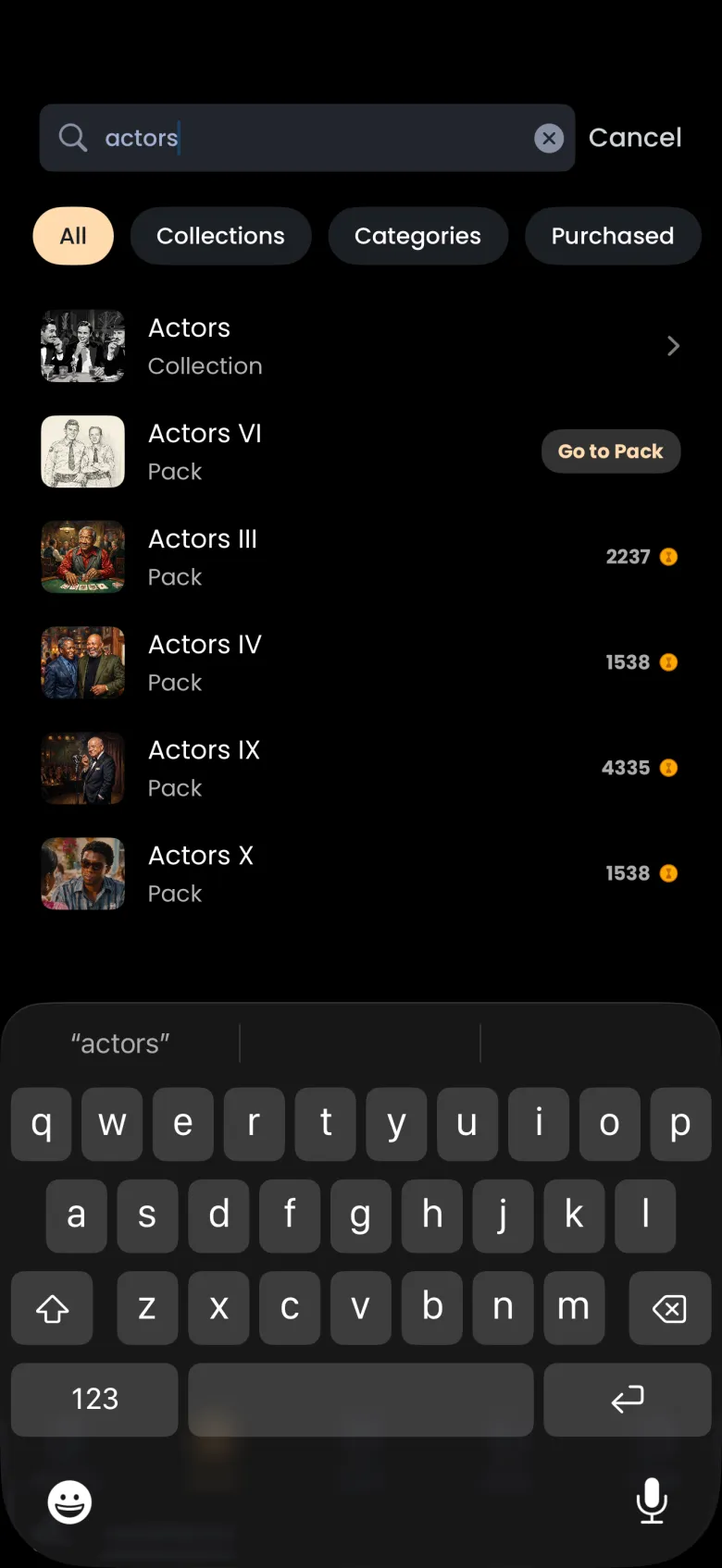
Tap the magnifier in the Store header and type a name. Results list matching collections and packs as you type. A pack you own carries a Go to Pack button, and a pack you do not own shows its price in coins. Search keeps whichever filter chip was active, so choose All first if results look too narrow.
How do I save a pack for later?
Tap the heart on any pack, then open Saved Packs from the heart in the Store header. A saved pack stays there until you tap its heart again. Saving costs nothing, so it is a good way to plan what to buy as your balance grows.