Collecting ghosts
Chapters and apparitions
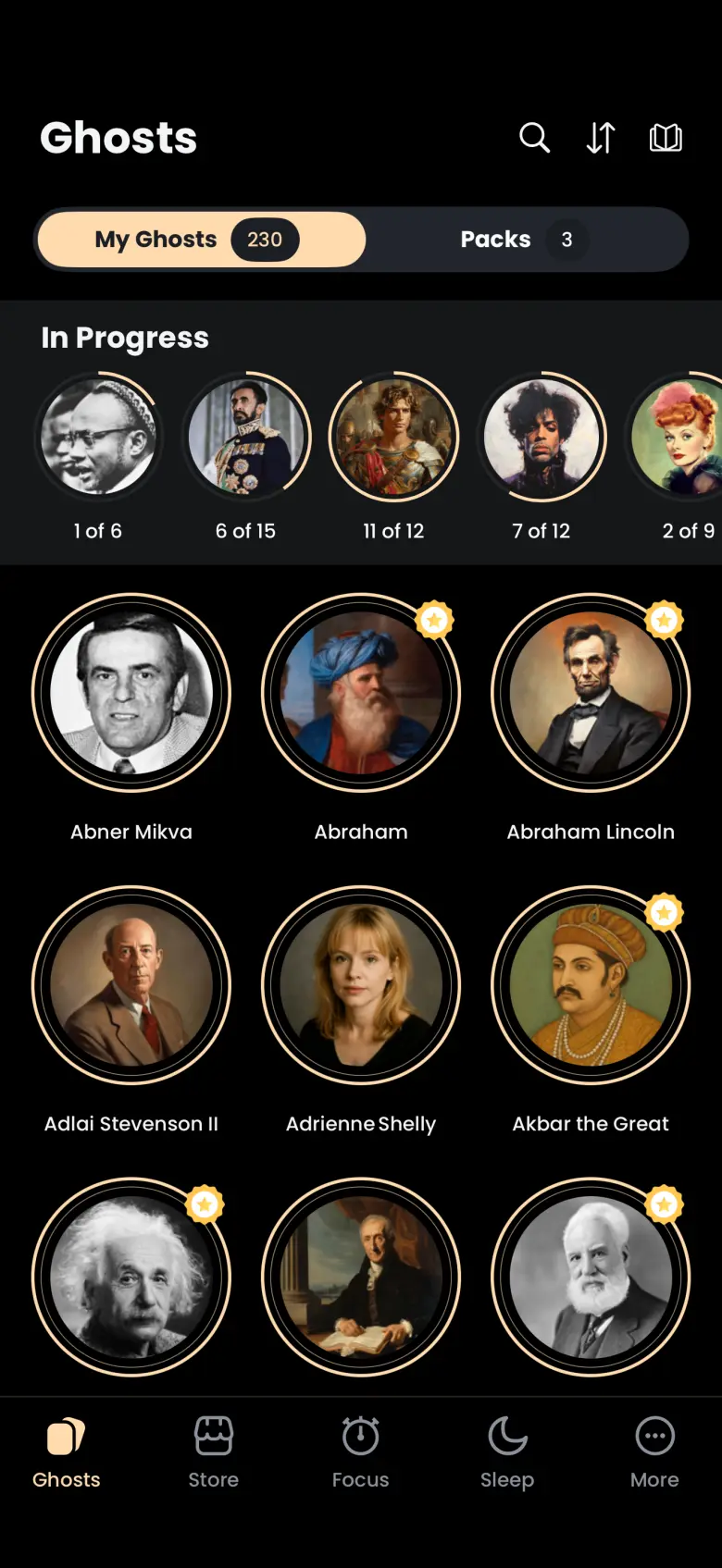
A ghost is a historical figure with many apparitions, each one chapter of their life told in order. A chapter is a Quote, a Story or an Image, and every Deep Focus session catches exactly one.
- Available on iPhone and Android
What is the difference between a ghost, an apparition and a chapter?
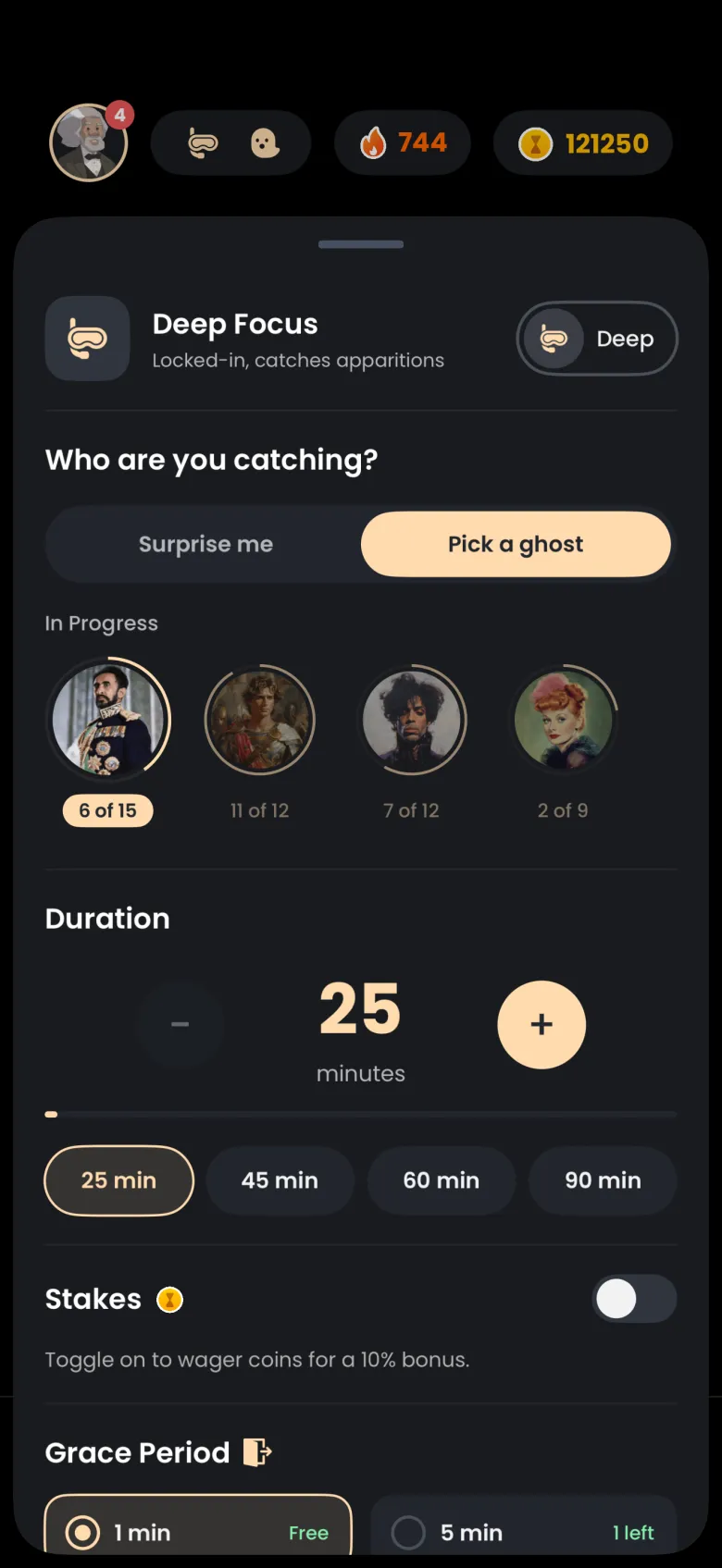
A ghost is a historical figure you collect. Each ghost has many apparitions, and each apparition is one chapter of that person’s life, told in order from an opening chapter to a final one. A Deep Focus session targets exactly one apparition, so a ghost is finished one chapter at a time. The ghost is the person, the apparition is the thing you catch, and the chapter is what the apparition tells you.
The count under a ghost in your In Progress row tells you how far along you are. A label such as 6 of 15 means you have caught six of that ghost’s fifteen apparitions.
What are Quote, Story and Image chapters?
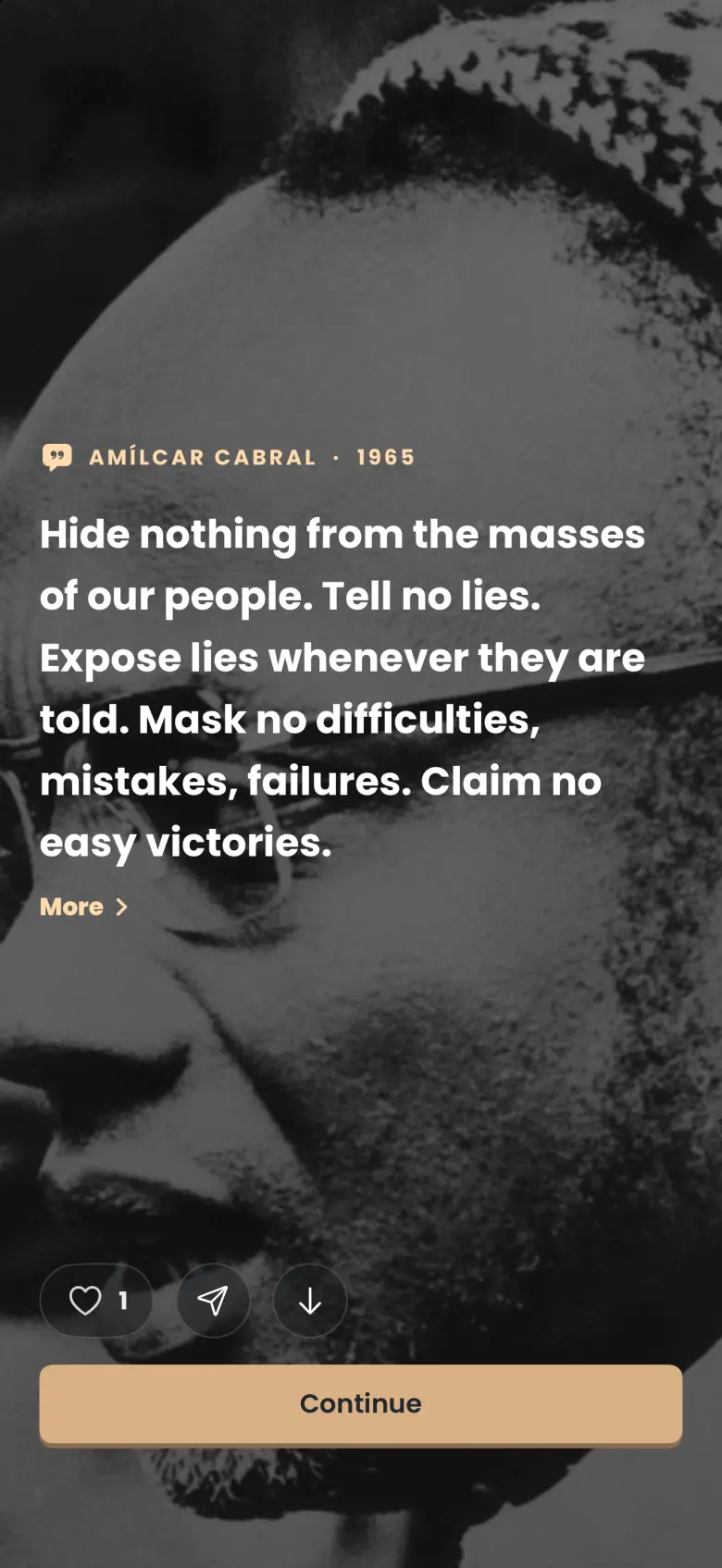
Every chapter has a type, shown by a small icon beside the ghost’s name when it is revealed. A Quote is something the person said or wrote, set over a picture. A Story is a passage from their years, set over a picture and marked with a book icon. An Image is a picture from their world, such as a portrait, a painting or a photograph, marked with a picture icon and a short description of what it shows. Which type you get depends on the apparition you are catching, and you find out when the timer ends.
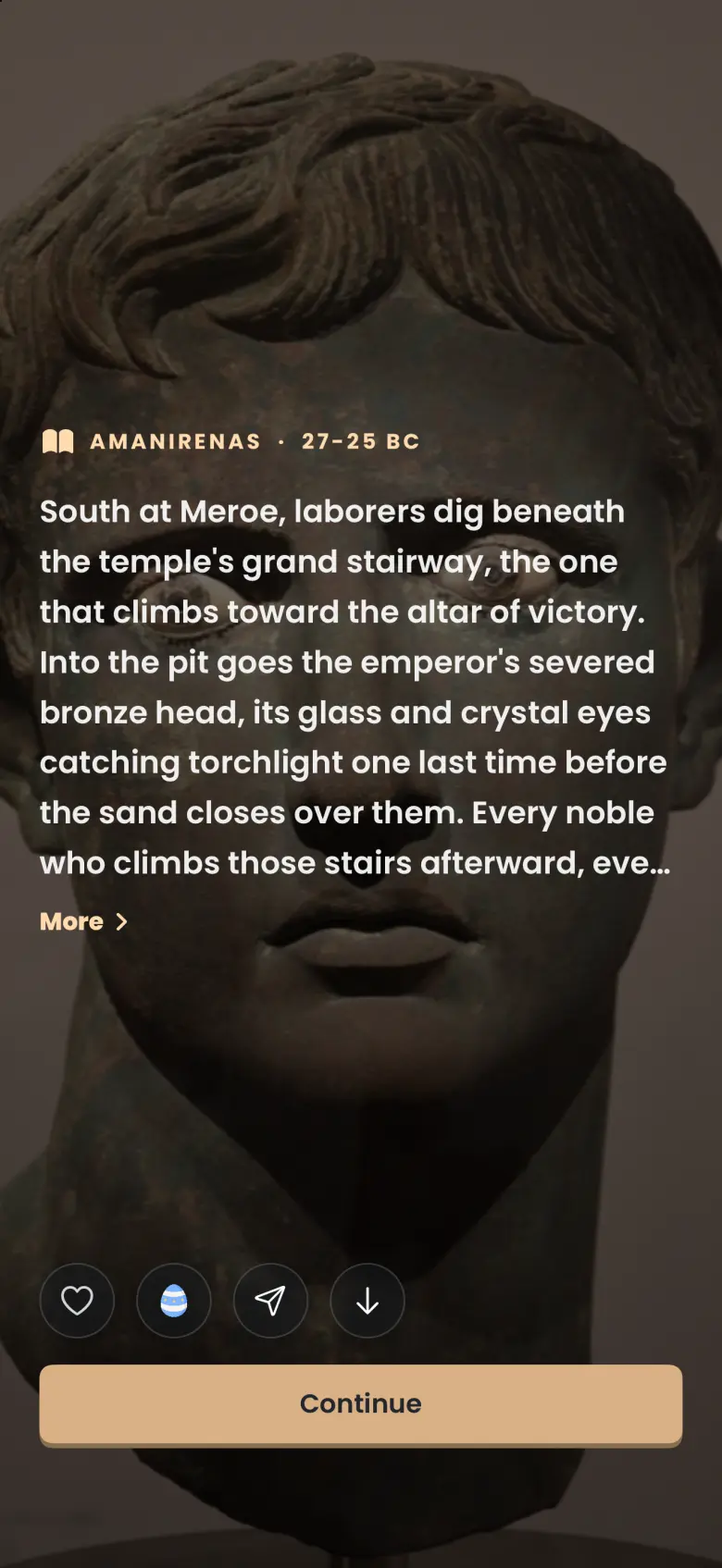
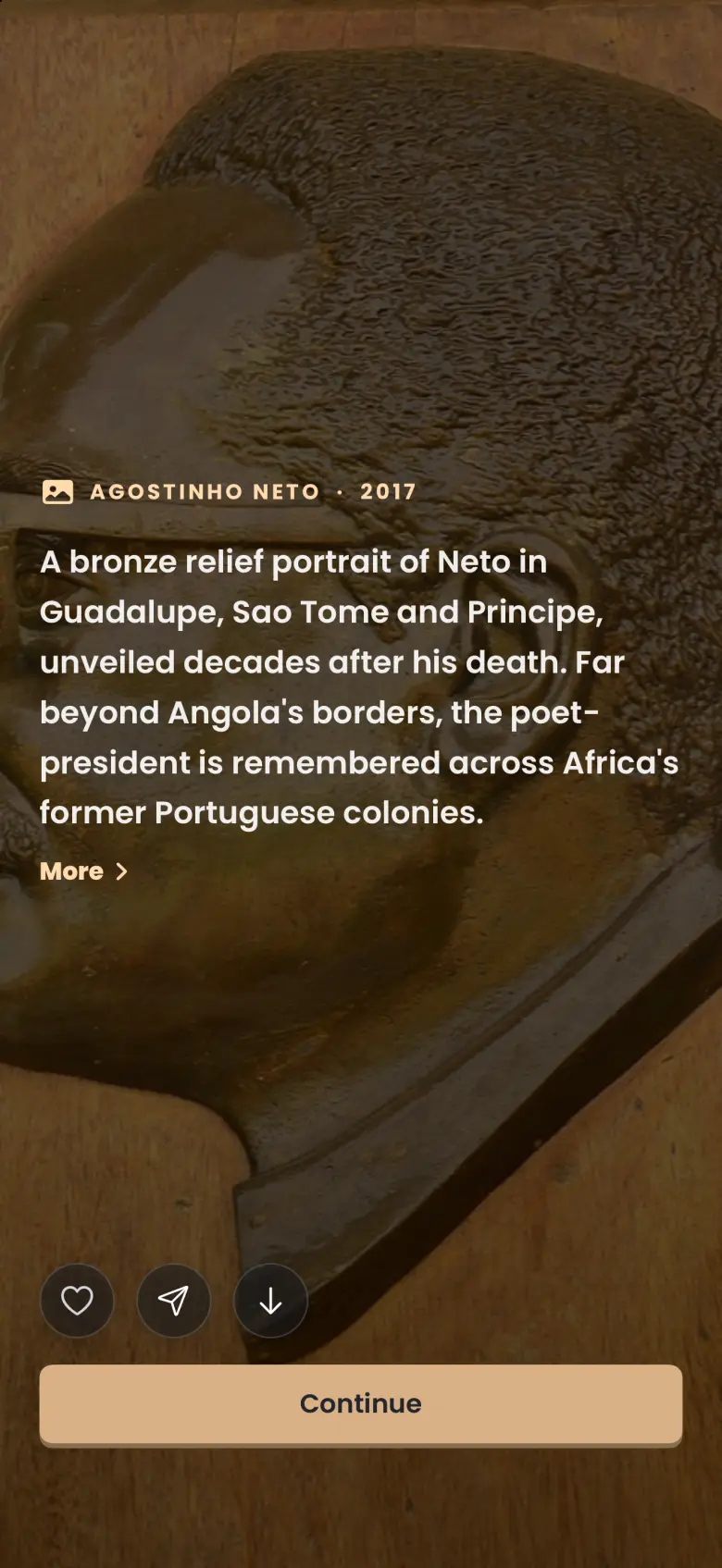
The small blue egg between the heart and the share button on the Story reveal marks an easter egg apparition, a deliberate surprise. Catching one multiplies the coins and XP you earn by 1.5, and the badge itself is only a label.
How do I read where a quote and its image come from?
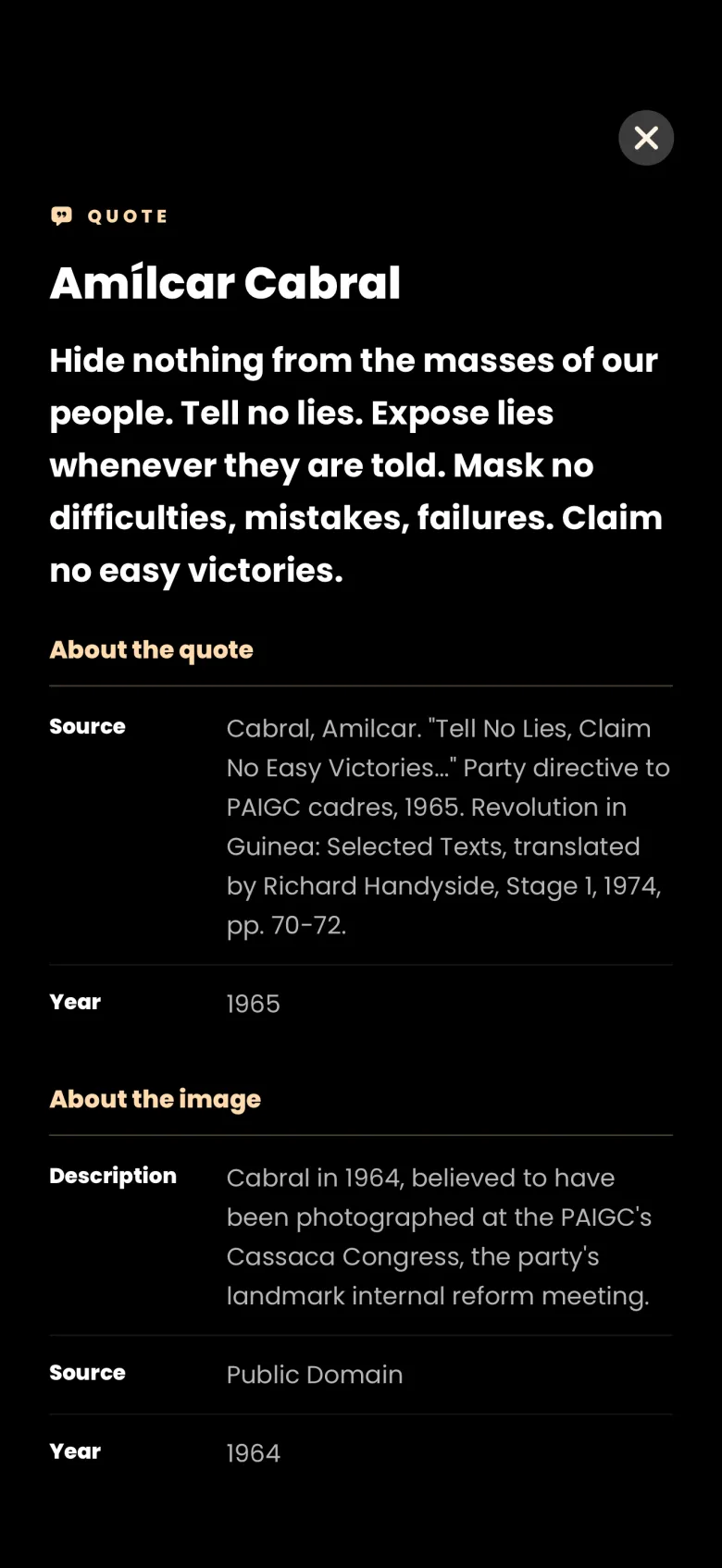
Tap More under the quote. A full-screen sheet shows the type, the ghost’s name, the quote, and two sections: About the quote, with its source and year, and About the image, with a description, a source and a year. The year beside the name on the reveal is the quote’s own year when one is known, and the image’s year otherwise.
- On the reveal, tap More under the quote. The details sheet opens.
- Read About the quote and About the image.
- Tap the X at the top right to return to the reveal.
How do I see the whole image?
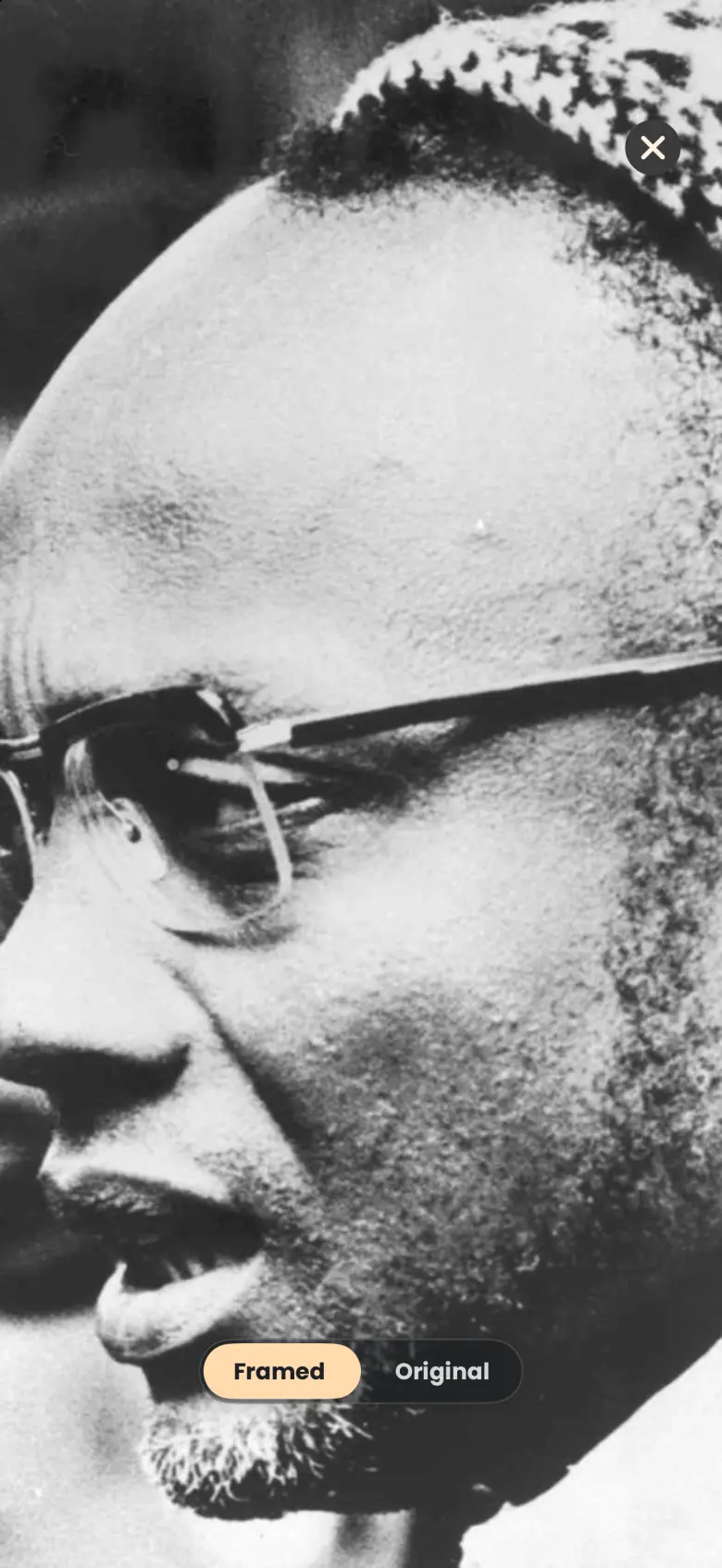
Swipe down on the reveal. The image fills the screen with a switch at the bottom between Framed and Original. Switch to Original and you can pan and zoom with two fingers. Tap the X at the top right to close it.
What happens to the ghost when I lose an apparition?
Nothing happens to the ghost. If a session ends early, the apparition you were catching gets away, but the ghost stays in In Progress with the same count, for example 6 of 15, and your next session can try for the same chapter again. When you catch a ghost’s final chapter, a Story complete screen marks the ghost as finished.