Store, coins and Pro
Catch the Ghost Pro
Catch the Ghost Pro is a paid subscription that adds four things to the free app: Legendary ghosts, the Sleep Timer, the Ghost Universe and Full History. This page covers what each does, the free trials, how to cancel, and what stays yours if Pro ends.
- Available on iPhone and Android
Catch the Ghost Pro adds exactly four perks to a free app. You can focus, catch ghosts, collect packs and use the Store without paying, so Pro is for people who want the rarest ghosts and the deeper tools. Prices are not listed here, because the App Store and Google Play set them and show them on the purchase screen.
What does Catch the Ghost Pro add?
Pro adds four perks: Legendary ghosts, the Sleep Timer, the Ghost Universe and Full History. Everything else in the app stays free, including Deep Focus and Shallow Focus, the Store, the leaderboard, tags and the coin economy. The Manage Subscriptions page lists the four perks with the app’s own wording.
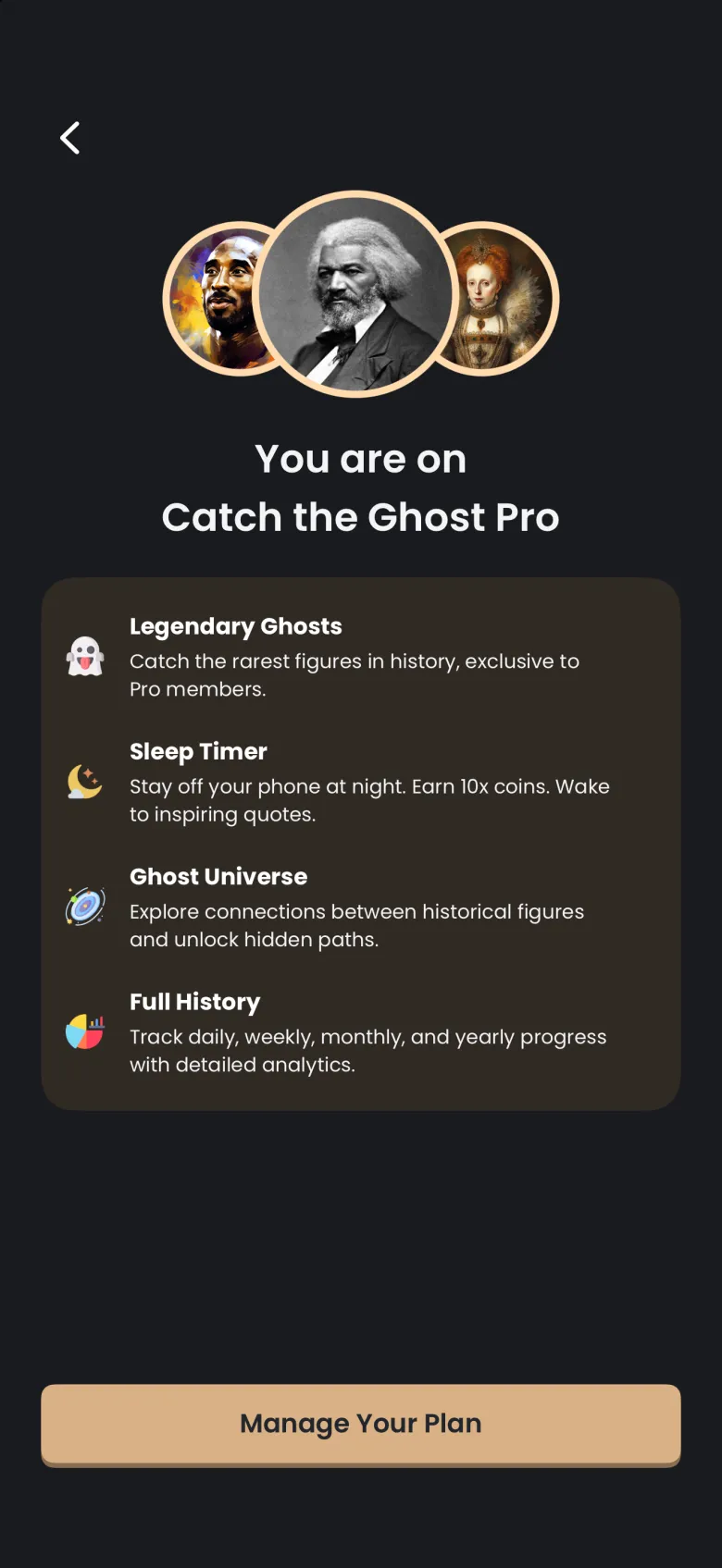
- Legendary Ghosts lets you catch the rarest figures in history, which are exclusive to Pro members.
- Sleep Timer keeps you off your phone at night and pays a larger coin multiplier. It is covered in the Sleep Timer article.
- Ghost Universe is the map of connections between historical figures. See The Ghost Universe.
- Full History tracks your progress by day, week, month and year with detailed analytics. See History.
How do the free trials work?
New subscribers can start with a free trial. The annual plan comes with 7 days free and the monthly plan with 3 days free, and the trial is offered once to people who are eligible. Cancel before it ends and you are not charged. The paywall shows a timeline of the trial, and its small print says to cancel at least 24 hours before the trial or period ends.
You can start a trial from several places, and each one leads to a screen where you pick a plan:
- The Pro offer in the Store, shown on All to anyone who is not subscribed.
- The round P button at the top right of the Ghosts tab, shown only on the free plan.
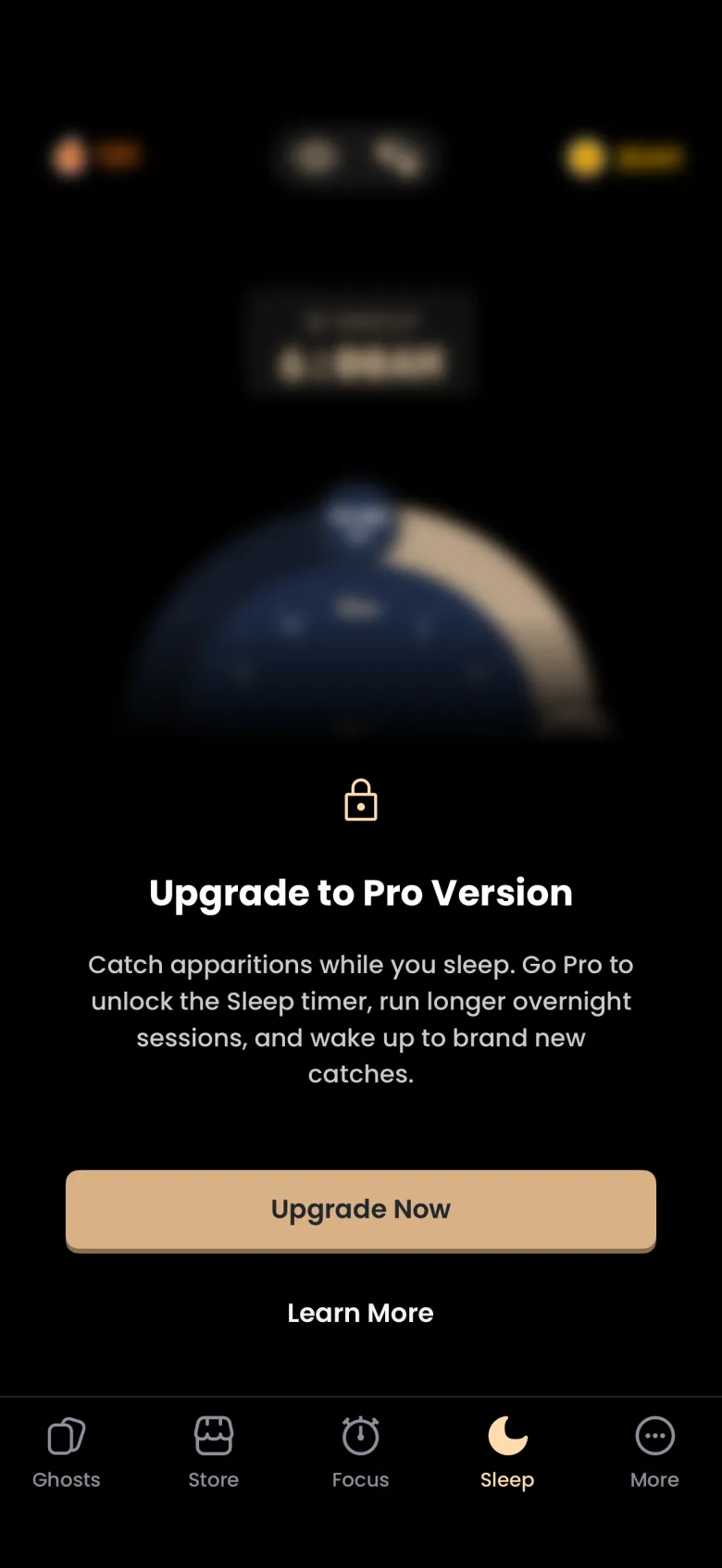
- The Sleep tab, which shows an Upgrade to Pro message with Upgrade Now and Learn More.
- The locked History screen, which offers an Upgrade Now button, and the Upgrade to Pro overlay on the Universe start screen.
Which plans can I choose?
Choose a Plan lists Annual, Monthly and, on iPhone, a one-time Lifetime purchase. The screen opens with Annual selected, shows a table comparing Free and Pro, and changes its button to match the plan you tap: a free trial for Annual or Monthly, and a one-time payment for Lifetime. Once you are subscribed, the same screen is titled Change Your Plan.
On Android, the plans are Monthly and Annual. A one-time Lifetime purchase is available on iPhone only.
How do I cancel Catch the Ghost Pro?
Cancel in your device’s subscription settings, because the App Store and Google Play hold the subscription, not the app. In the app, open More, then Profile, then the gear icon for Settings. Manage Subscriptions opens your plan details, and Cancel a Subscription gives the steps for your phone.
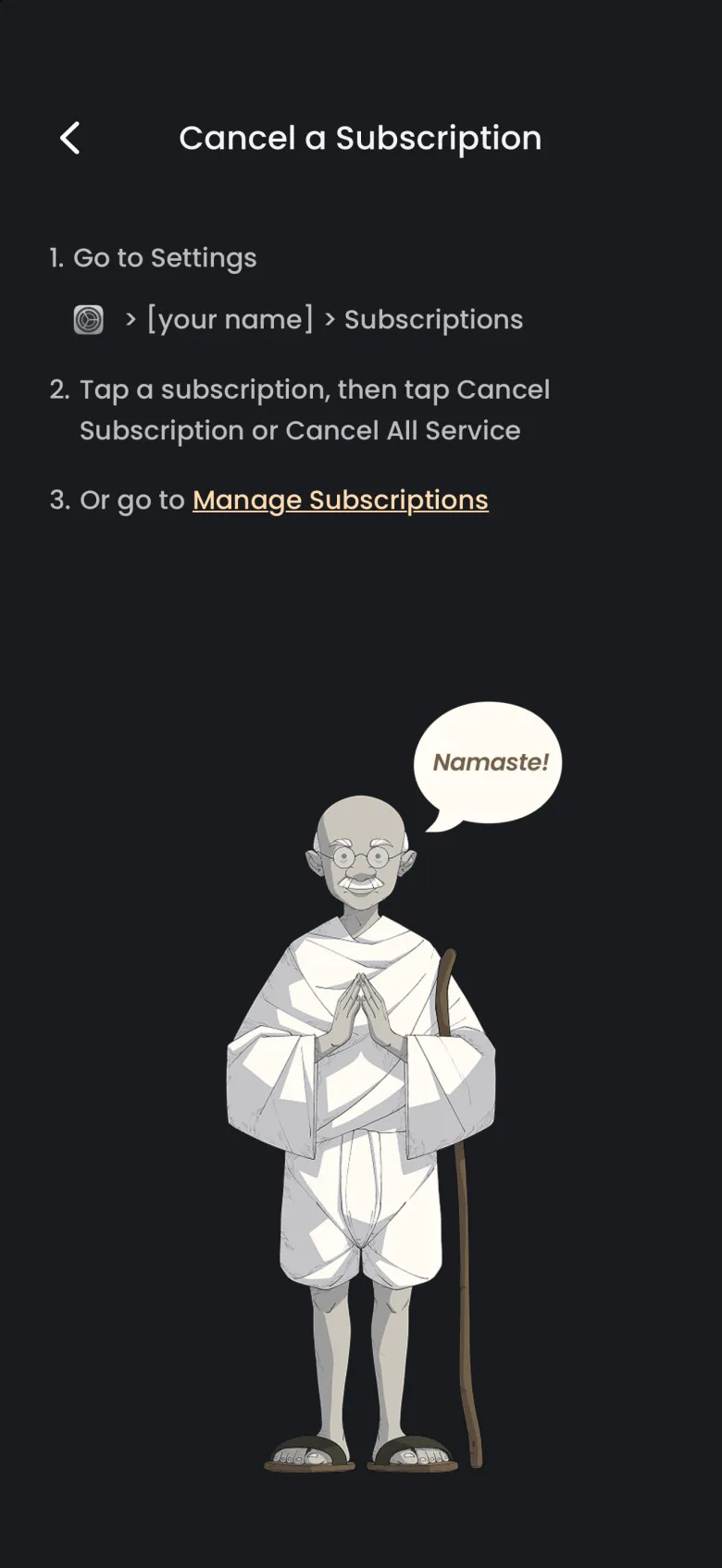
On iPhone, the steps are to open Settings, tap your name, tap Subscriptions, then choose your subscription and tap Cancel Subscription. On Android, the screen gives Google Play steps instead: open the Google Play Store app, tap your profile icon, then Payments and subscriptions, then Subscriptions, choose Catch the Ghost and tap Cancel subscription. A Lifetime purchase is a single payment, so there is no subscription to cancel.
If you bought Pro on another phone or reinstalled the app, use Restore Purchases, which sits at the top of Settings.
What stays mine if Pro ends?
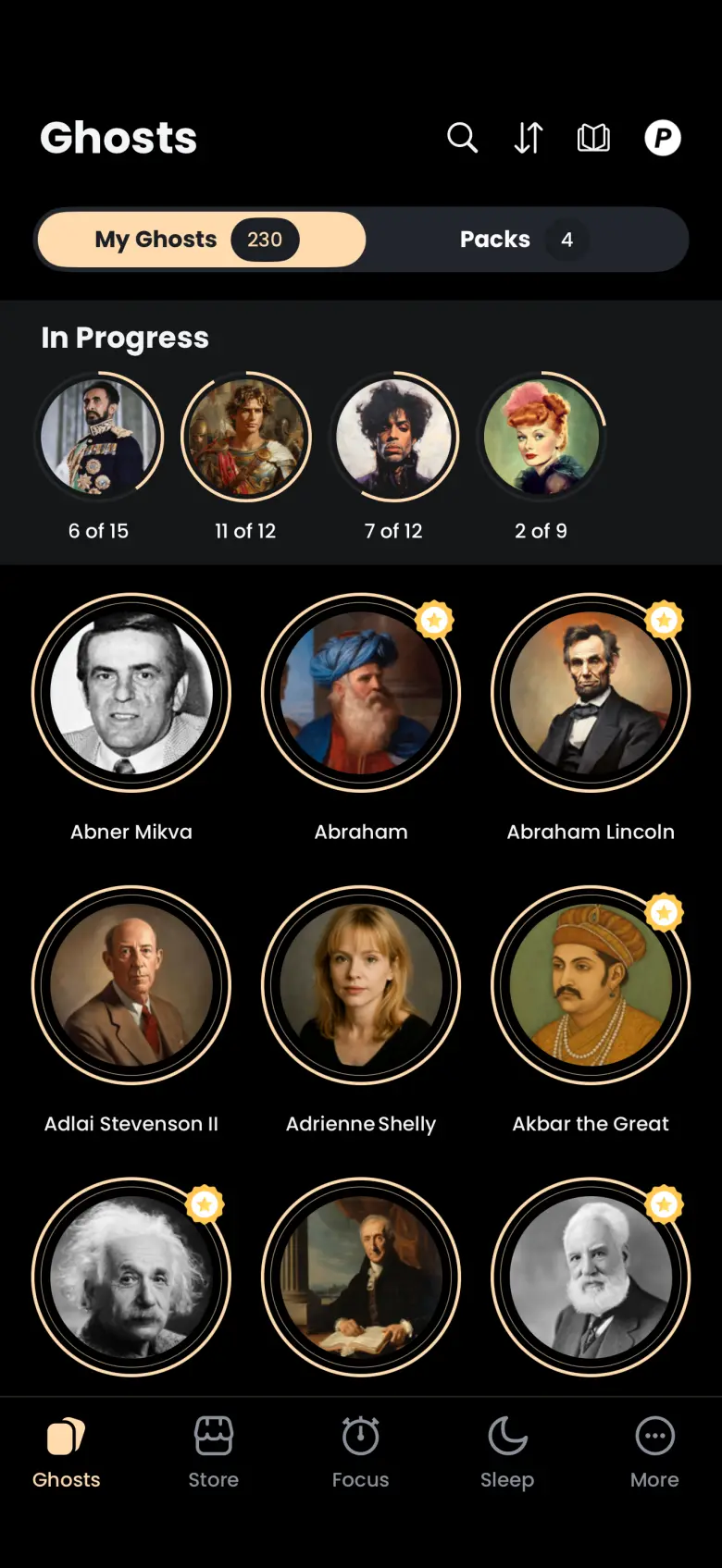
Everything you have collected stays. When a subscription ends, your caught ghosts, including any Legendary ghosts, remain in My Ghosts, and the chapters you have found stay in In Progress with the same counts. Your coins, XP, streak and packs are unchanged.
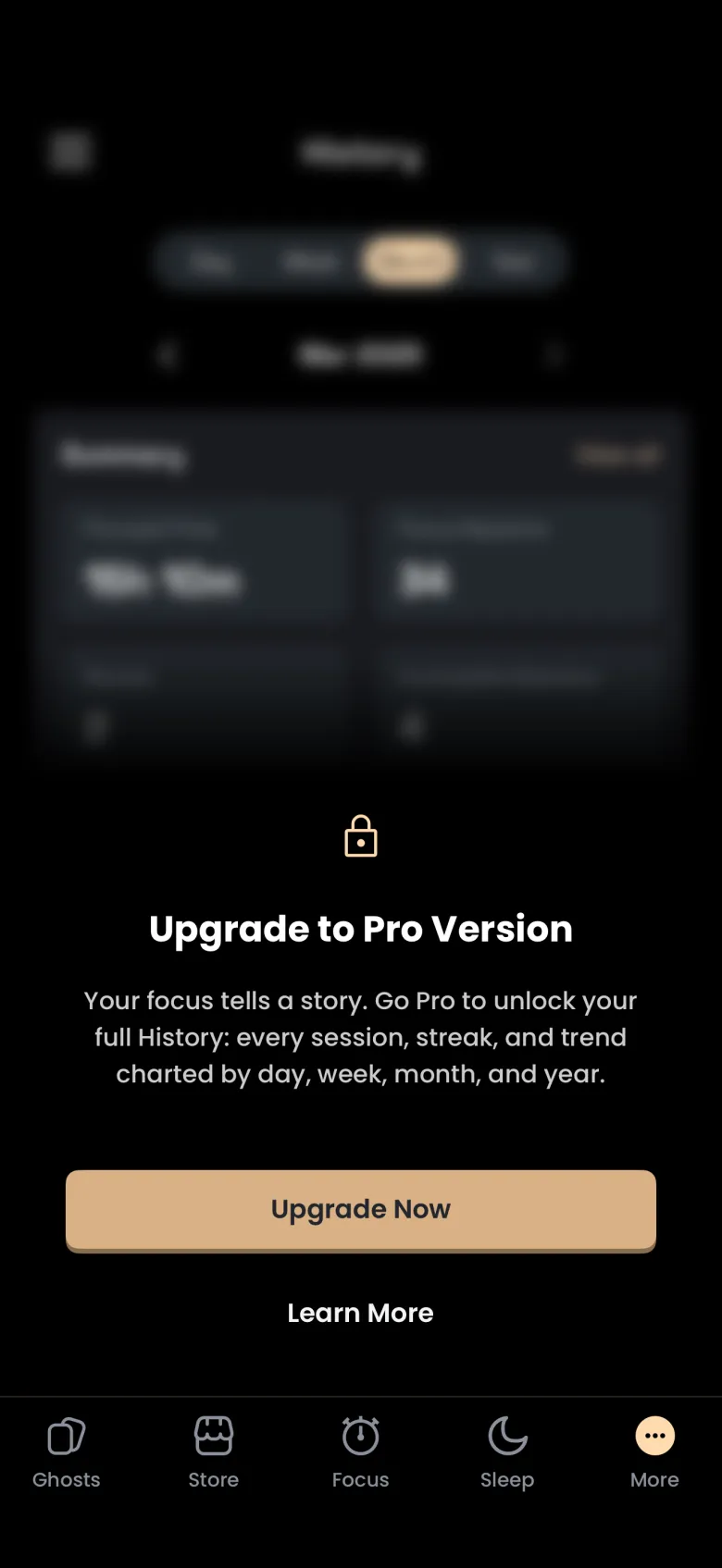
What changes is access to the four perks. The Sleep tab, the Universe and the History charts show an Upgrade to Pro message, and you can no longer catch new Legendary ghosts. Your sessions keep being recorded while you are on the free plan, and if you subscribe again, History returns with the same numbers straight away.